ASP

一款截图插件
 墨衍会员 · AI 创作全网分发 墨衍智能分发 通过墨衍一键同步至各平台 可同步平台 CSDN微信公众号微博知乎掘金百家号博客园抖音小红书 你的文章也可以这样分发 墨衍会员 ¥399起/年,写一次发全网
我也要 关注 + 加入社区
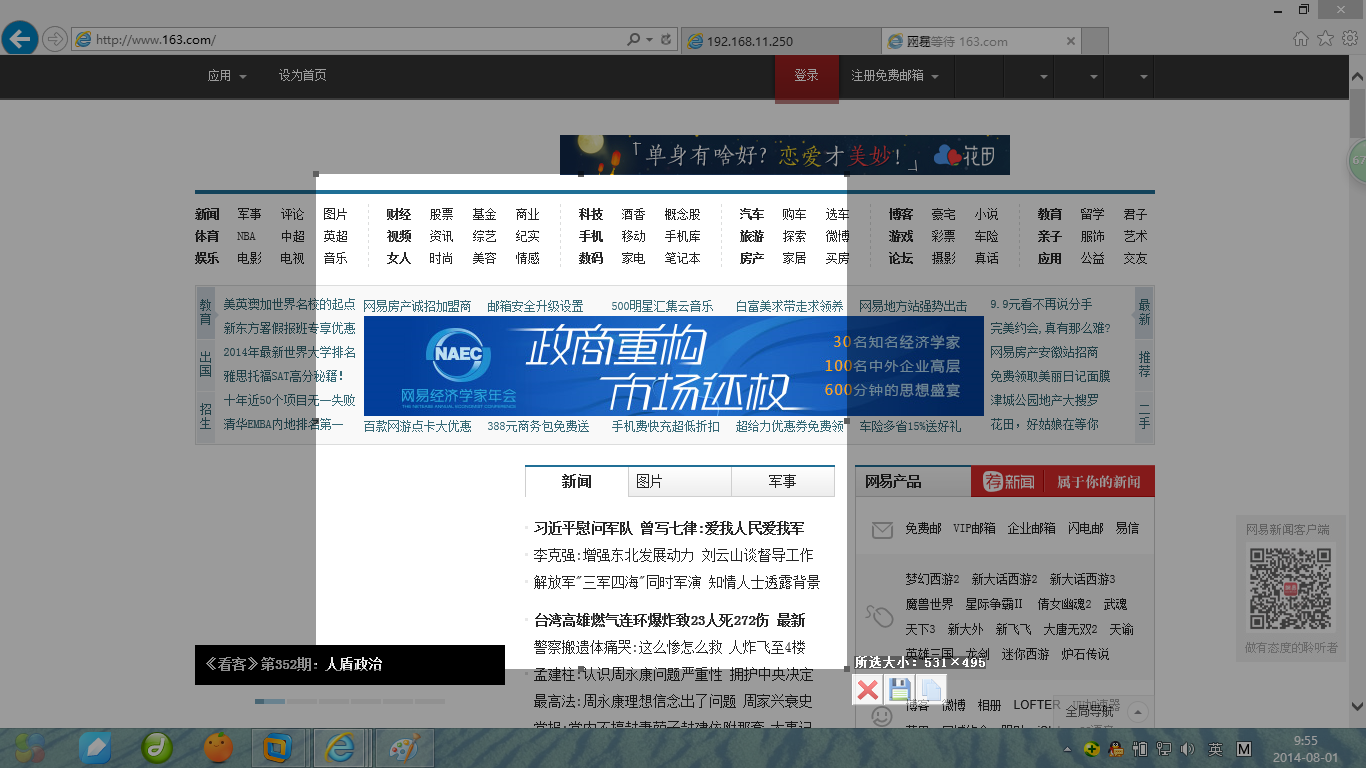
用发
<SCRIPT language=JavaScript for='h_capture' event="OnCapture( strPicName )">


		//alert(strPicName);

		     var imag = document.createElement('img');

             imag.setAttribute('border', '0');

             imag.setAttribute( 'src', 'data:image/png;base64,'+strPicName );

             imag.style.width = '100';

             imag.style.height = '100';

             imag.setAttribute('alt', '删除');

             imag.setAttribute("onclick", "if(confirm('确定删除?')){ alert(1);} ");

             imag.style.cursor = "hand";

             //document.write(imag.outerHTML);

			 document.getElementById('jietu').appendChild(imag);


		//document.getElementById('img').setAttribute( 'src', 'data:image/png;base64,'+strPicName );


</SCRIPT>
完全免费,欢迎垂询。
...全文
相关推荐
QQ截图插件合集
QQ邮箱截图插件 微信截图插件 百度截图插件 搜狗截图插件
chrome浏览器 截图插件FireShot
chrome浏览器 截图插件 可以截取全部网页信息 简单好用
chrome插件_crx全屏截图扩展插件
crx扩展插件,功能:方便快捷的屏幕截图工具,功能: 1.画笔、框选、文字标注等编辑功能; 2.双击即可轻松保存图片; 3.可一键分享至新浪微博
chrome插件 网页截图FireShot.zip
在chrome中捕捉网页截图,编辑并将它们保存为PDF,JPEG,GIF,PNG或BMP;上传,打印,在Photoshop中打开,复制到剪贴板或电子邮件.
快速截图-crx插件
快速截图工具。 方便,快捷,好用,截图可编辑可保存到电脑 语言:中文 (简体)