请问,使用fragment+viewpage, 显示如图 1所示, 但是 那跟 “蓝线”并不在字体下面,请问应该怎么处理呢?
麻烦会的朋友帮忙回复下吧,谢啦

图一
想要的效果如下图 2:(“修改” 和 “显示” 要靠左边些,然后 当滑动的时候,底线要刚好在 “修改”或者 “显示”的下边 )
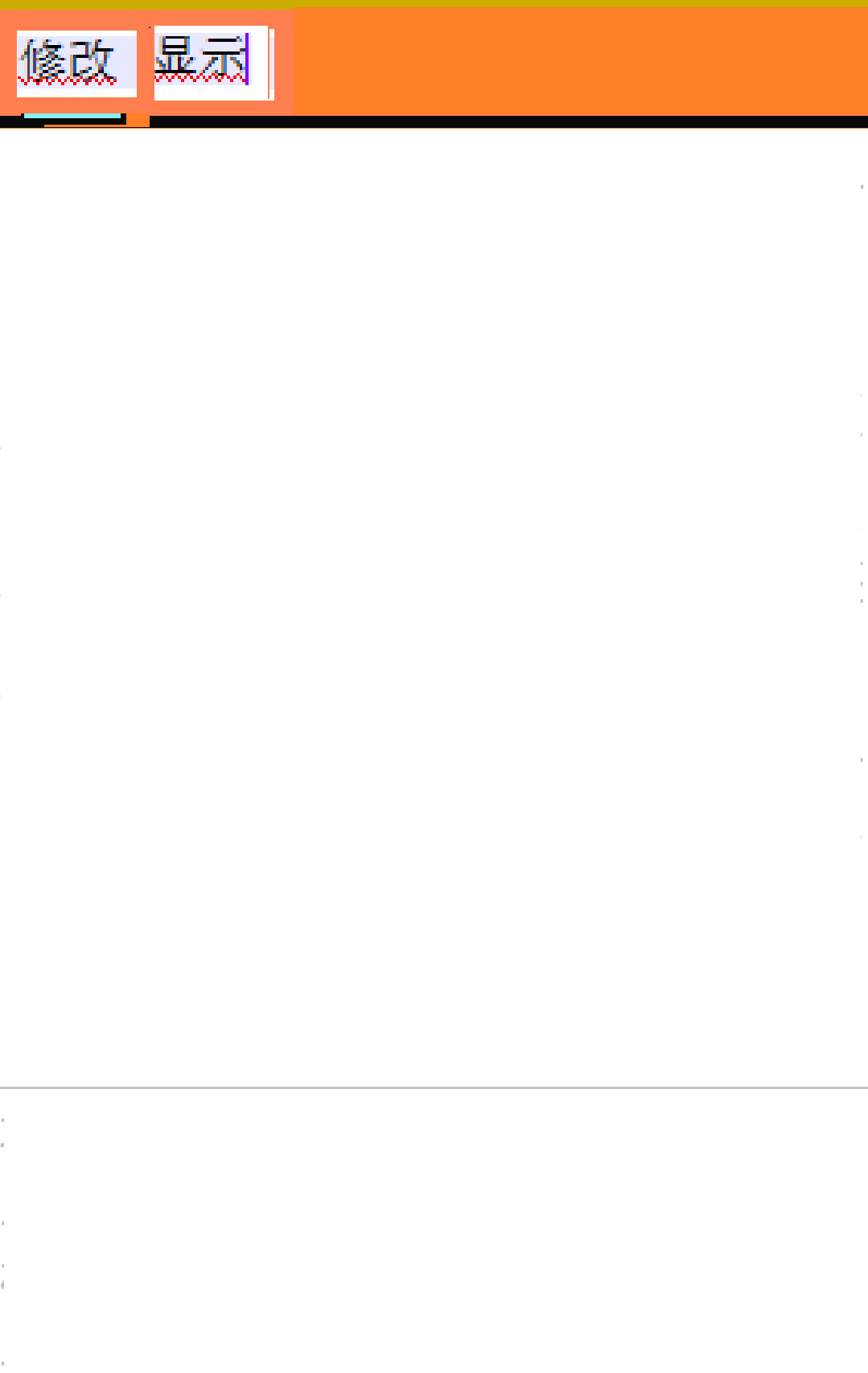
图2
public class ProfessionalActivity extends FragmentActivity {
。。。
private void InitViewPager() {
mViewpager = (ViewPager) findViewById(R.id.forumpager);
fragmentsList = new ArrayList<Fragment>();
leFragment = new leFragment();
nalFragment = new nalFragment( ); //两个fragment
fragmentsList.add(leFragment);
fragmentsList.add(nalFragment);
mViewpager.setAdapter(new ProfessionalFragmentPagerAdapter(getSupportFragmentManager(),fragmentsList)); //viewpage
mViewpager.setCurrentItem(0);
mViewpager.setOnPageChangeListener(new MyOnPageChangeListener());
}
private void InitWidth() {
BottomLine = (ImageView)findViewById(R.id.bottom_line); // 蓝线
bottomlinewidth = BottomLine.getLayoutParams().width;
Log.d(TAG,"cursor imageview width="+bottomlinewidth);
DisplayMetrics dm = new DisplayMetrics();
getWindowManager().getDefaultDisplay().getMetrics(dm);
int screenwidth = dm.widthPixels;
position_one = (int)(screenwidth / 2.0);
}
public class MyOnPageChangeListener implements OnPageChangeListener {
@Override
public void onPageSelected(int arg0) {
Animation animation = null;
switch ( arg0 ) {
case 0:
if ( currIndex == 1 ) {
animation = new TranslateAnimation(position_one, 0, 0, 0);
textview_professional.setTextColor(resources.getColor(R.color.lightwhite));
}
textview_article.setTextColor(resources.getColor(R.color.white));
break;
case 1:
if ( currIndex == 0 ) {
animation = new TranslateAnimation(0, position_one, 0, 0);
textview_article.setTextColor(resources.getColor(R.color.lightwhite));
}
textview_professional.setTextColor(resources.getColor(R.color.white));
break;
}
currIndex = arg0;
animation.setFillAfter(true);
animation.setDuration(300);
BottomLine.startAnimation(animation);
}
XML 布局文件如下:
<?xml version="1.0" encoding="utf-8"?>
<LinearLayout xmlns:android="http://schemas.android.com/apk/res/android"
android:layout_width="match_parent"
android:layout_height="match_parent"
android:orientation="vertical" >
<LinearLayout
android:id="@+id/linearLayout1"
android:layout_width="fill_parent"
android:layout_height="wrap_content"
android:background="@color/coral"
android:paddingBottom="10dip"
android:paddingTop="10dip" >
<TextView
android:id="@+id/textview_article"
android:layout_width="fill_parent"
android:layout_height="fill_parent"
android:layout_weight="1.0"
android:gravity="center"
android:text="@string/article"
android:textColor="@color/white"
android:textSize="18sp" />
<TextView
android:id="@+id/textview_professional"
android:layout_width="fill_parent"
android:layout_height="fill_parent"
android:layout_weight="1.0"
android:gravity="center"
android:text="@string/professional"
android:textColor="@color/lightwhite"
android:textSize="18sp" />
</LinearLayout>
<LinearLayout
android:layout_width="match_parent"
android:layout_height="wrap_content"
android:layout_gravity="bottom"
android:orientation="vertical"
android:paddingBottom="3dip" >
<ImageView
android:id="@+id/bottom_line"
android:layout_width="40dip"
android:layout_height="2dip"
android:layout_marginLeft="20dip"
android:scaleType="matrix"
android:src="#8EE" />
</LinearLayout>
<
android.support.v4.view.ViewPager
android:id="@+id/forumpager"
android:layout_width="wrap_content"
android:layout_height="221dp"
android:layout_gravity="center"
android:layout_weight="0.67"
android:background="#FFFFFF"
android:flipInterval="30"
android:persistentDrawingCache="animation" />
</LinearLayout>
}


 发帖
发帖 与我相关
与我相关 我的任务
我的任务
 分享
分享


