

 图形处理/算法

关于官方教程代码objectdetection里的脸部识别源代码,在毛星云的<>第二章中学习的。但只是镜头闪了一下.
 墨衍会员 · AI 创作全网分发 墨衍智能分发 通过墨衍一键同步至各平台 可同步平台 CSDN微信公众号微博知乎掘金百家号博客园抖音小红书 你的文章也可以这样分发 墨衍会员 ¥399起/年,写一次发全网
我也要 关注 + 加入社区
墨衍会员 · AI 创作全网分发 墨衍智能分发 通过墨衍一键同步至各平台 可同步平台 CSDN微信公众号微博知乎掘金百家号博客园抖音小红书 你的文章也可以这样分发 墨衍会员 ¥399起/年,写一次发全网
我也要 关注 + 加入社区按照原来的代码 并且将需要的文件放在源文件目录后运行程序,镜头闪了一下后,就这样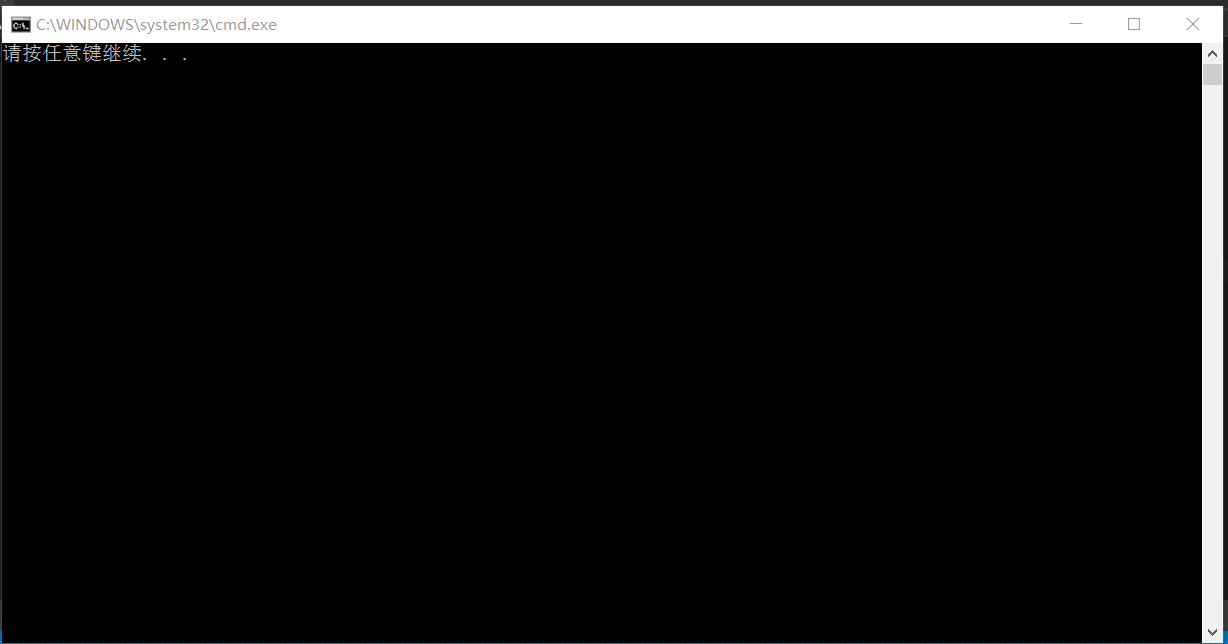 ,然后将capture。open(-1),-1改成0后就生成
 。版本是:vs2015,opencv3.2.0
文件中的代码如下:
/**
* @file objectDetection2.cpp
* @author A. Huaman ( based in the classic facedetect.cpp in samples/c )
* @brief A simplified version of facedetect.cpp, show how to load a cascade classifier and how to find objects (Face + eyes) in a video stream - Using LBP here
*/
#include "opencv2/objdetect.hpp"
#include "opencv2/videoio.hpp"
#include "opencv2/highgui.hpp"
#include "opencv2/imgproc.hpp"
#include <iostream>
#include <stdio.h>
using namespace std;
using namespace cv;
/** Function Headers */
void detectAndDisplay(Mat frame);
/** Global variables */
String face_cascade_name = "lbpcascade_frontalface.xml";
String eyes_cascade_name = "haarcascade_eye_tree_eyeglasses.xml";
CascadeClassifier face_cascade;
CascadeClassifier eyes_cascade;
String window_name = "Capture - Face detection";
/**
* @function main
*/
int main(void)
{
VideoCapture capture;
Mat frame;
//-- 1. Load the cascade
if (!face_cascade.load(face_cascade_name)) { printf("--(!)Error loading face cascade\n"); return -1; };
if (!eyes_cascade.load(eyes_cascade_name)) { printf("--(!)Error loading eyes cascade\n"); return -1; };
//-- 2. Read the video stream
capture.open(0);
if (!capture.isOpened()) { printf("--(!)Error opening video capture\n"); return -1; }
while (capture.read(frame))
{
if (frame.empty())
{
printf(" --(!) No captured frame -- Break!");
break;
}
//-- 3. Apply the classifier to the frame
detectAndDisplay(frame);
//-- bail out if escape was pressed
int c = waitKey(10);
if ((char)c == 27) { break; }
}
return 0;
}
/**
* @function detectAndDisplay
*/
void detectAndDisplay(Mat frame)
{
std::vector<Rect> faces;
Mat frame_gray;
cvtColor(frame, frame_gray, COLOR_BGR2GRAY);
equalizeHist(frame_gray, frame_gray);
//-- Detect faces
face_cascade.detectMultiScale(frame_gray, faces, 1.1, 2, 0, Size(80, 80));
for (size_t i = 0; i < faces.size(); i++)
{
Mat faceROI = frame_gray(faces[i]);
std::vector<Rect> eyes;
//-- In each face, detect eyes
eyes_cascade.detectMultiScale(faceROI, eyes, 1.1, 2, 0 | CASCADE_SCALE_IMAGE, Size(30, 30));
if (eyes.size() == 2)
{
//-- Draw the face
Point center(faces[i].x + faces[i].width / 2, faces[i].y + faces[i].height / 2);
ellipse(frame, center, Size(faces[i].width / 2, faces[i].height / 2), 0, 0, 360, Scalar(255, 0, 0), 2, 8, 0);
for (size_t j = 0; j < eyes.size(); j++)
{ //-- Draw the eyes
Point eye_center(faces[i].x + eyes[j].x + eyes[j].width / 2, faces[i].y + eyes[j].y + eyes[j].height / 2);
int radius = cvRound((eyes[j].width + eyes[j].height)*0.25);
circle(frame, eye_center, radius, Scalar(255, 0, 255), 3, 8, 0);
}
}
}
//-- Show what you got
imshow(window_name, frame);
}
,然后将capture。open(-1),-1改成0后就生成。版本是:vs2015,opencv3.2.0文件中的代码如下:
/**
* @file objectDetection2.cpp
* @author A. Huaman ( based in the classic facedetect.cpp in samples/c )
* @brief A simplified version of facedetect.cpp, show how to load a cascade classifier and how to find objects (Face + eyes) in a video stream - Using LBP here
*/
#include "opencv2/objdetect.hpp"
#include "opencv2/videoio.hpp"
#include "opencv2/highgui.hpp"
#include "opencv2/imgproc.hpp"
#include <iostream>
#include <stdio.h>
using namespace std;
using namespace cv;
/** Function Headers */
void detectAndDisplay(Mat frame);
/** Global variables */
String face_cascade_name = "lbpcascade_frontalface.xml";
String eyes_cascade_name = "haarcascade_eye_tree_eyeglasses.xml";
CascadeClassifier face_cascade;
CascadeClassifier eyes_cascade;
String window_name = "Capture - Face detection";
/**
* @function main
*/
int main(void)
{
VideoCapture capture;
Mat frame;
//-- 1. Load the cascade
if (!face_cascade.load(face_cascade_name)) { printf("--(!)Error loading face cascade\n"); return -1; };
if (!eyes_cascade.load(eyes_cascade_name)) { printf("--(!)Error loading eyes cascade\n"); return -1; };
//-- 2. Read the video stream
capture.open(0);
if (!capture.isOpened()) { printf("--(!)Error opening video capture\n"); return -1; }
while (capture.read(frame))
{
if (frame.empty())
{
printf(" --(!) No captured frame -- Break!");
break;
}
//-- 3. Apply the classifier to the frame
detectAndDisplay(frame);
//-- bail out if escape was pressed
int c = waitKey(10);
if ((char)c == 27) { break; }
}
return 0;
}
/**
* @function detectAndDisplay
*/
void detectAndDisplay(Mat frame)
{
std::vector<Rect> faces;
Mat frame_gray;
cvtColor(frame, frame_gray, COLOR_BGR2GRAY);
equalizeHist(frame_gray, frame_gray);
//-- Detect faces
face_cascade.detectMultiScale(frame_gray, faces, 1.1, 2, 0, Size(80, 80));
for (size_t i = 0; i < faces.size(); i++)
{
Mat faceROI = frame_gray(faces[i]);
std::vector<Rect> eyes;
//-- In each face, detect eyes
eyes_cascade.detectMultiScale(faceROI, eyes, 1.1, 2, 0 | CASCADE_SCALE_IMAGE, Size(30, 30));
if (eyes.size() == 2)
{
//-- Draw the face
Point center(faces[i].x + faces[i].width / 2, faces[i].y + faces[i].height / 2);
ellipse(frame, center, Size(faces[i].width / 2, faces[i].height / 2), 0, 0, 360, Scalar(255, 0, 0), 2, 8, 0);
for (size_t j = 0; j < eyes.size(); j++)
{ //-- Draw the eyes
Point eye_center(faces[i].x + eyes[j].x + eyes[j].width / 2, faces[i].y + eyes[j].y + eyes[j].height / 2);
int radius = cvRound((eyes[j].width + eyes[j].height)*0.25);
circle(frame, eye_center, radius, Scalar(255, 0, 255), 3, 8, 0);
}
}
}
//-- Show what you got
imshow(window_name, frame);
}
...全文
相关推荐
Python编程入门经典源代码
Python编程入门经典教程配套源代码,按照章节详细分类,容易上手 Python编程入门经典教程配套源代码,按照章节详细分类,容易上手
labview 2013官方入门教程 入门必备
labview 2013官方入门教程 入门必备
高清_OpenCV3入门教程_毛星云
高清_OpenCV3入门教程_毛星云,非常适合入门者。同时可以当工具书
OpenCV3毛星云配套代码包含示例图片
OpenCV3毛星云配套代码包含示例图片,比较好懂,程序注释比较全面。
OpenCV3编程入门_毛星云编著_电子工业出版(笔记版)
OpenCV3编程入门_毛星云编著_电子工业出版,其中添加了本人的学习笔记.




