


571
社区成员
 发帖
发帖 与我相关
与我相关 我的任务
我的任务
 分享
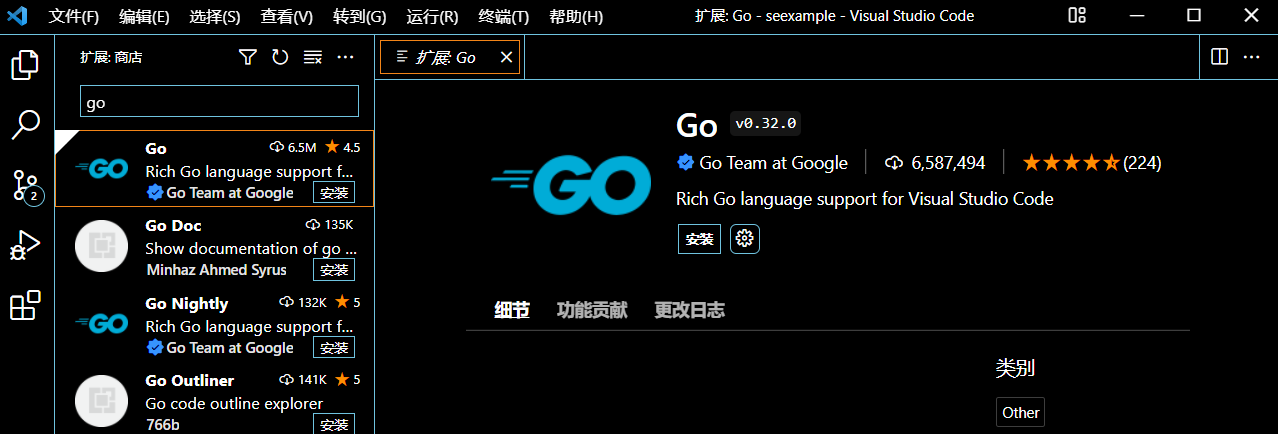
分享打开vscode,点击左侧拓展,搜索“go”,如下,选择第一个插件,选择安装
安装包下载地址为:https://golang.google.cn/dl/
下载后安装,我选择的地址是D:\software\Go\
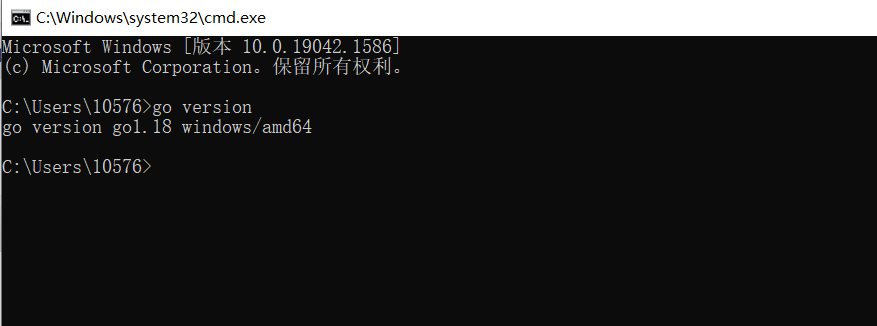
安装完成后在cmd命令行中查看go的版本
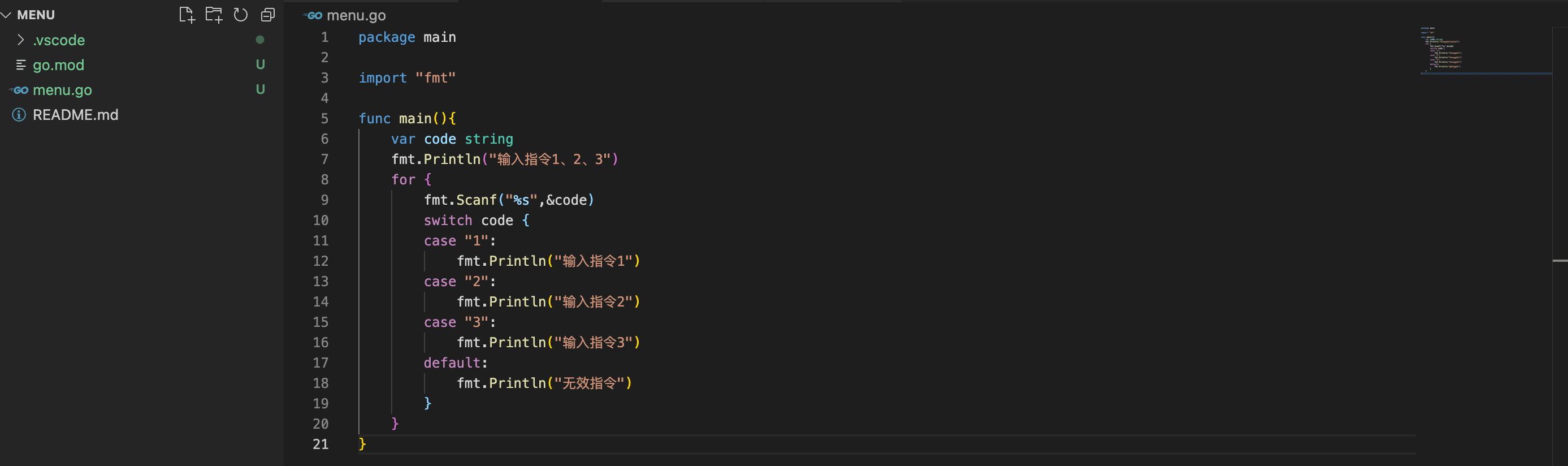
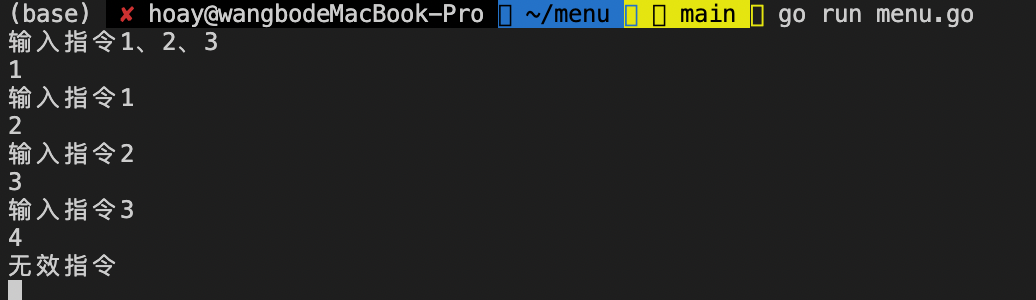
运行,如下图
1、在github上建立仓库
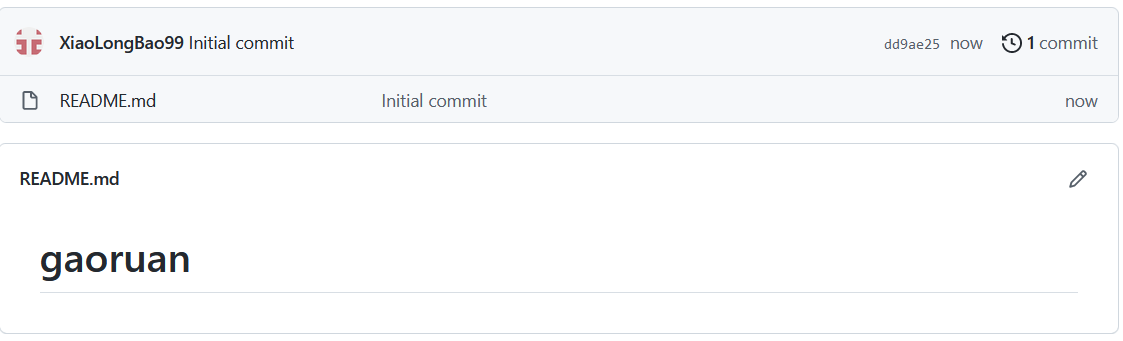
使用git clone https://github.com/XiaoLongBao99/gaoruan.git 将仓库克隆到本地
2、进入gaoruan文件夹,并进行以下操作:
git add .
git commit -m "first commit"
git push
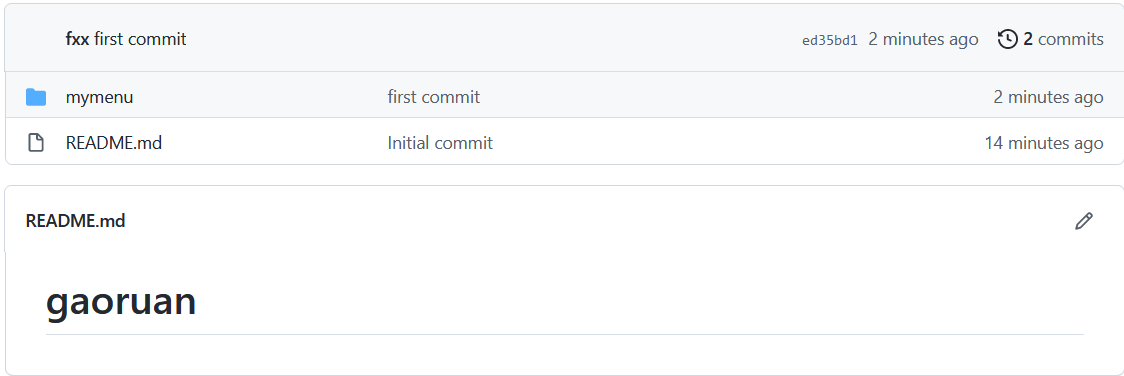
3、成功后打开github仓库检查
作者:170

