688
社区成员
 发帖
发帖 与我相关
与我相关 我的任务
我的任务
 分享
分享| 这个作业属于哪个课程 | 2023年福大-软件工程实践-W班 |
|---|---|
| 这个作业要求在哪里 | 结对第二次作业--编程实现 |
| 结对学号 | 222000333_222000118 |
| 这个作业的目标 | 编码实现原型的功能,部署项目到云服务器 |
| 其他参考文献 | 黑马vue3教程 |
| PSP | Personal Software Process Stages | 预估耗时(分钟) | 实际耗时(分钟) |
|---|---|---|---|
| • Planning | 计划 | 30 | 30 |
| • Estimate | • 估计这个任务需要多少时间 | 15 | 20 |
| • Development | • 开发 | 180 | 200 |
| • Analysis | • 需求分析 (包括学习新技术) | 200 | 200 |
| • Design Spec | • 生成设计文档 | 25 | 20 |
| • Design Review | • 设计复审 | 20 | 20 |
| • Coding Standard | • 代码规范 (为目前的开发制定合适的规范) | 10 | 15 |
| • Front-endDesign | • 前端具体设计 | 60 | 100 |
| • Front-endCoding | • 前端具体编码 | 120 | 480 |
| • Code Review | • 代码复审 | 30 | 45 |
| • Test | • 测试(自我测试,修改代码,提交修改) | 60 | 120 |
| • Reporting | • 报告 | 60 | 60 |
| • Test Report | • 测试报告 | 40 | 50 |
| • Size Measurement | • 计算工作量 | 15 | 10 |
| • Postmortem & Process Improvement Pla | • 事后总结, 并提出过程改进计划 | 15 | 25 |
| • 合计 | 880 | 1395 |
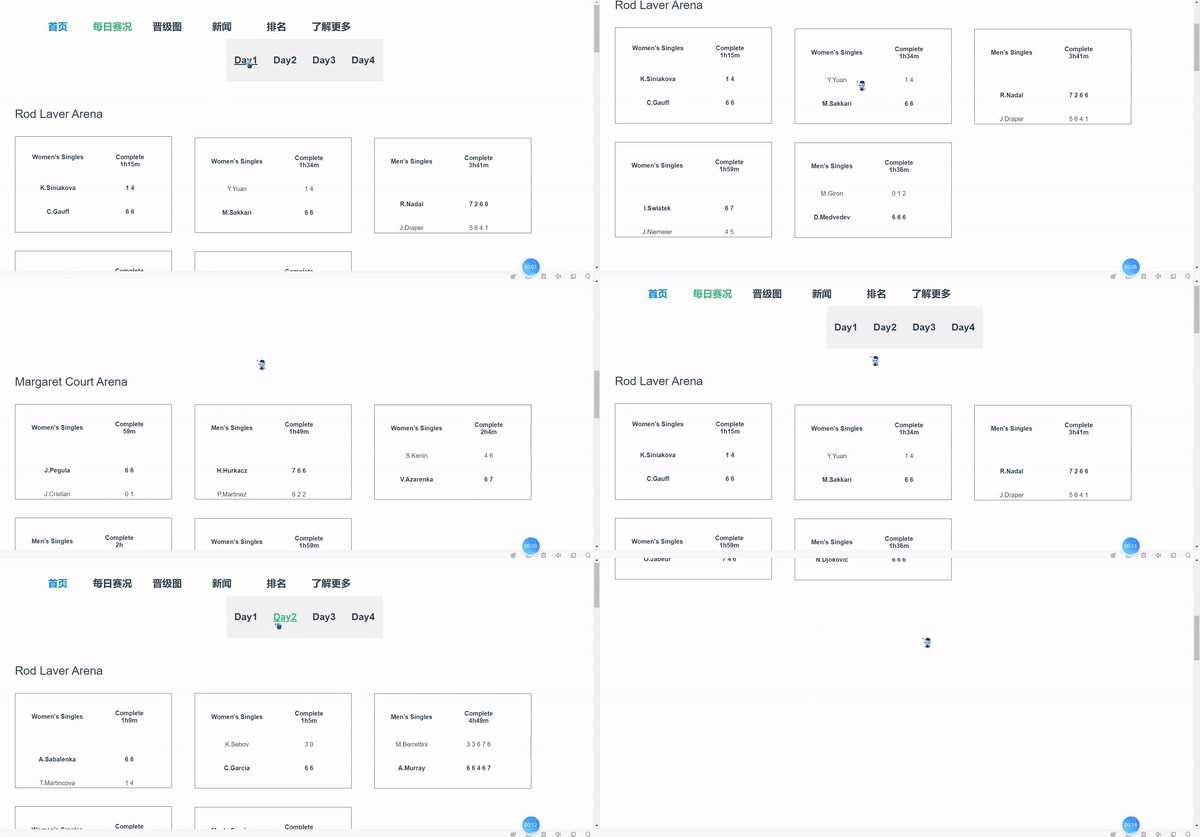
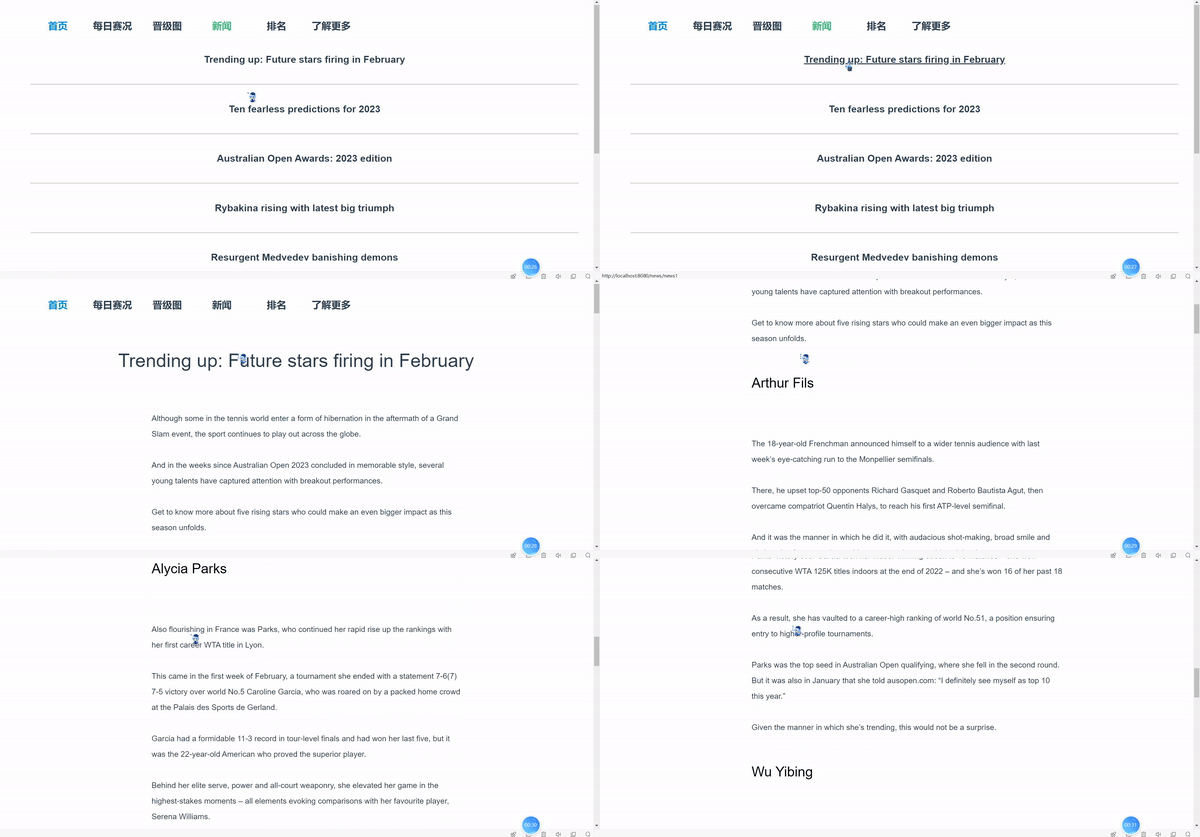
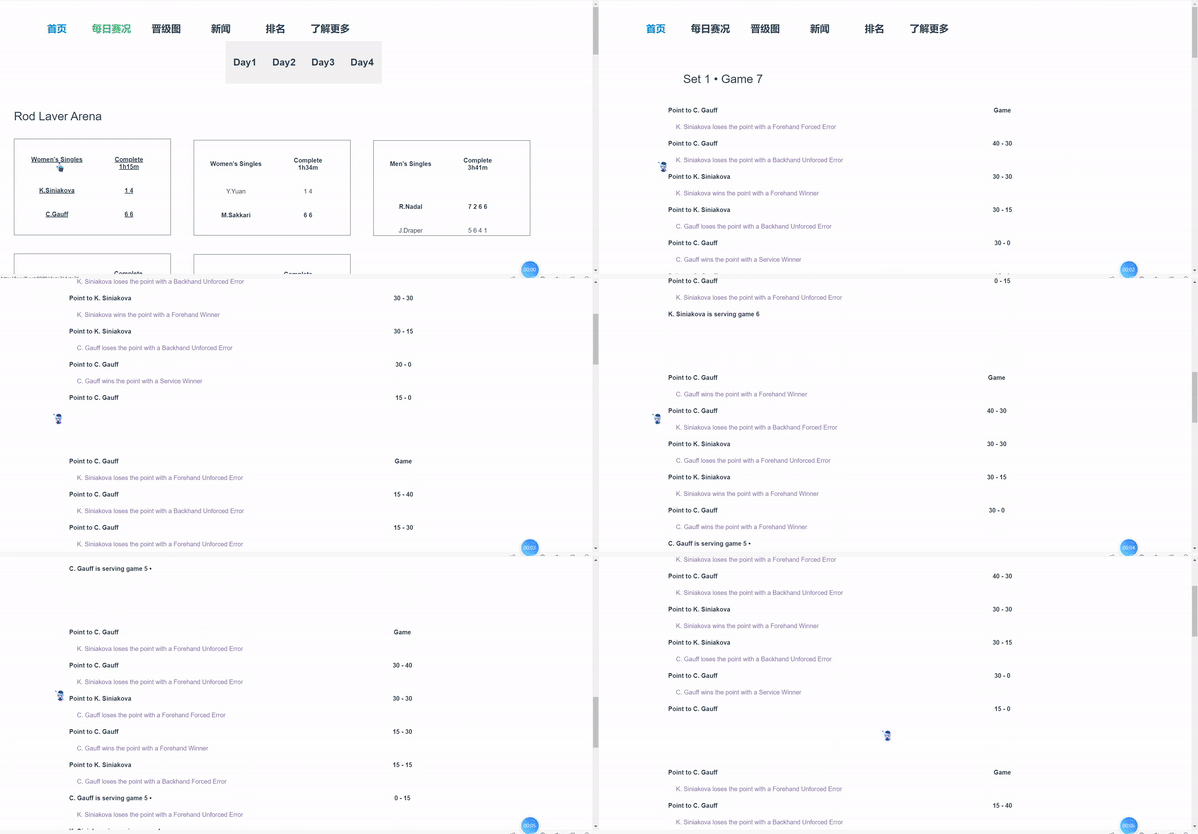
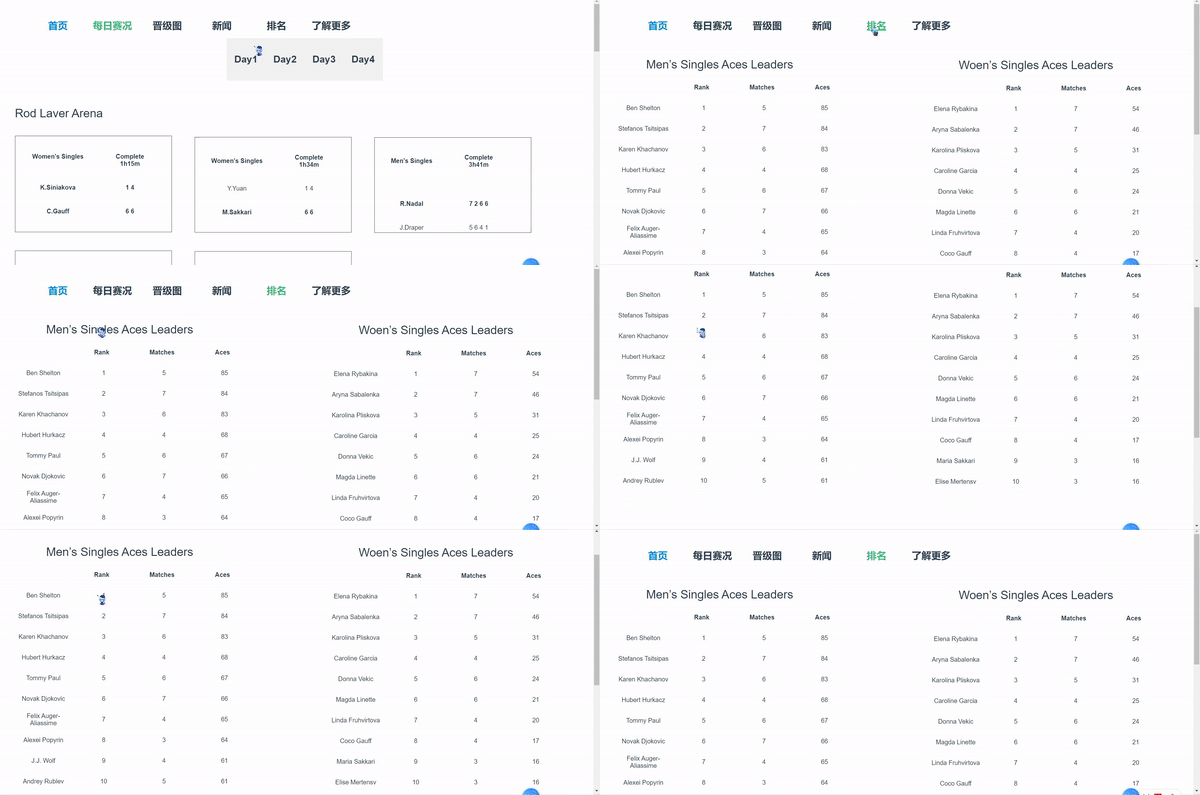
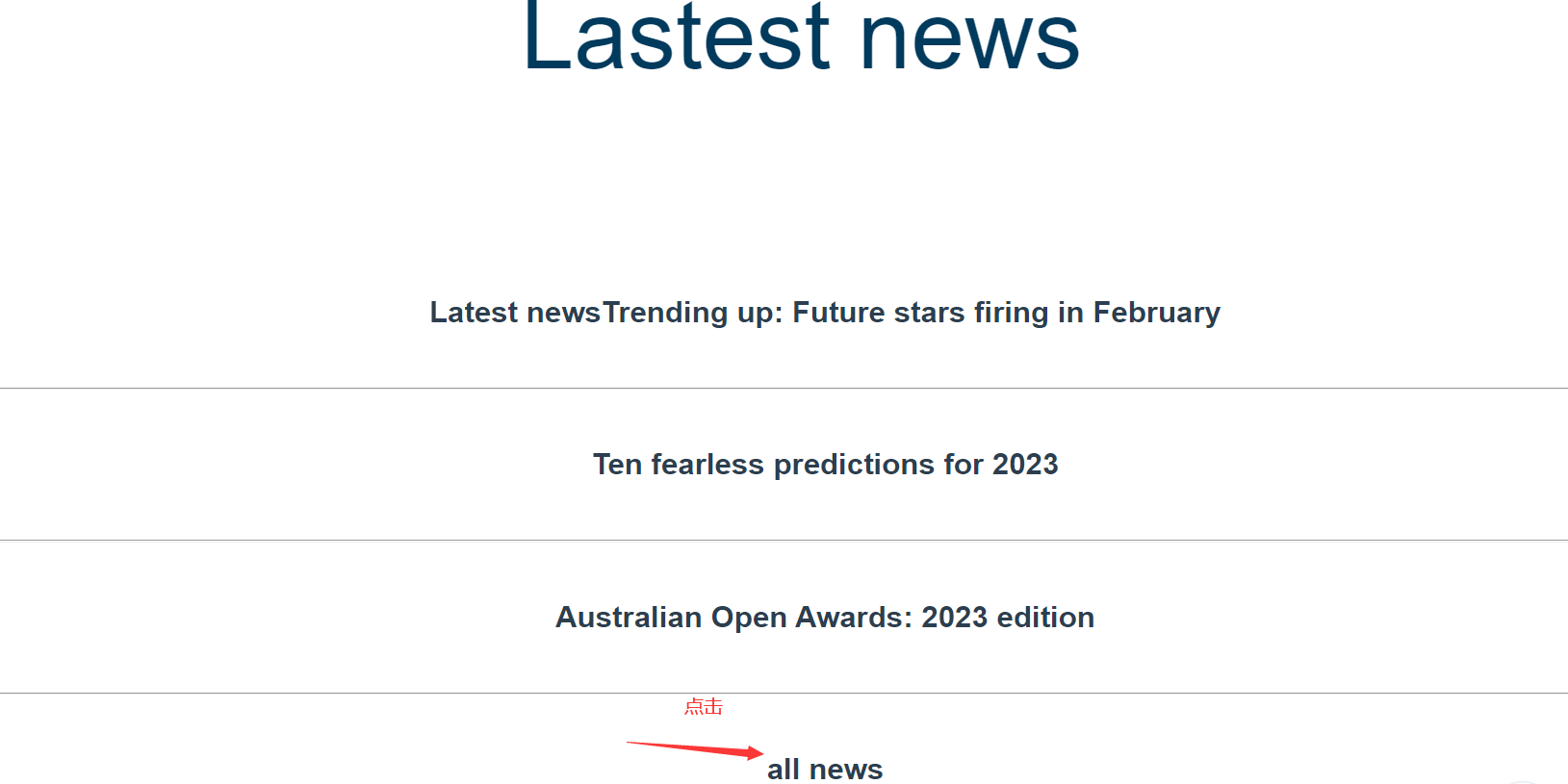
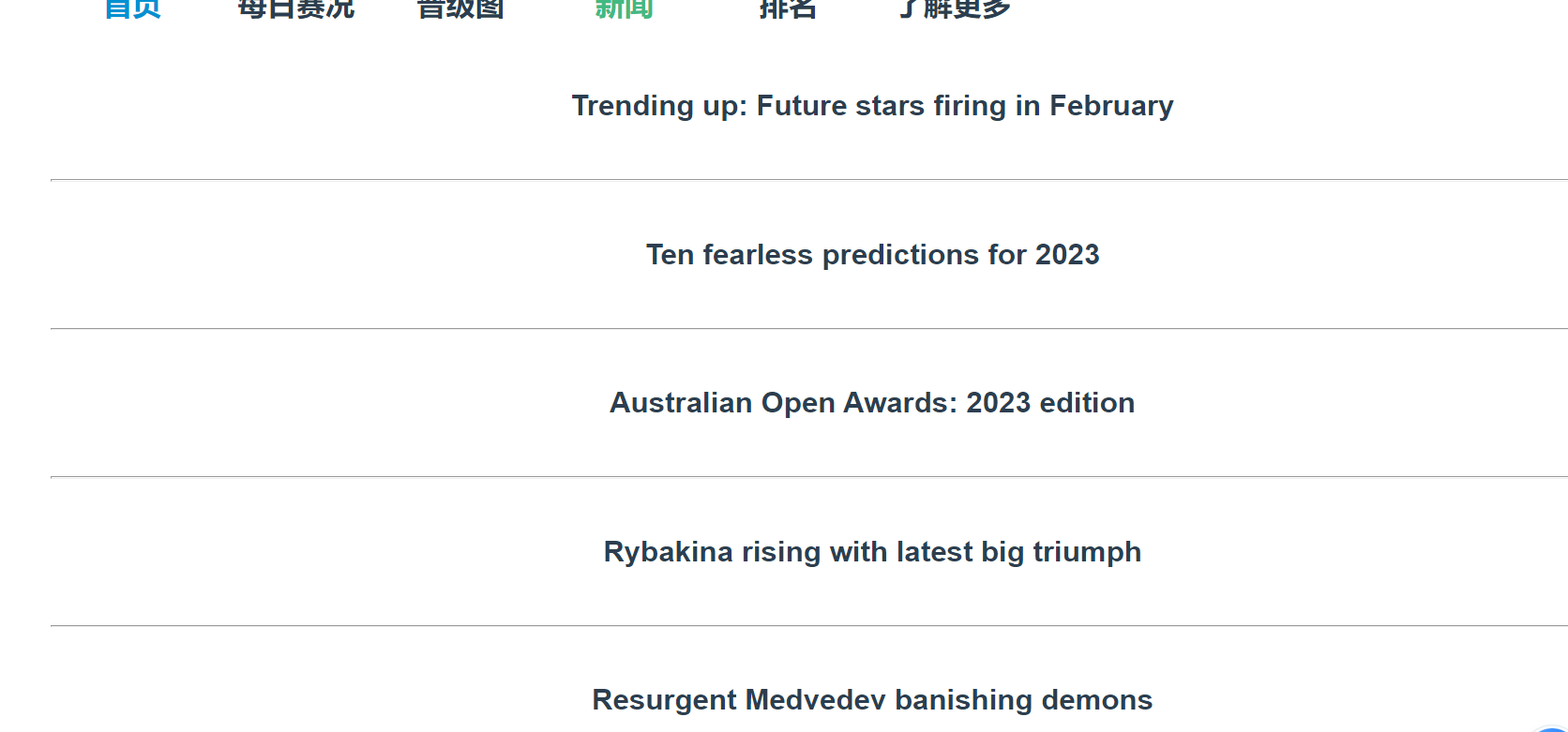
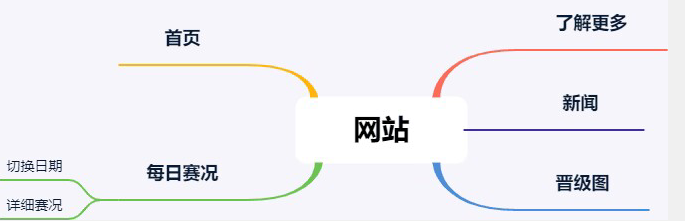
功能结构图为:
本次编码实现使用了纯前端方法实现,使用的框架是vue3.0。在本地配置好vue框架环境后,打开项目目录,对项目进行初始化。
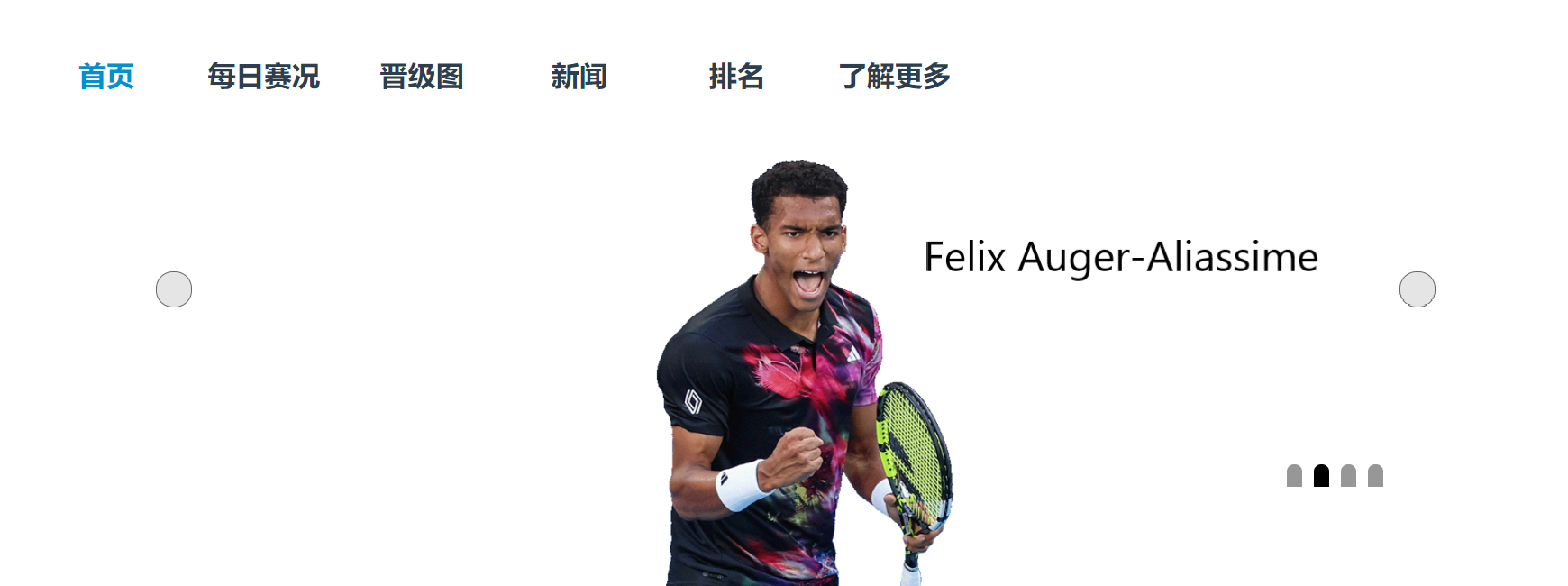
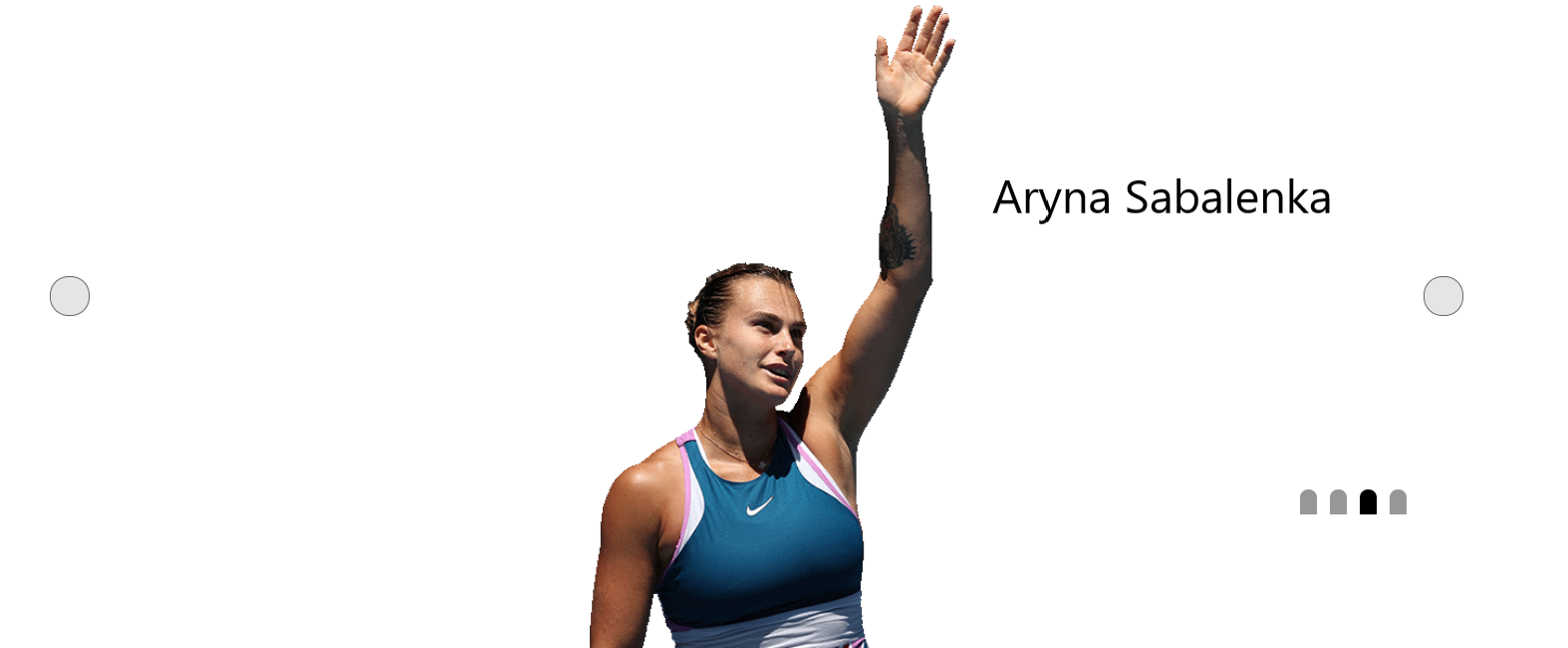
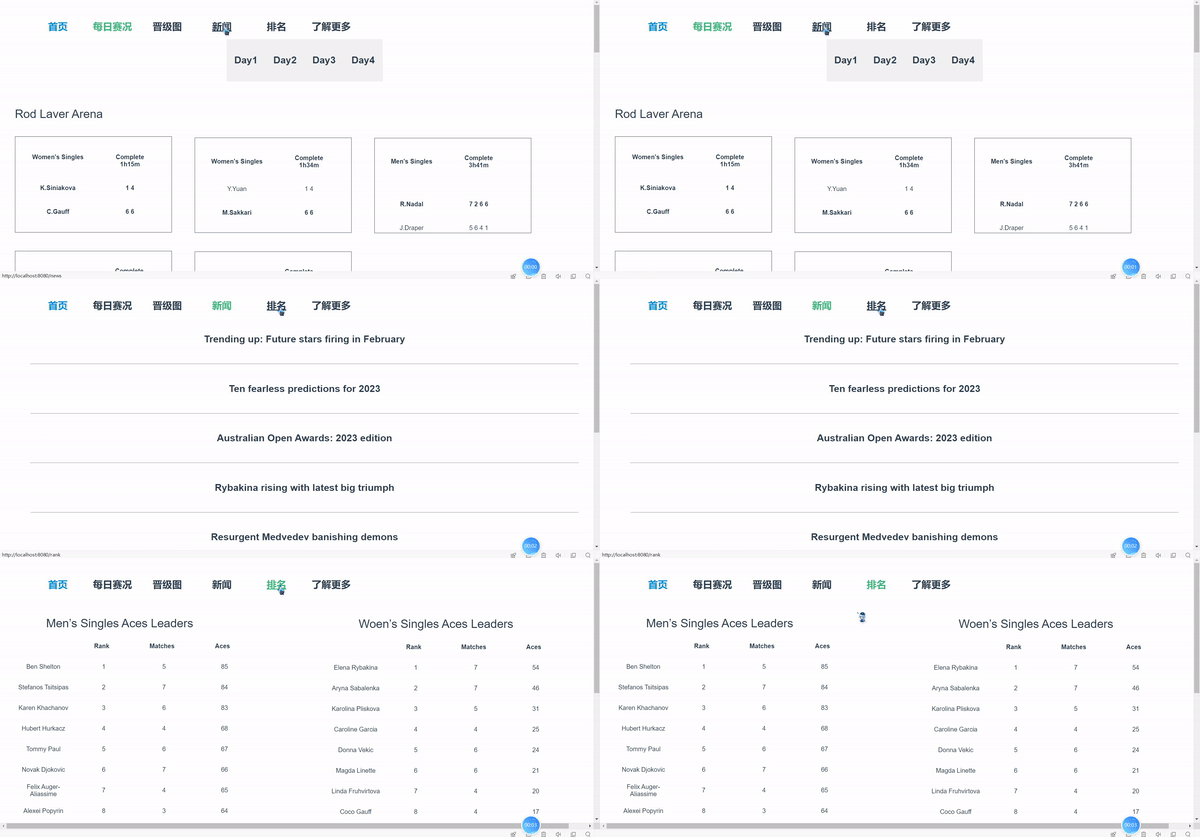
将整个网站分为,首页,每日赛况,晋级图,新闻,了解更多,排名几个部分,其中首页包含了轮播图和部分新闻预览,每日赛程页面中包含了不同日期选项,用户可以更改选项查看对应日期的赛程;点击每个赛程后看查看详细赛况。页面间的跳转均通过配置路由实现。
<div class="home">
  <Menu></Menu>
  <div class="showImg" >

  <img  v-for="(item) in imgArr"
       :key="item.id"
       :src="item.url"
       alt="暂无图片"
       v-show="item.id===currentIndex"
       >

  <div  @click="clickIcon('up')"   class="iconDiv icon-left">
      <i class="el-icon-caret-left"></i>
  </div>

  <div  @click="clickIcon('down')"  class="iconDiv icon-right">
      <i class="el-icon-caret-right"></i>
  </div>

  <div class="banner-circle">
      <ul>
          <li @click="changeImg(item.id)"
              v-for="(item) in imgArr"
              :key="item.id"
              :class="item.id===currentIndex? 'active': '' "
           ></li>
      </ul>
  </div>
</div>
methods:{

          clickIcon(val){
              if(val==='down'){
                  this.currentIndex++;
                  if(this.currentIndex===this.imgArr.length){
                      this.currentIndex = 0;
                  }
              }else{
                  /* 第一种写法
                  this.currentIndex--;
                  if(this.currentIndex < 0){
                      this.currentIndex = this.imgArr.length-1;
                  } */
                  // 第二种写法
                  if(this.currentIndex === 0){
                      this.currentIndex = this.imgArr.length;
                  }
                  this.currentIndex--;
              }
          },
          // 点击控制圆点
          changeImg(index){
              this.currentIndex = index
          },

      },
<template>
<div class="nav">
      <ul
        @click="() => this.btnMenu(index)"
        v-for="(item, index) in this.list"
        :key="item.index"
      >
        <li class="nav-list">
          <router-link
            :class="this.isActiveNum === index ? 'isActive' : ''"
            :to="item.link"
            >{{ item.menu }}</router-link>
        </li>
      </ul>

    </div>
    </template>
export default {
  setup() {
    const isActiveNum = ref(0);
    const menuList = reactive([
      { menu: "首页", link: "/" },
      { menu: "每日赛况", link: "/detail" },
      { menu: "晋级图", link: "/promote" },
      { menu: "新闻", link: "/news" },
      {menu:"排名",link:"/rank"},
      { menu: "了解更多", link: "/more" },
    ]);
    const list = toRaw(menuList);
    onMounted(() => {});
    const btnMenu = (index) => {
      isActiveNum.value = index;
    };
    return {  btnMenu, isActiveNum,  list };
  },
};
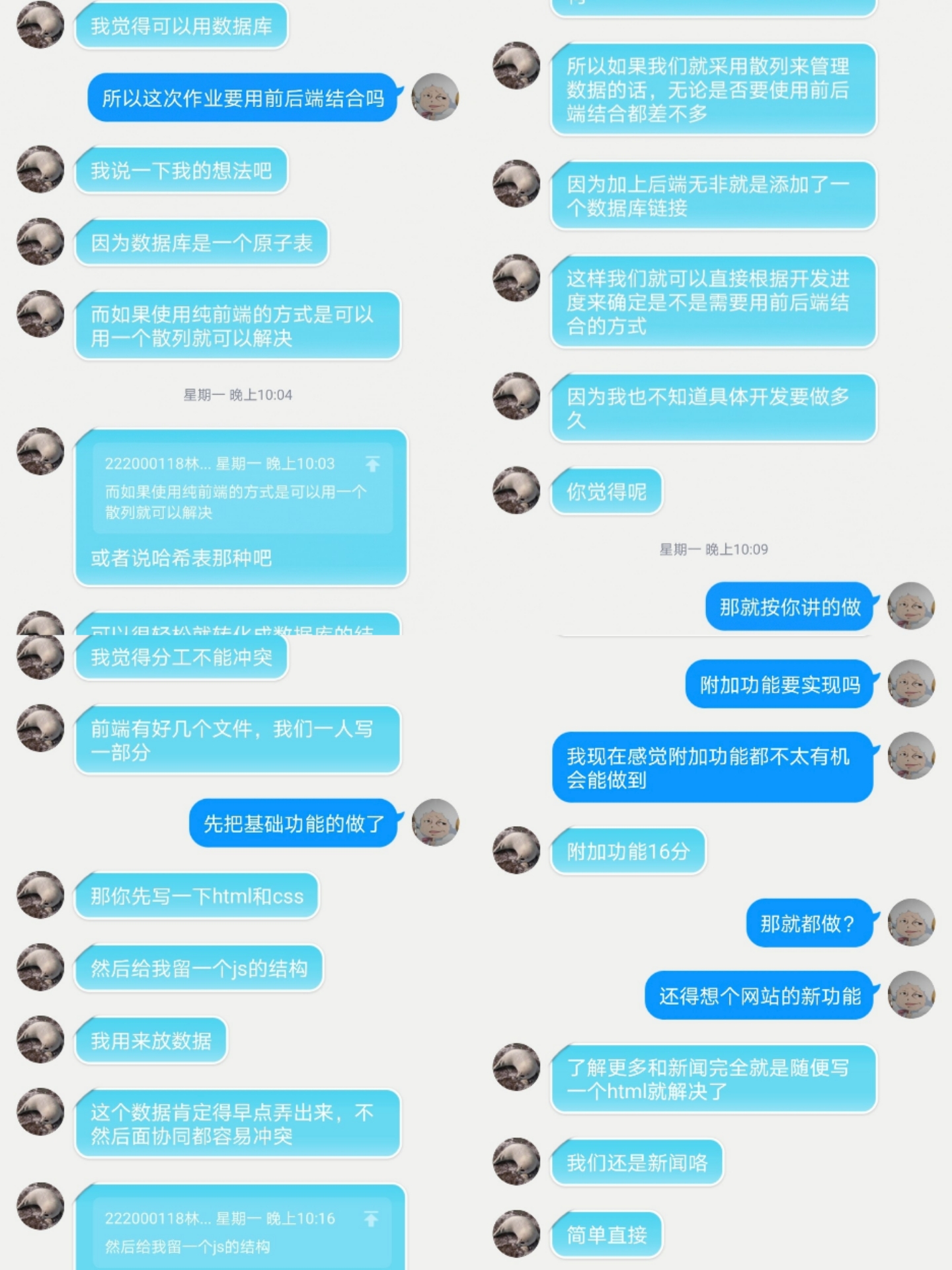
首先我们进行了关于分工和实现方式的讨论,由于时间和实现难度问题,我们最终决定使用纯前端方式实现原型,使用框架为vue3,关于拓展功能,我们添加了新闻功能。