


11
社区成员
 发帖
发帖 与我相关
与我相关 我的任务
我的任务
 分享
分享使用硬件
ESP32
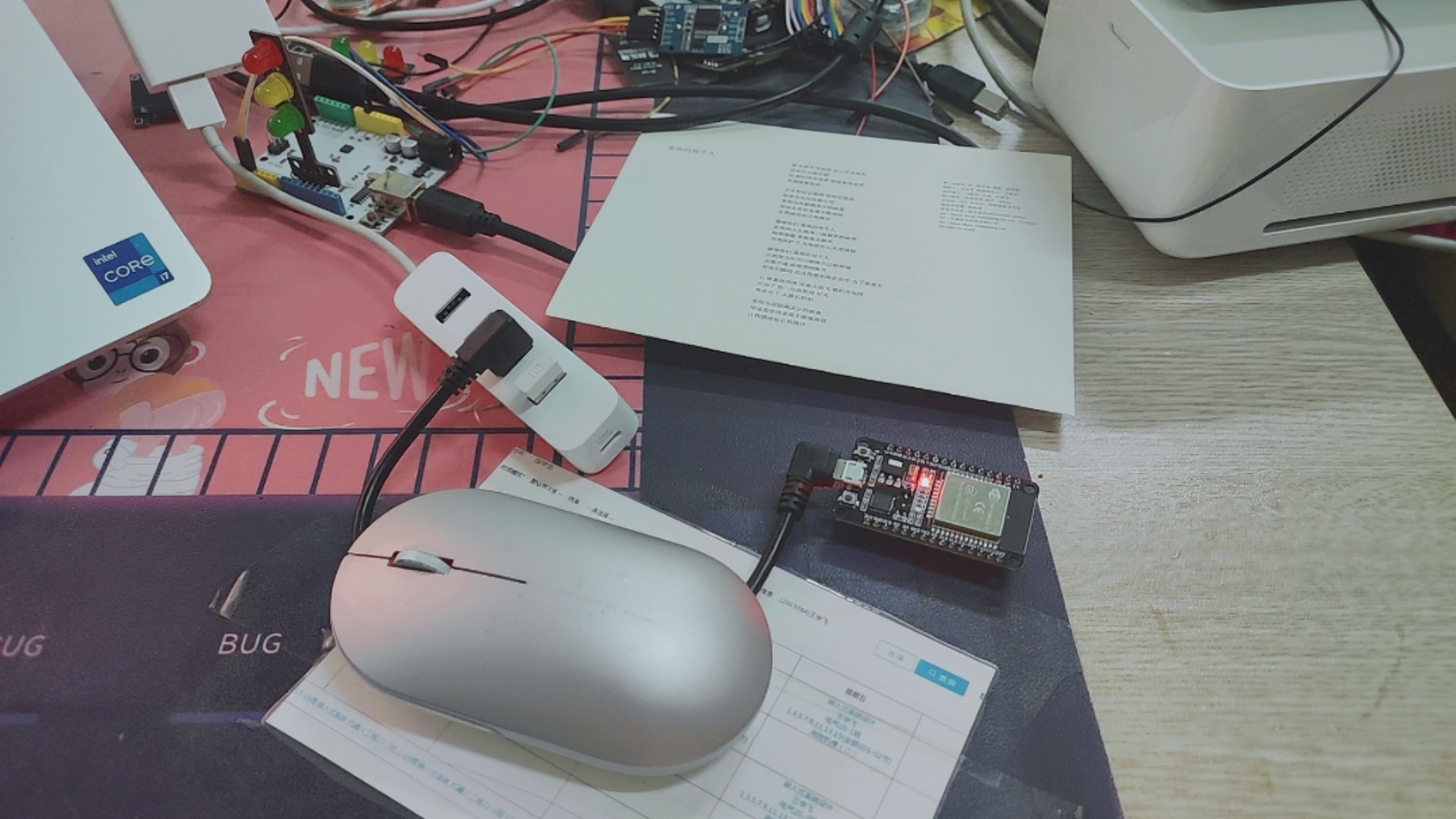
目前
还没有用到ESP32的其它管脚
只用到了蓝牙功能
同时也只用到了一个ESP32模块
通过下载代码:
//This example code is in the Public Domain (or CC0 licensed, at your option.)
//By Evandro Copercini - 2018
//
//This example creates a bridge between Serial and Classical Bluetooth (SPP)
//and also demonstrate that SerialBT have the same functionalities of a normal Serial

#include "BluetoothSerial.h"

#if !defined(CONFIG_BT_ENABLED) || !defined(CONFIG_BLUEDROID_ENABLED)
#error Bluetooth is not enabled! Please run `make menuconfig` to and enable it
#endif

BluetoothSerial SerialBT;

void setup() {
  Serial.begin(115200);
  SerialBT.begin("ESP32test"); //Bluetooth device name
  Serial.println("The device started, now you can pair it with bluetooth!");
}

void loop() {
  if (Serial.available()) {
    SerialBT.write(Serial.read());//将串口收到的数据,再通过蓝牙串口转发出去
    Serial.println("由SerialBT打印");
  }
  if (SerialBT.available()) {//将蓝牙串口收到的数据,再通过串口把信息发回给电脑
    Serial.write(SerialBT.read());
     Serial.println("由Serial打印");
  }
  delay(20);
}
启用蓝牙ESP32test
在上传程序之前我们先要对ESP32开发环境进行一个配置(详情见其他老师blog)
配置好了以后,我们就可以通过电脑查找到ESP32test这个蓝牙了
我们再设置虚拟端口,让我们的额蓝牙也有一个端口
我们再下载蓝牙串口调试助手
我用的是SSCOM V5.13.1
通过Arduino的串口3发送字符串
串口通过蓝牙把字符串无线发送出去
我们通过蓝牙的虚拟串口接收到字符串打印出来
是可以双向通信的
OK,实验讲解完毕,希望大家快乐程序猿,努力创造科幻宇宙

