11
社区成员
 发帖
发帖 与我相关
与我相关 我的任务
我的任务
 分享
分享分享如下
只是为了自己用起来方便
本社区所有代码通过实验验证后公布,保证每一个都可复现
现将代码复制如下:
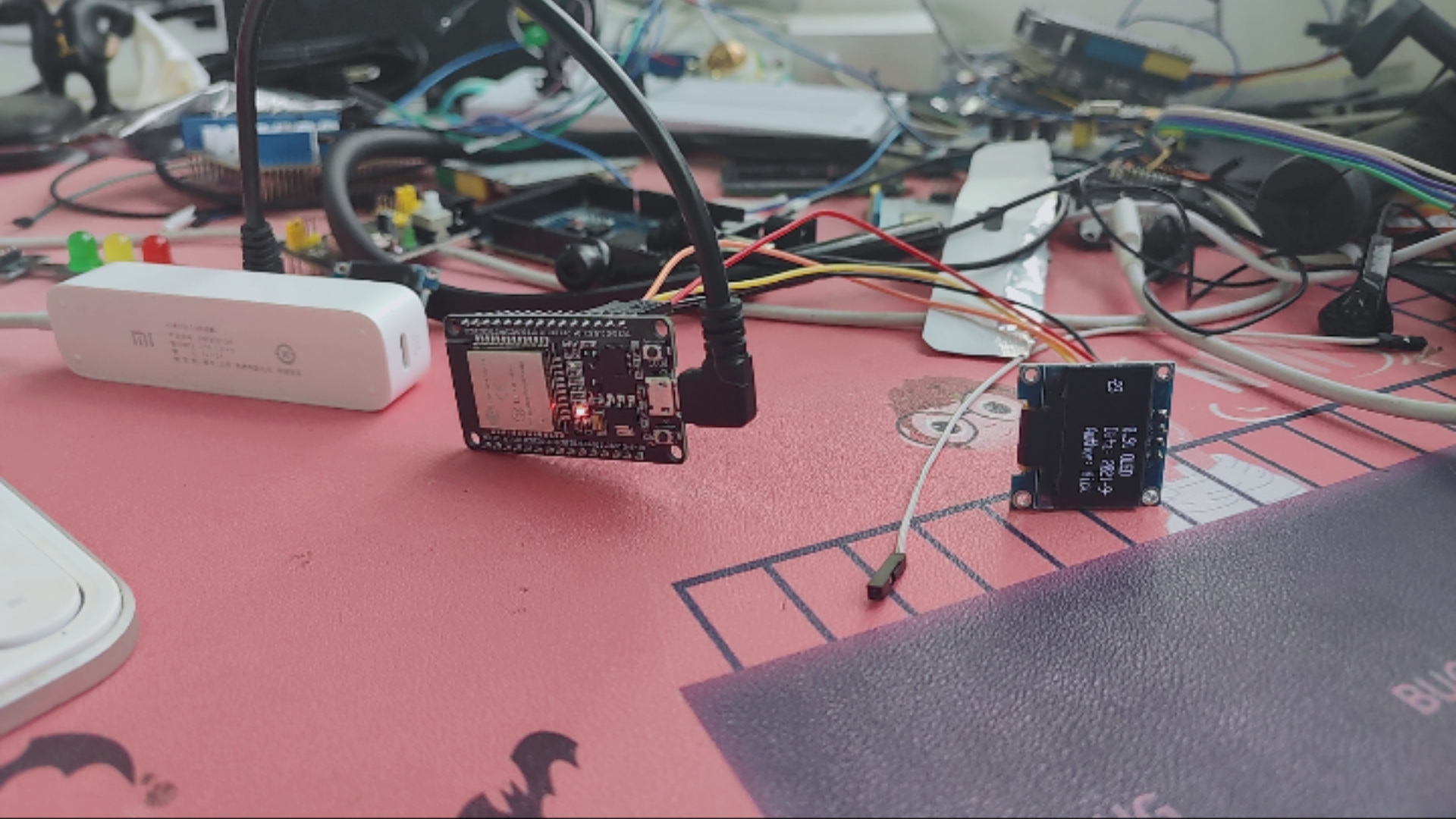
管脚定义:
ESP32 OLED
3.3V VCC
GND GND
D4 SCL
D15 SDA
//  Author: Nick
//  Date:23 Sep,2021

//  This library is free software; you can redistribute it and/or
//  modify it under the terms of the GNU Lesser General Public
//  License as published by the Free Software Foundation; either
//  version 2.1 of the License, or (at your option) any later version.
//
//  This library is distributed in the hope that it will be useful,
//  but WITHOUT ANY WARRANTY; without even the implied warranty of
//  MERCHANTABILITY or FITNESS FOR A PARTICULAR PURPOSE.  See the GNU
//  Lesser General Public License for more details.
//
//  You should have received a copy of the GNU Lesser General Public
//  License along with this library; if not, write to the Free Software
//  Foundation, Inc., 51 Franklin St, Fifth Floor, Boston, MA  02110-1301  USA

//ESP32 Arduino驱动0.91" OLED 滚动显示
//NODEMCU-32 V1.2
//Arduino V1.8.16
//ESP32 Arduino驱动0.91" OLED
//NODEMCU-32 V1.2
//Arduino V1.8.16
//参考链接:
//滚动显示实验:https://blog.csdn.net/tonyiot/article/details/106091716
//未说明SDA和SCL引脚设定:http://www.taichi-maker.com/homepage/reference-index/display-reference-index/arduino-oled-application/
//SDA和SCL在ware.begin()中定义:https://blog.csdn.net/qq_42805977/article/details/107765966

#include <Wire.h>

// 引入驱动OLED0.91所需的库
#include <Adafruit_GFX.h>
#include <Adafruit_SSD1306.h>

#define SCREEN_WIDTH 128 // 设置OLED宽度,单位:像素
#define SCREEN_HEIGHT 32 // 设置OLED高度,单位:像素

// 自定义重置引脚,虽然教程未使用,但却是Adafruit_SSD1306库文件所必需的
#define OLED_RESET 4
Adafruit_SSD1306 display(SCREEN_WIDTH, SCREEN_HEIGHT, &Wire, OLED_RESET);
int positionX=0;
void setup()
{
  Wire.begin(/*SDA*/15,/*SCL*/4);
  // 初始化OLED并设置其IIC地址为 0x3C
  display.begin(SSD1306_SWITCHCAPVCC, 0x3C);

    // 清除屏幕
  display.clearDisplay();

  // 设置字体颜色,白色可见
  display.setTextColor(WHITE);

  //设置字体大小
  display.setTextSize(1.5);

  //设置光标位置
  display.setCursor(positionX, 0);
  display.print("0.91 OLED");

  display.setCursor(positionX, 10);
  display.print("Data: ");
  display.print("2021-9-23");

  display.setCursor(positionX, 20);
  display.print("Author: ");
  display.print("Nick");
  display.display();
}

void loop()
{
  //由右向左滚动
  display.startscrollleft(0x00, 0x0F);
}
显示结果: