162
社区成员
 发帖
发帖 与我相关
与我相关 我的任务
我的任务
 分享
分享Numpy 和 Pillow在图像处理中的应用
1) 掌握Numpy的基本应用
2)掌握 Pillow的简单用法
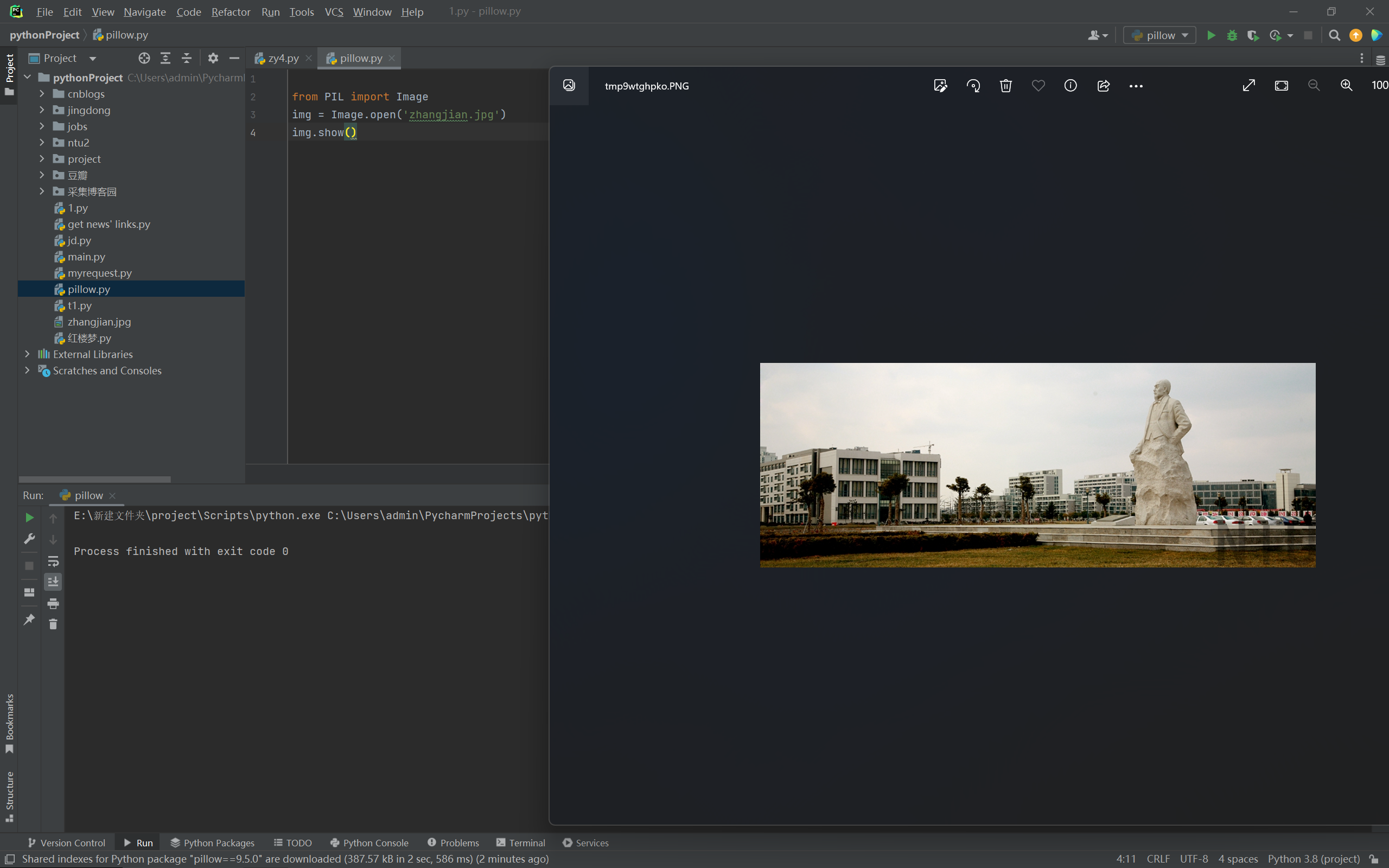
任务 1)从以下网站:南通大学[学校掠影](https://www.ntu.edu.cn/77/list.htm)任选一副图片下载,用Python程序显示原始图片。
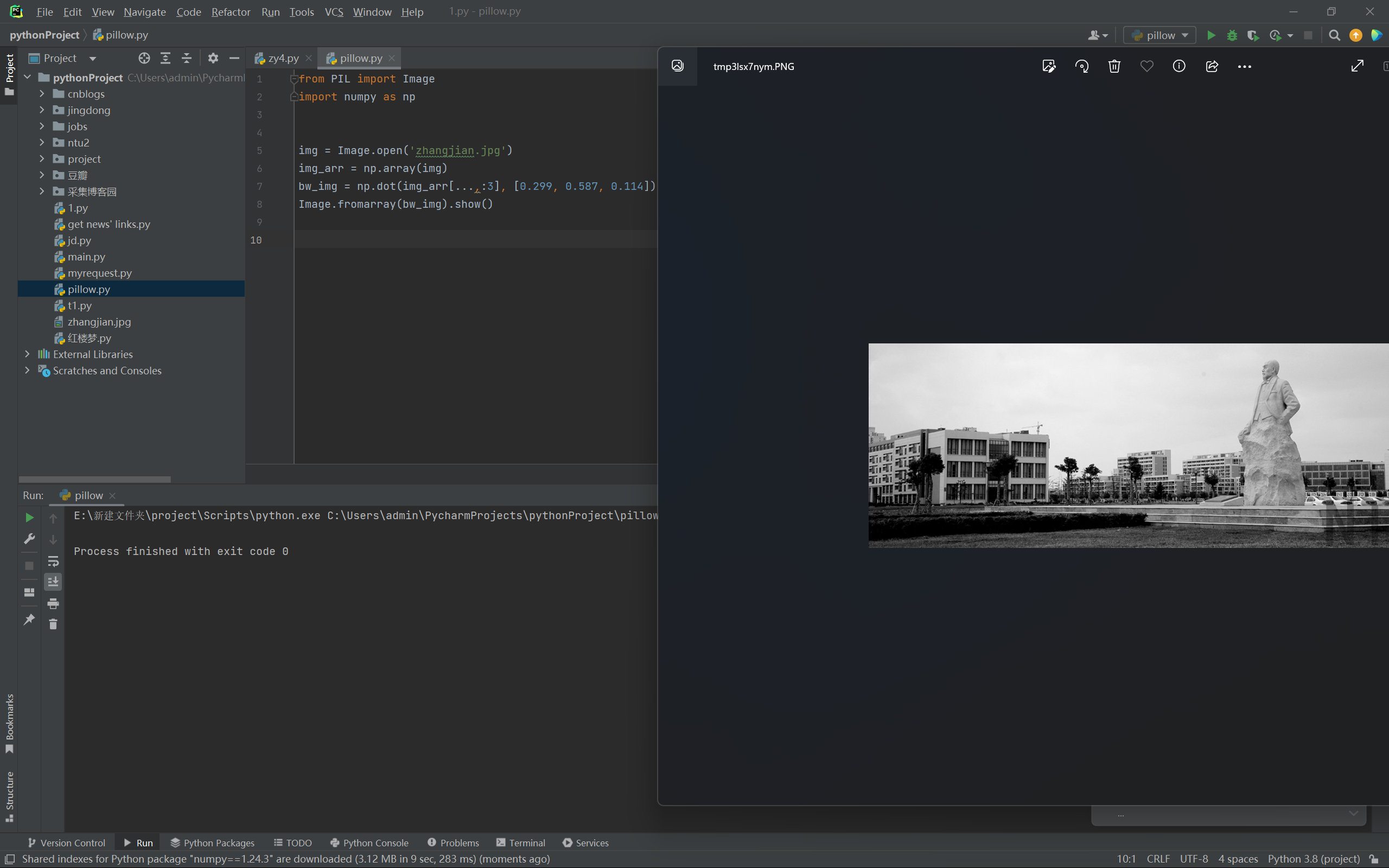
任务 2)将图片变成黑白图片,并用Python程序显示。
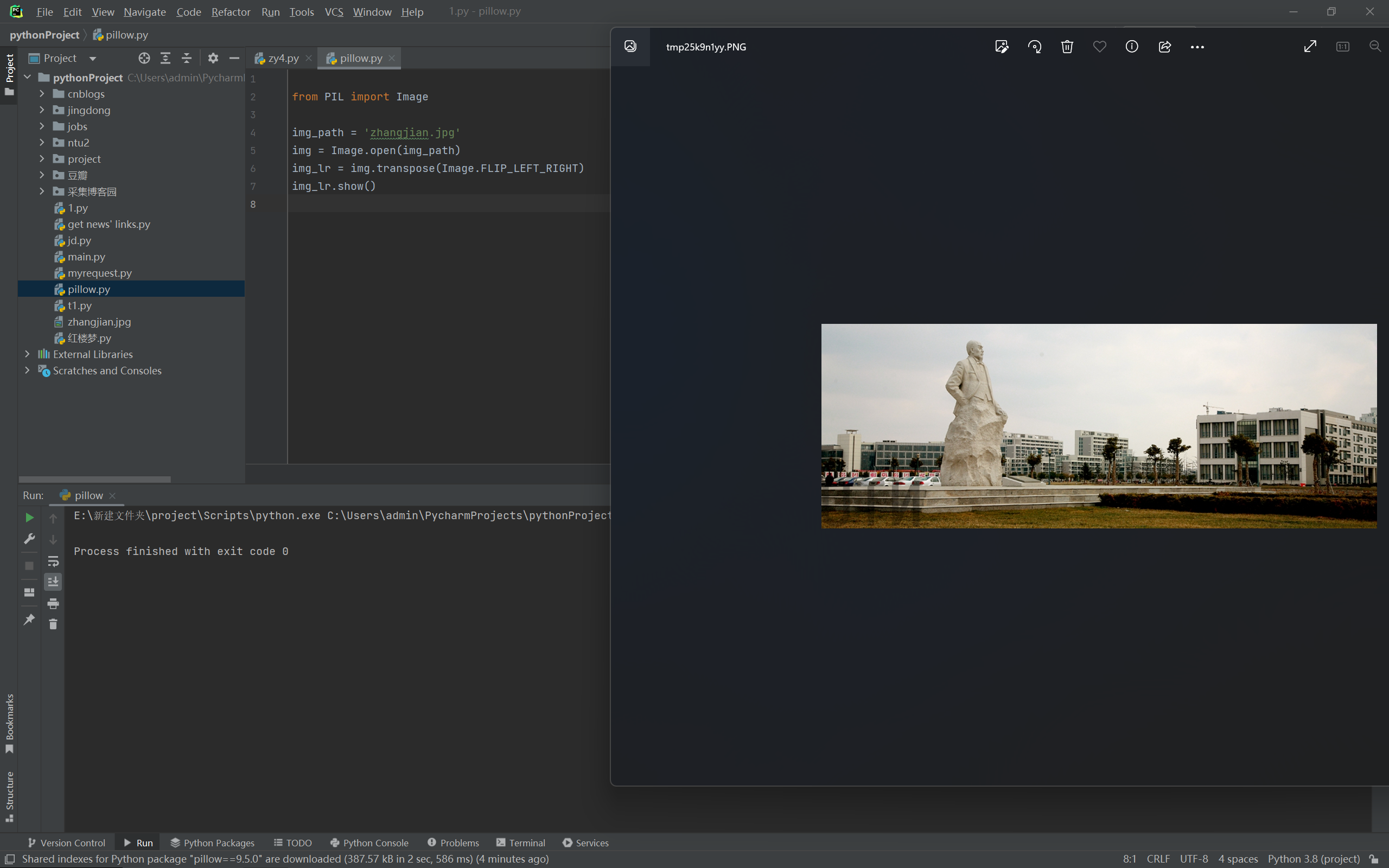
任务3)将图片左右翻转,并用Python程序显示。
任务4)将图片上下翻转,并用Python程序显示。
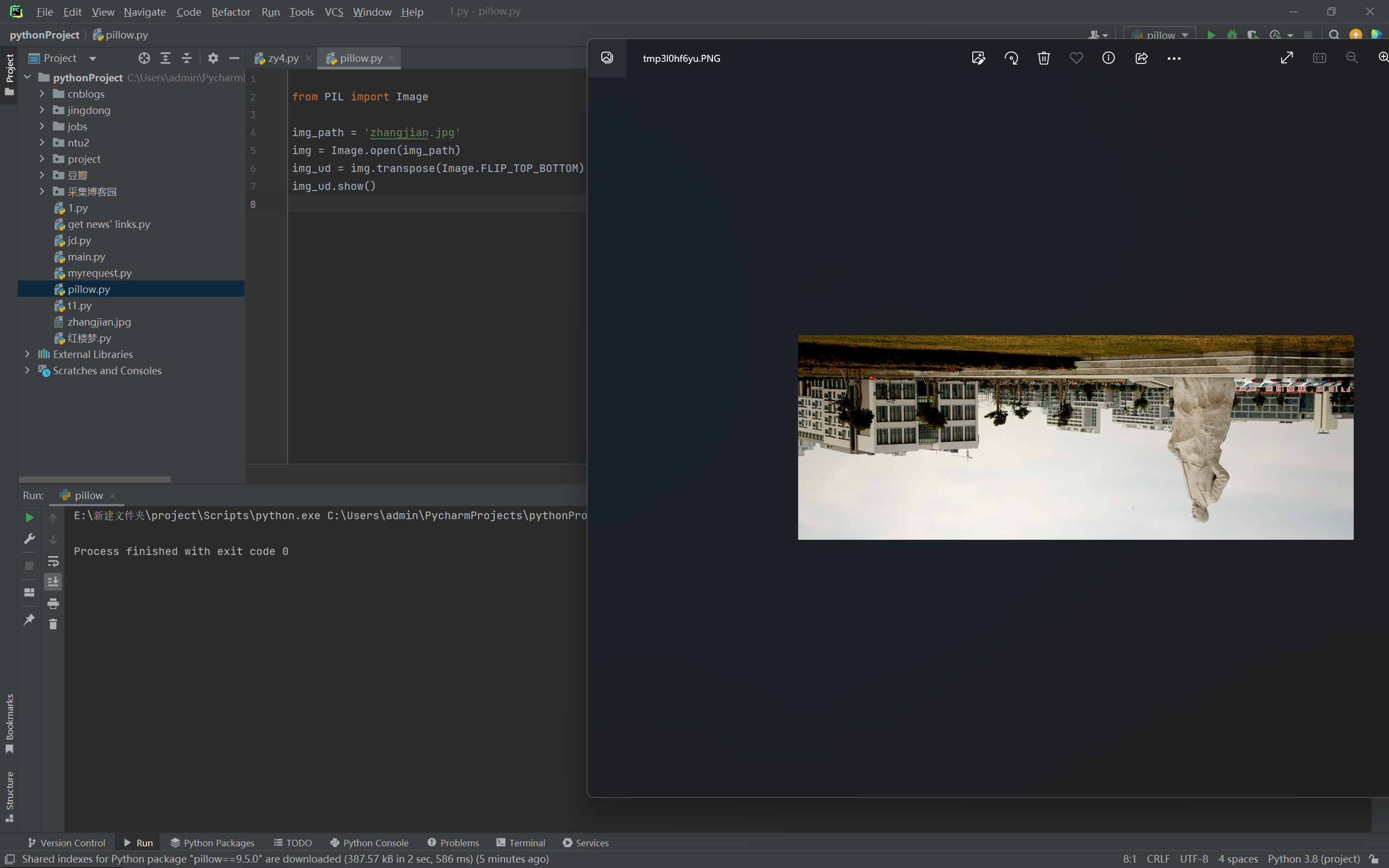
任务5)自己设想一种图片处理任务,描述清楚,并给出实现代码和程序显示图片结果。
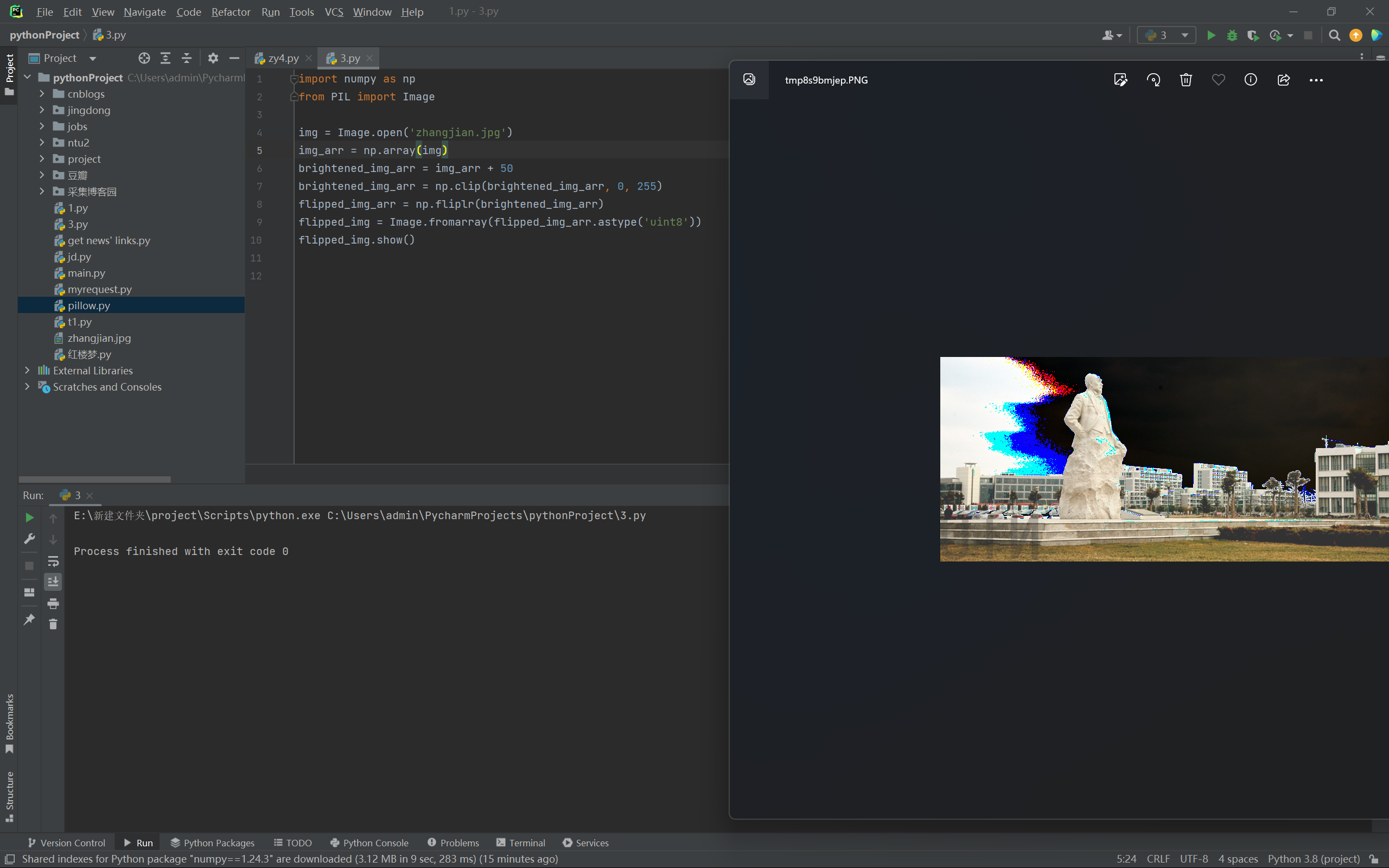
用numpy和Pillow实现将图像的亮度提升并且镜像化的操作
首先使用Pillow库的Image.open()方法读取图像,然后将图像转换为numpy数组。接着,将图像的亮度提升,使用numpy的clip()方法将图像的值限制在0-255之间,最后将图像进行镜像翻转,使用Pillow库的Image.fromarray()方法将numpy数组转换为图像,并使用show()方法显示处理后的图像,使用save()方法将处理后的图像保存到本地。
代码:
import numpy as np
from PIL import Image

img = Image.open('zhangjian.jpg')
img_arr = np.array(img)
brightened_img_arr = img_arr + 50
brightened_img_arr = np.clip(brightened_img_arr, 0, 255)
flipped_img_arr = np.fliplr(brightened_img_arr)
flipped_img = Image.fromarray(flipped_img_arr.astype('uint8'))
flipped_img.show()