


176
社区成员
 发帖
发帖 与我相关
与我相关 我的任务
我的任务
 分享
分享| Which course does this assignment belong to | Software Engineering |
|---|---|
| Where are the requirements for this assignment? | https://bbs.csdn.net/topics/617676810 |
| Team Name | SophonNexus |
| Project Name | Crowdsourced Parking Management System |
| The objective of this assignment | Beta Sprint Essay 3 |
This Beta Sprint Essay is about the Frontend development
Implement the introduction and invocation of map interfaces, draw points based on latitude and longitude to display the task heatmap, and enhance the basic functional requirements of the thematic map.
Duration: 4 days
Challenges: Utilizing an external API poses significant difficulty, especially when the external component library for the map does not provide the expected API, requiring manual exploration of relevant native code.
Implement the display, commenting, and replying functionalities for the comments section in the task details.
Duration: 2 days
Challenges: Managing the relationships between comments, replies, and nested replies can be complex, and the logic is prone to errors.
Optimize the storage of user data such as tokens using Vuex.
Duration: 5 hours
Challenges: Integration with axios configuration is needed, which can be somewhat cumbersome.
Complete the relevant basic functionalities of the personal center homepage.
Challenges: Multiple pages and complex navigation require careful restoration of layout changes.
Optimize the task details page to implement the retrieval of task areas and transfer textual data of user-marked task locations using latitude and longitude.
Duration: 5 days
Challenges: Similar to the first task, it requires utilizing an external API, and the logic for selecting grids can be quite complex.
Implement tab switching in the breadcrumb navigation for viewing tasks and functionality to display tasks in a specific order.
Duration: 3 days
Challenges: Reconstructing the layout can be challenging, as a 1:1 replication of the design may not be feasible, and the responsive layout might not be ideal.
Implement the task favoriting feature on the task details page.
Duration: 5 hours
Challenges: None.
Optimize the default navigation of user-configured routes after login.
Duration: 2 hours
Challenges: Requires calling multiple backend APIs, which may seem simple but can be time-consuming.
Centralize the management of frontend API interfaces by assigning them to an independent API file.
Duration: 4 days
Challenges: Organizing according to the backend's API documentation, with a particular emphasis on writing thorough comments.
Optimize some asynchronous functions based on axios Promises, and rewrite blocking methods.
Duration: 2 days
Challenges: Understanding the concepts of blocking and the execution order of functions may be somewhat challenging.
Implement and refine the functionality for uploading images and files in multiple formats in the task publishing module.
Duration: 4 days
Challenges: Requires utilizing the browser's built-in file API and transmitting images as URL or file streams to the backend for storage.
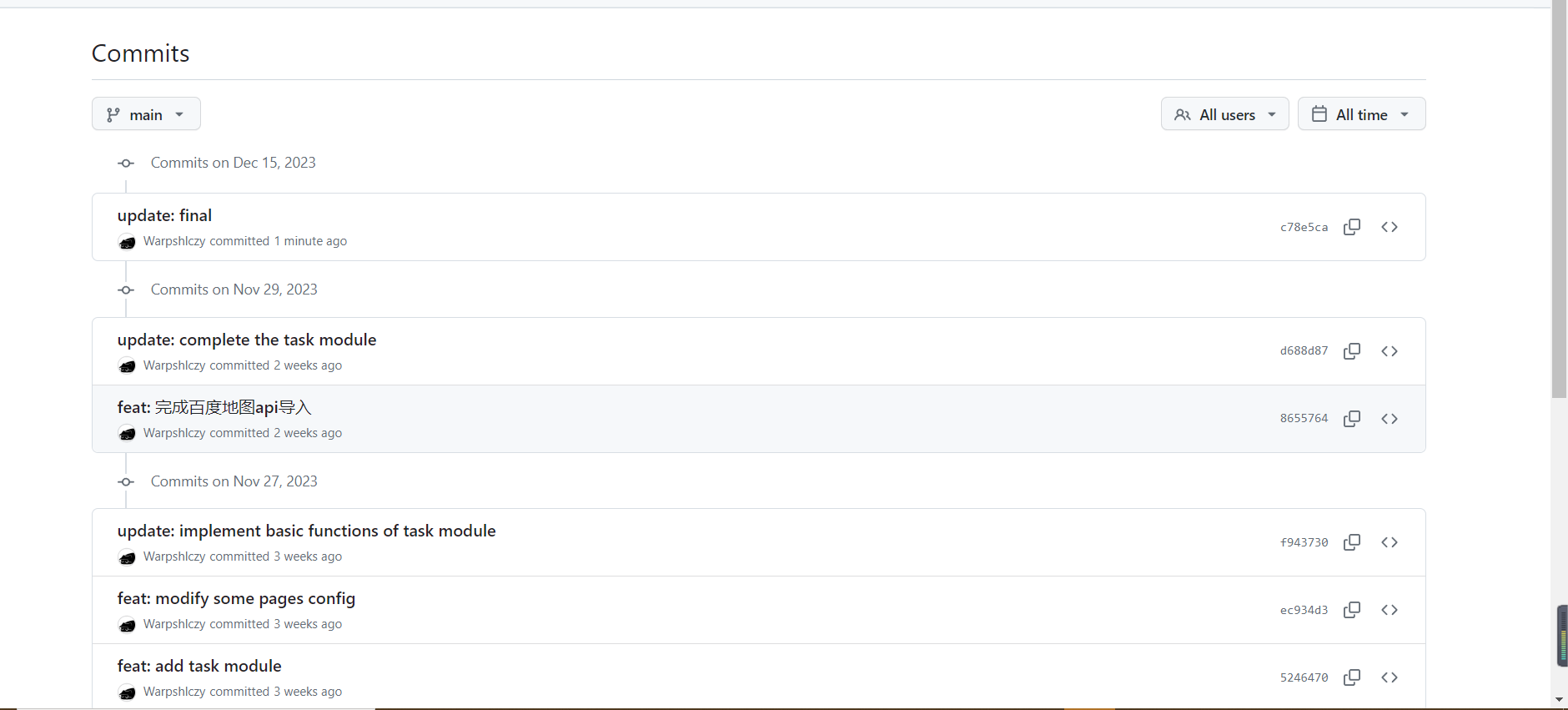
Firstly, we listed all the front-end functionalities of the software, such as user login, map display, task publishing, and so on. Then, we considered possible usage scenarios to ensure that our software functions properly in various situations.
While coding, we made sure that each functionality is independent to facilitate testing. We also used some automated testing tools, like APIFOX, to simulate user operations and check if the software operates as per our design.
We created a bunch of test cases to assess the software's performance in different scenarios, including potential problem areas. For instance, in cases of invalid user input, we also ensured that the software handles it properly.
We paid special attention to how the software performs on different devices and browsers, ensuring that users can easily access it whether on a computer or a mobile phone.
Regarding security, we conducted tests to ensure that user inputs don't lead to any issues. In conclusion, through these tests, we aimed to make the software more stable and user-friendly.

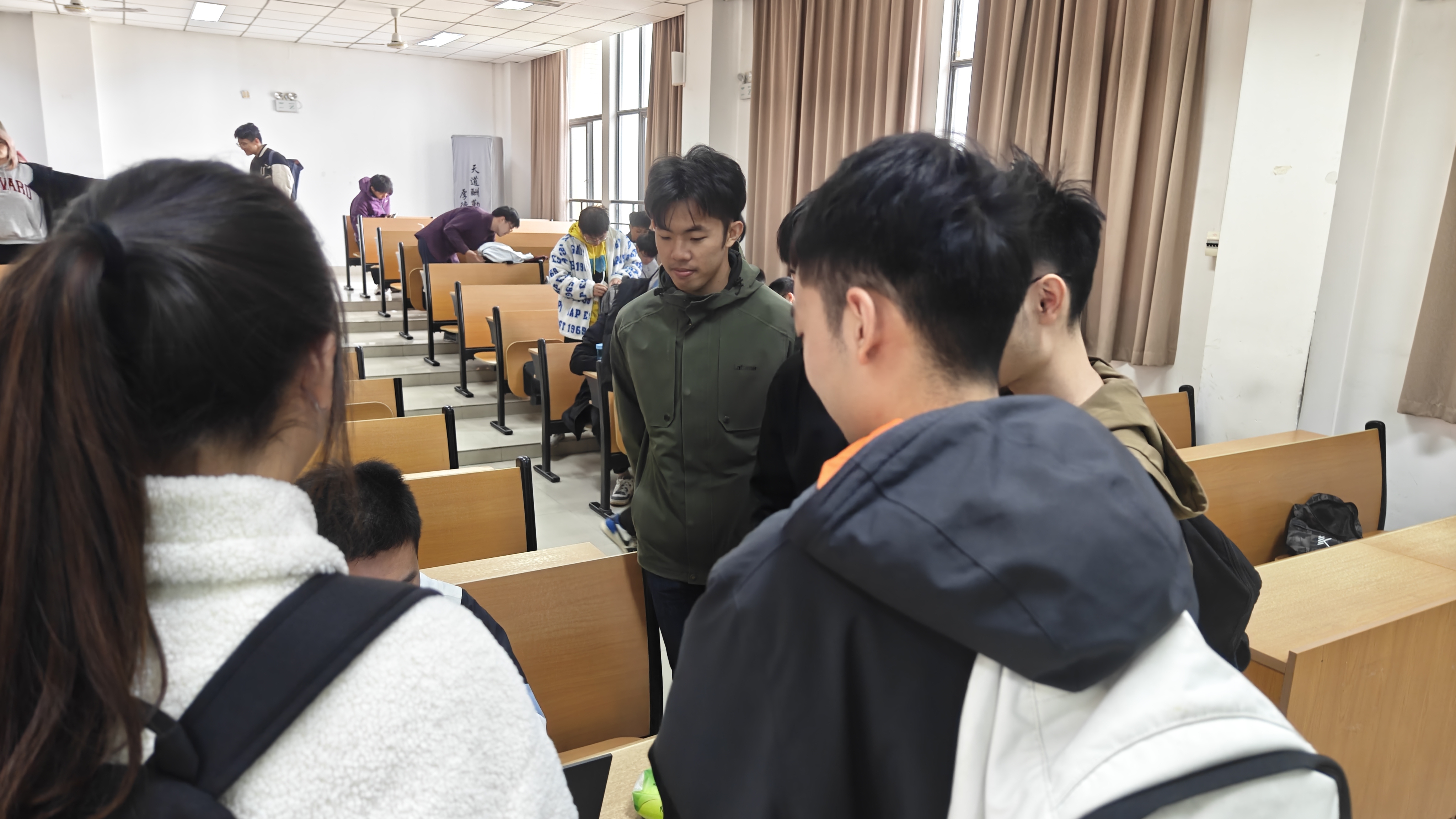
Complete the basic platform setup, including login and registration, multiple map markers, viewing tasks, task publishing, user personal management, comments, and notifications across multiple fundamental modules.
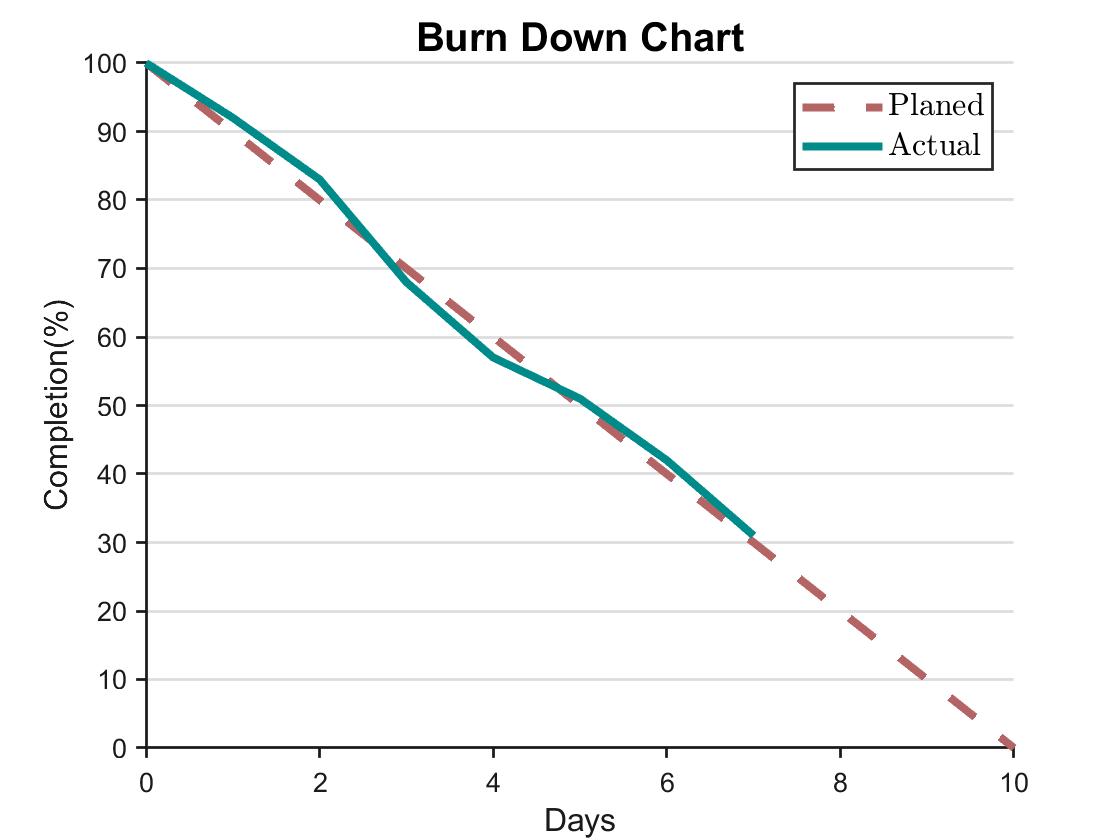
Day 1 to Day 3: 50%
Progress was relatively slow during this period as the team familiarized themselves with the use of external APIs, which posed a significant challenge as the members had not encountered them before.
Day 4 to Day 6: 72%
Team members optimized API interfaces, leading to a substantial increase in the overall development progress. Surprisingly, this also unexpectedly improved efficiency in collaboration and development.
Day 6 to Day 8: 95%
As the project approached its conclusion, the team's enthusiasm remained high. However, some functionalities were still not implemented, leading to a somewhat regrettable outcome.


