110
社区成员
 发帖
发帖 与我相关
与我相关 我的任务
我的任务
 分享
分享课程:《Python程序设计》
班级: 2212
姓名: 崔志鹏
学号:20221214
实验教师:王志强
实验日期:2024年3月13日
必修/选修: 公选课
熟悉Python开发环境;
练习Python运行、调试技能;
编写程序,练习变量和类型、字符串、对象、缩进和注释等;
掌握git技能(可把猜数字游戏上传到gitee)
打开Download PyCharm: The Python IDE for data science and web development by JetBrains,如图
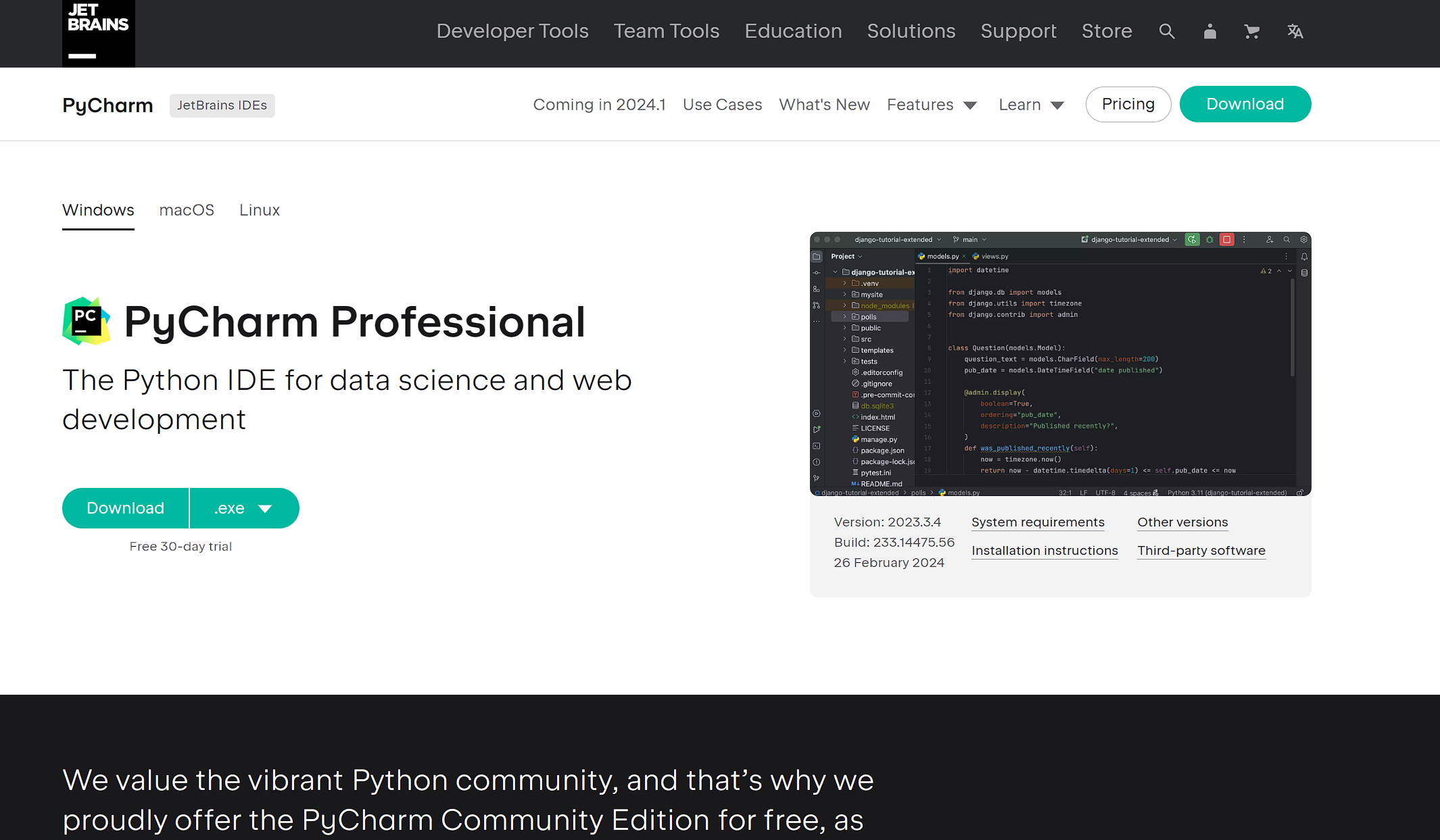
点击Download,下载并进行安装。
安装完成后,在 Jetbrain 官网注册账号,打开Free Educational Licenses - Community Support (jetbrains.com)进行学生认证,获取免费专业版权限。
打开 PyCharm ,登录账号,选择通行证,进入如图所示 Welcome 界面。
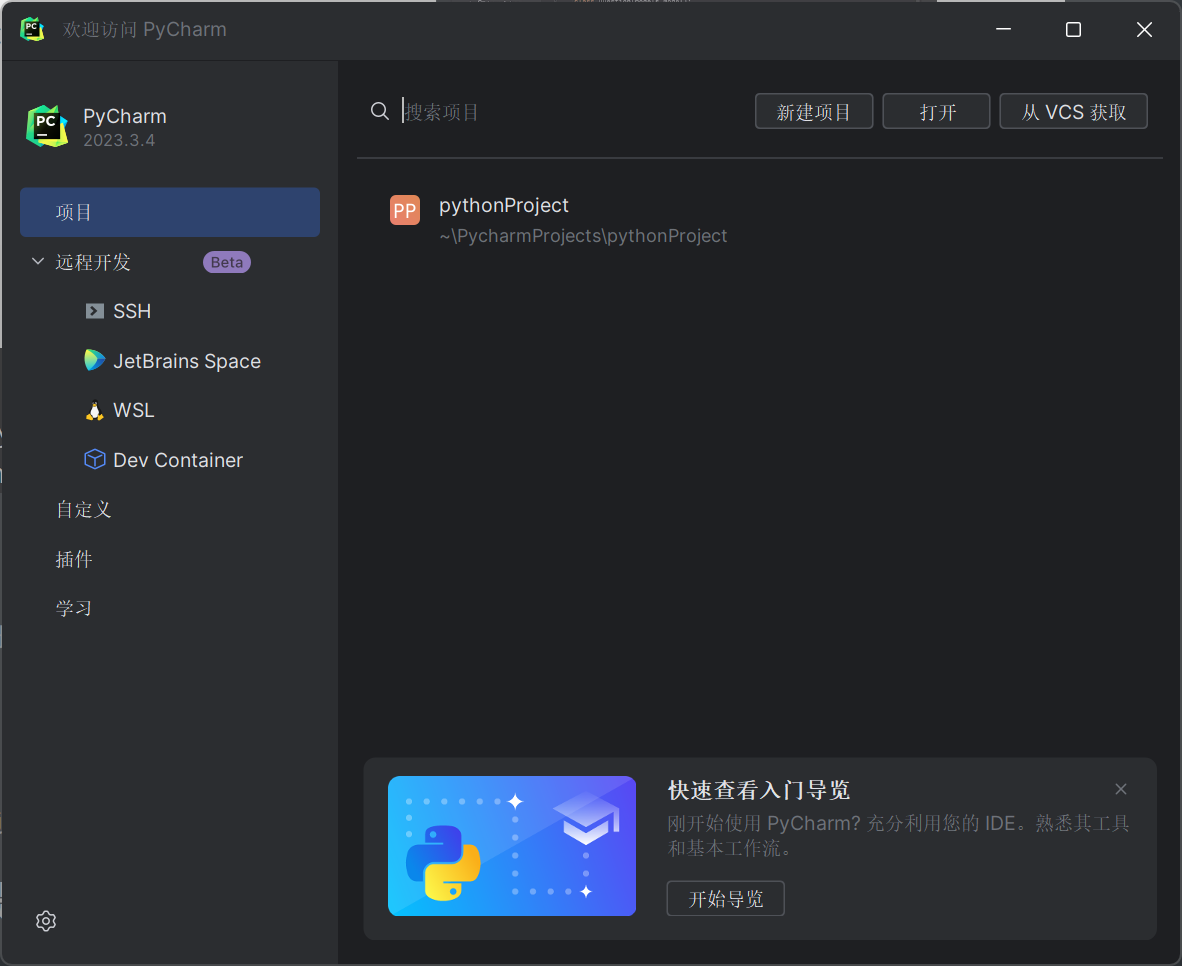
选择“新建项目”,在新建项目窗口选择创建Git仓库,点击“创建”,即可进入编辑器界面。
在编辑器右上角,可以进行运行(右三角)与调试(BUG图形)。
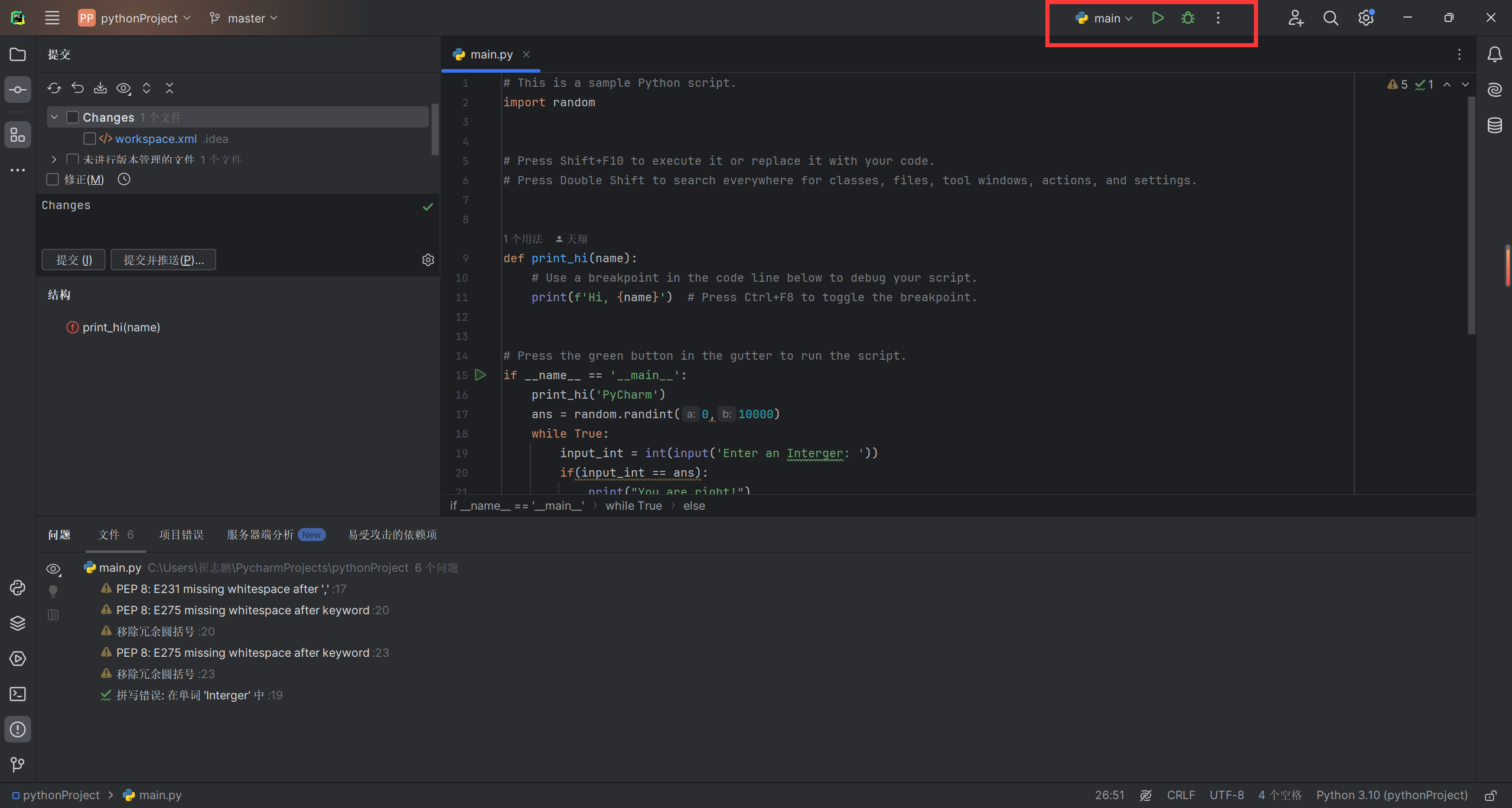
点击运行,可以在下方运行代码。
点击代码左边的行号可以在该行代码处加入断点。
点击调试,进入调试界面如图所示:

“控制台”右边的按钮最常用的主要有“恢复运行”(左三),单步步过(左5)以及单步步入等,与C语言基本相同。
#这是注释
str1 = "摆摆摆摆"    #普通字符串
str2 = b"\x00\xff"    #字节字符串
str3 = r"\n\n\n"    #会原样输出,不会转义
写出猜大小代码:
# This is a sample Python script.
import random

def print_hi(name):
    # Use a breakpoint in the code line below to debug your script.
    print(f'Hi, {name}')  # Press Ctrl+F8 to toggle the breakpoint.

if __name__ == '__main__':
    print_hi('PyCharm')
    ans = random.randint(0,10000)
    while True:
        input_int = int(input('Enter an Interger: '))
        if(input_int == ans):
            print("You are right!")
            break
        elif(input_int > ans):
            print("It will be less than your ans")
        else:
            print("It will be more than your ans")
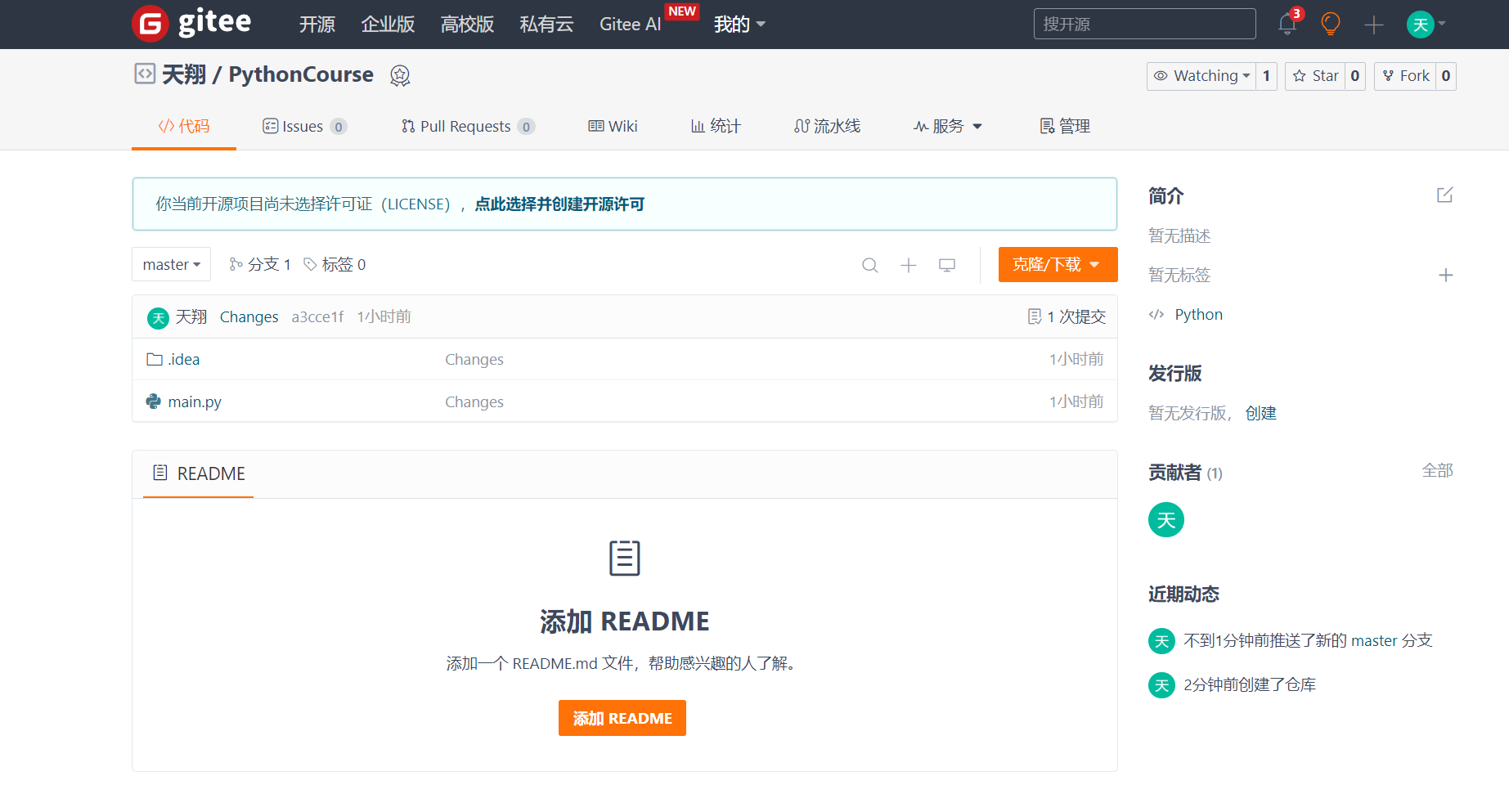
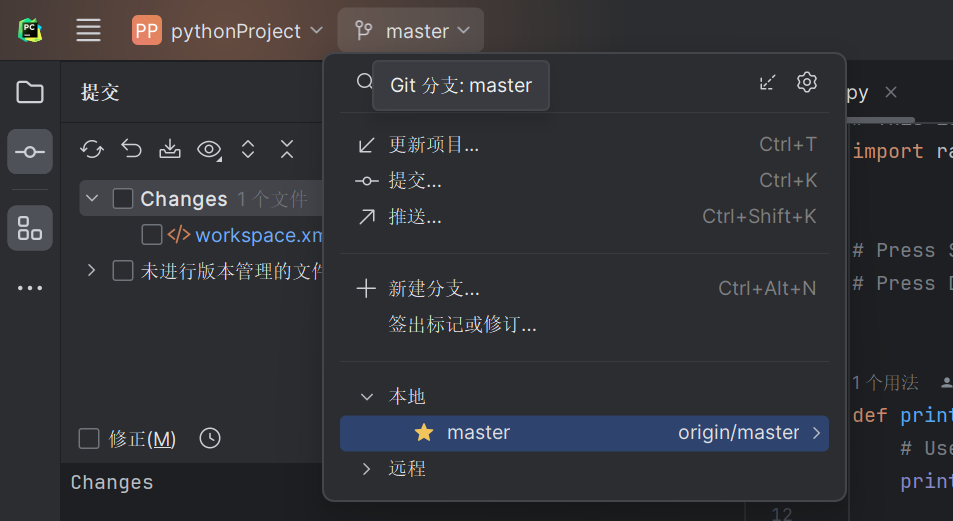
已经安装过Git,直接在左上角选择“推送”,输入git文件地址:https://gitee.com/ilovechenyu/python-course.git%EF%BC%8C%E8%BE%93%E5%85%A5%E8%B4%A6%E5%8F%B7%E5%AF%86%E7%A0%81%E8%BF%9B%E8%A1%8C%E6%8E%A8%E9%80%81%E3%80%82
可以在Gitee中看到上传的代码: