


165
社区成员
 发帖
发帖 与我相关
与我相关 我的任务
我的任务
 分享
分享| Item | Details |
|---|---|
| Course | 2025 Fall - Software Engineering Class |
| Assignment Requirement | Team Project - Alpha Sprint Blog |
| Team Name | FocusFlow |
| Author | Shengpeng Yang (FZU: 832301120, MU: 23126434) |
| Goal of this Assignment | Showcase the Alpha Sprint progress, including Focus Mode implementation, Timer logic, and Total Study Time tracking. |
| Other References | IEEE Std 830-1998, GB/T 8567-2006 |
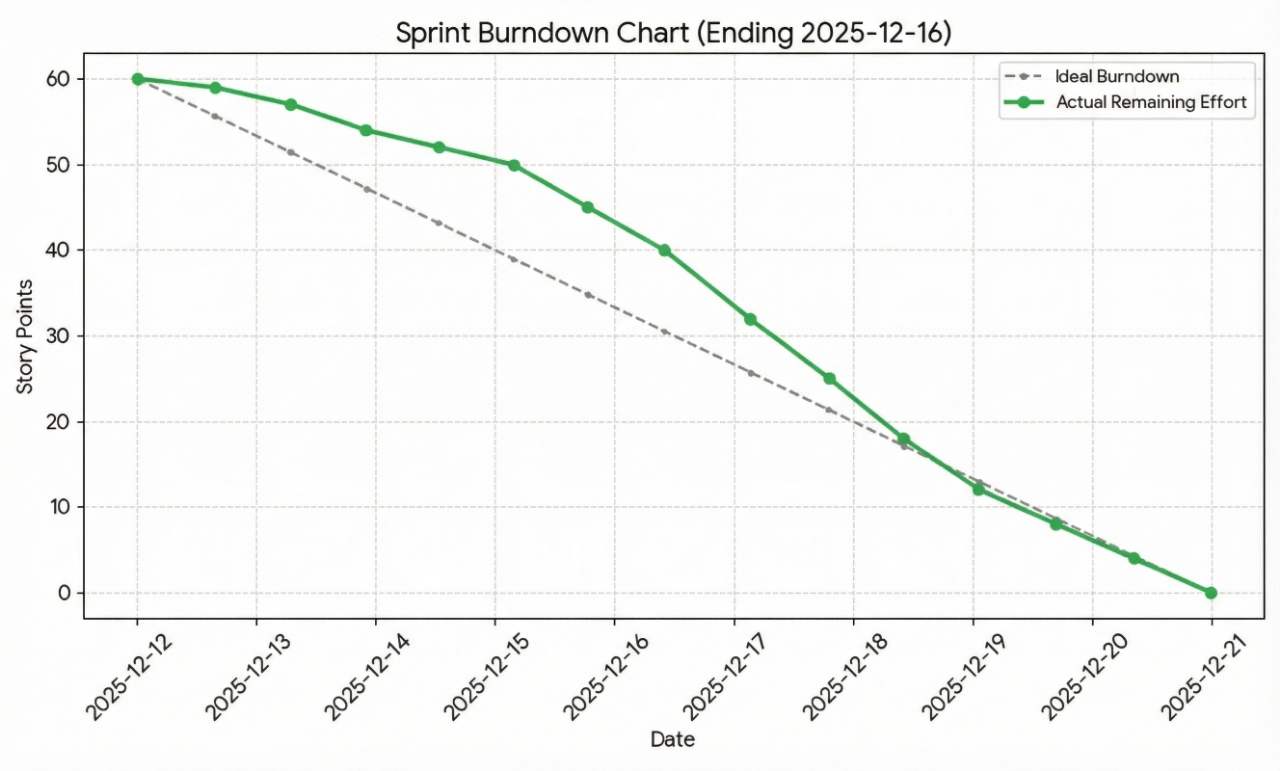
Sprint Burndown Chart
We tracked our progress meticulously throughout the sprint. The chart below illustrates our team's velocity in completing the task management user stories against our estimated timeline.
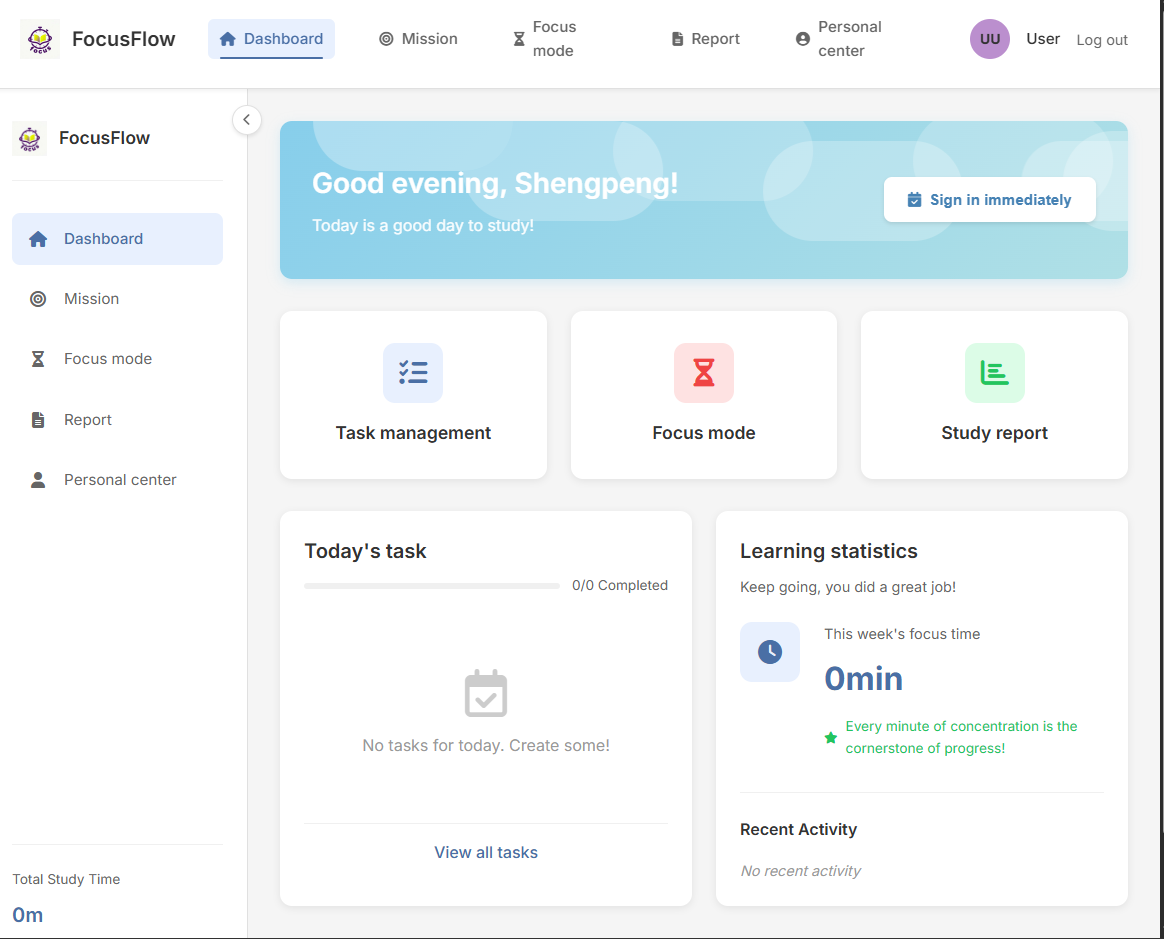
We have successfully implemented the core interfaces for managing learning tasks.
We offer a Focus Mode for users to choose from, suitable for times when concentration is needed.
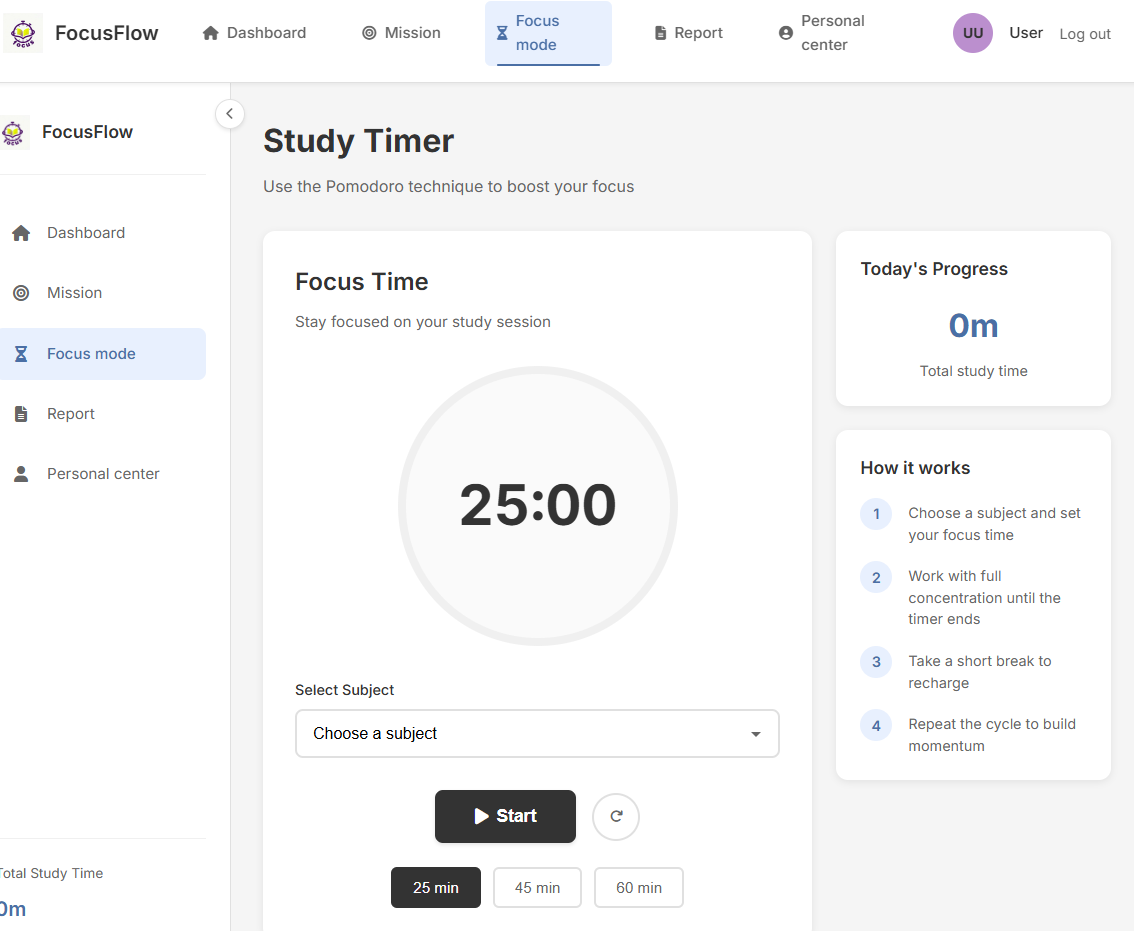
For different learning tasks or personal preferences, we provide various countdown durations to choose from.
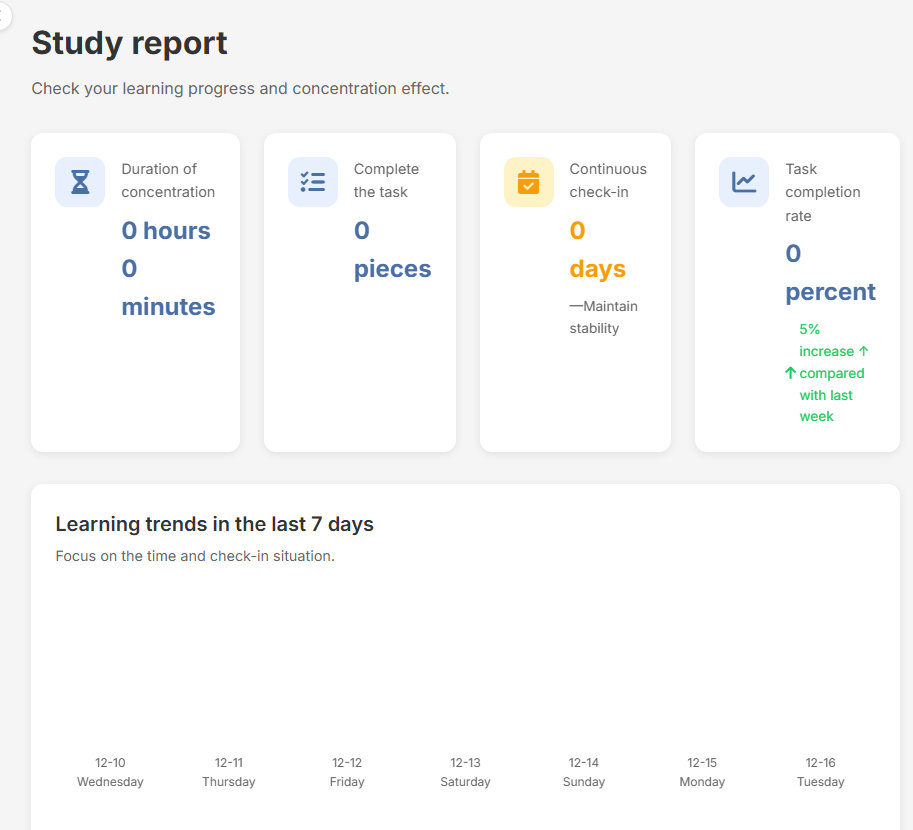
In the personal feedback module, users can also view their total learning time.
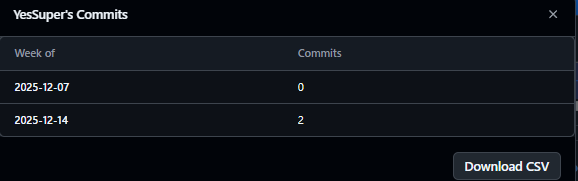
Our development process is backed by regular code commits ensuring version control and collaboration.
The backend logic is powered by Flask and SQLite. Below is an analysis of the key functions in app.py that drive the task management features.
Task Listing with Tags
The /tasks route handles the display of tasks. It fetches tasks specific to the logged-in user and retrieves associated tags for each task to ensure the frontend displays all relevant categorization data.
# app.py
@app.route('/tasks')
@login_required
def tasks():
    # ...
    # Fetch tasks sorted by due date
    tasks = conn.execute('SELECT * FROM tasks WHERE user_id = ? ORDER BY due_date ASC', (user_id,)).fetchall()

    tasks_with_tags = []
    for task in tasks:
        # Fetch tags for each specific task
        tags = conn.execute('SELECT tag FROM task_tags WHERE task_id = ?', (task['id'],)).fetchall()
        task_dict = dict(task)
        task_dict['tags'] = [tag['tag'] for tag in tags]
        # ... (Date formatting logic)
        tasks_with_tags.append(task_dict)
    # ...
Creating and Editing Tasks
We streamlined the creation and editing process into a single route /tasks/add. This function checks if a task_id is present in the form data. If it is, the system performs an UPDATE; otherwise, it performs an INSERT.
# app.py
@app.route('/tasks/add', methods=['POST'])
@login_required
def add_task():
    # ... (Data retrieval from request.form)

    if task_id:
        # Edit Mode: Update existing task
        conn.execute('''
            UPDATE tasks
            SET title = ?, description = ?, course = ?, priority = ?,
                due_date = ?, repeat = ?, status = ?, updated_at = CURRENT_TIMESTAMP
            WHERE id = ?
        ''', (title, description, course, priority, due_date, repeat, status, task_id))

        # Clear old tags to re-insert new ones
        conn.execute('DELETE FROM task_tags WHERE task_id = ?', (task_id,))
    else:
        # Create Mode: Insert new task
        cursor = conn.cursor()
        cursor.execute('''
            INSERT INTO tasks (user_id, title, description, course, priority, due_date, repeat, status)
            VALUES (?, ?, ?, ?, ?, ?, ?, ?)
        ''', (user_id, title, description, course, priority, due_date, repeat, status))
        task_id = cursor.lastrowid
    # ...
To allow for asynchronous status updates (e.g., via AJAX), we implemented a dedicated API endpoint /tasks/update_status/<int:task_id>. This verifies task ownership before updating the status to prevent unauthorized modifications.
# app.py
@app.route('/tasks/update_status/<int:task_id>', methods=['POST'])
@login_required
def update_task_status(task_id):
    # ...
    # Verification: Ensure task belongs to current user
    task = conn.execute('SELECT * FROM tasks WHERE id = ? AND user_id = ?', (task_id, user_id)).fetchone()

    # Update status
    conn.execute('UPDATE tasks SET status = ?, updated_at = CURRENT_TIMESTAMP WHERE id = ?', (new_status, task_id))
    # ...
    return jsonify({'success': True, 'message': 'Task status updated successfully!'})
Handling tags requires parsing a comma-separated string from the frontend and creating associations in the task_tags table. This logic is embedded within the add_task route.
# app.py - Inside add_task function
    # ...
    if tags:
        # Split string by comma and strip whitespace
        tag_list = [tag.strip() for tag in tags.split(',') if tag.strip()]

        for tag in tag_list:
            # Insert individual tags into the association table
            conn.execute(
                'INSERT INTO task_tags (task_id, tag) VALUES (?, ?)',
                (task_id, tag)
            )
    # ...
Completed Deliverables
FocusTimer) that automatically manages transitions between "Focus" and "Break" states and handles audio notifications.Technical Challenges and Resolutions:
isFocusMode) within the FocusTimer class. The saveFocusSession function is strictly gated behind this flag in the handleTimerComplete method, ensuring only valid learning data is committed.@app.before_request decorator. This allows us to calculate the aggregate time once and inject it into the global g object, making it accessible to the base template and all child pages automatically.

