183
社区成员
 发帖
发帖 与我相关
与我相关 我的任务
我的任务
 分享
分享| The Link Your Class | https://bbs.csdn.net/forums/MUEE308FZ |
|---|---|
| The Link of Requirement of This Assignment | https://bbs.csdn.net/topics/601188617 |
| MU STU ID and FZU STU ID | 19104928&831902108 |
| Teammate's MU STU ID and FZU STU ID | 19104219&831902103 |
| Teammate's blog link | https://bbs.csdn.net/topics/601417296 |
| GitHub link | https://github.com/yyqqxxx/bobing.git |
| Video demo link | https://vedu.csdnimg.cn/original/2887f8369c7b404a80a03f8d1b637cef/4b3391a2-17c6460e4c7.mp4 |
| Personal Software Process Stages | Estimated Time/minutes | Completed Time/minutes |
|---|---|---|
| Planning | 20 | 20 |
| Estimate | 15 | 15 |
| Development | 70 | 70 |
| Analysis | 10 | 10 |
| Design Spec | 10 | 10 |
| Design Review | 10 | 10 |
| Coding Standard | 10 | 30 |
| Design | 20 | 10 |
| Coding | 80 | 105 |
| Code Review Planning | 30 | 20 |
| Test | 10 | 10 |
| Reporting | 40 | 40 |
| Test Report | 10 | 15 |
| Size Measurement | - | - |
| Postmortem&Process Improvement | 30 | 45 |
| total | 365 | 410 |
Difficulties encountered:
1.We have never been exposed to Wechat Applet program development applications befor.
2.New programming languages need to be learned and users need to be considered.
3.This task is completed by two people, which requires two people to cooperate through GitHub. It takes time to discuss and coordinate.
Solutions:
1.We quickly learned the development process of Wechat Applet by learning online materials and videos, and used "Wechat Developer tools" to program and develop the prototype we have done in last lab work.
2.We tried to cooperate with each other through offline communication and remote warehouse cooperation on GitHub.
3.In the process, we found that some of the original ideas were difficult to implement or worth improving, so we simplified and optimized the ideas of the prototype.
You can choose your game mode here
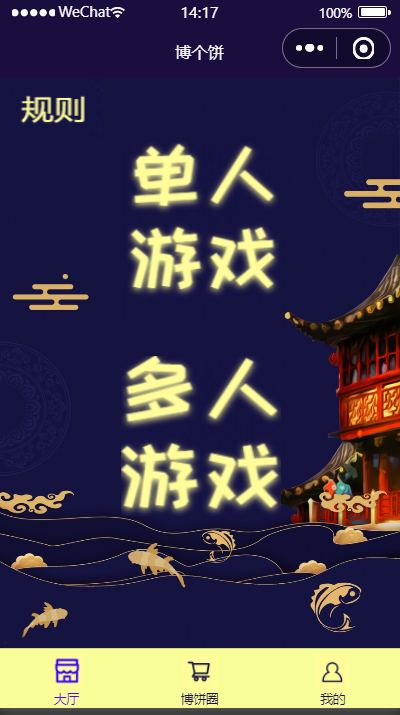
You can post comments and see what other friends are doing here

You can view and edit personal information
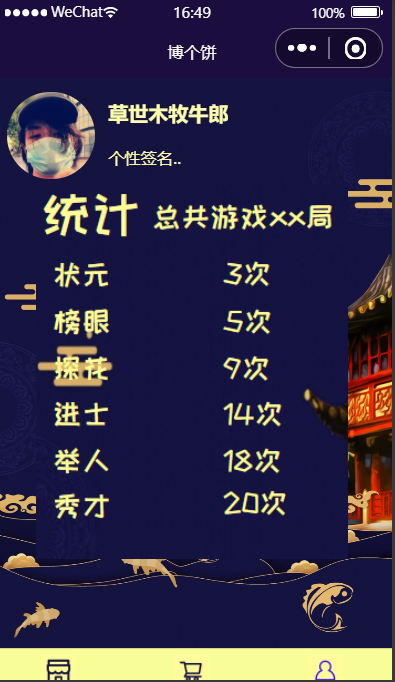
This mode allows you to roll dice online and count the results
/**
*对结果保存到list列表中,并合成每个图片路径保存到listsrc列表,countList用来保存个点数的统计个数
*/
result() {
var list = [];//初始化
var listsrc = [];//初始化
var countList=[0,0,0,0,0,0,0];//初始化
for (var i = 0; i < 6; i++) {
var t = this.random(1,6);
list.push(t);
countList[t]++;
}
this.setData({
result: list
})
for (var i = 0; i < 6; i++) {
var dicesrc = "/assets/images/dice/d" + this.data.result[i] + ".png"
listsrc.push(dicesrc)
}
this.setData({
dicelist: listsrc,
})
var flag = 0;
if ( countList[1] == 1 && countList[2] == 1 && countList[3] == 1 && countList[4] == 1 && countList[5]== 1 && countList[6] == 1) {
this.setData({
determine: "对堂!",
})
flag = 1
} else {
if ( countList[1] == 6){
this.setData({
determine:"遍地锦!",
})
}
if ( countList[4]== 1) {
this.setData({
determine: "一秀!",
})
flag = 1
}
if ( countList[4]== 2) {
this.setData({
determine: "二举!",
})
flag = 1
}
if ( countList[4] == 3) {
this.setData({
determine: "三红!",
})
flag = 1
}
if ( countList[4] == 5) {
this.setData({
determine: "五王!",
})
flag = 1
}
if ( countList[4] == 4) {
if ( countList[1] == 2) {
this.setData({
determine: "状元插金花!",
})
flag = 1
} else {
this.setData({
determine: "状元!",
})
flag = 1
}
}
if ( countList[4] == 6) {
this.setData({
determine: "六杯红!",
})
flag = 1
}
if ( countList[1] == 4 || countList[2]== 4 || countList[3] == 4 || countList[5] == 4 || countList[6] == 4) {
this.setData({
determine: "四进!",
})
flag = 1
}
if ( countList[1] == 5 || countList[2] == 5 || countList[3] == 5 || countList[5] == 5 || countList[6] == 5) {
this.setData({
determine: "五子登科!",
})
flag = 1
}
if ( countList[2] == 6 || countList[3] == 6 || countList[5] == 6 || countList[6]== 6) {
this.setData({
determine: "六杯黑!",
})
flag = 1
}
}
if (flag == 0) {
this.setData({
determine: "可惜",
})
}
console.log("输出投掷结果:", this.data.determine)
},
//开始游戏
click(){
console.log("确定房间人数:", num)
if(!this.data.num){
this.setData({
infoMess:'请选择玩家人数!',
})
}else{
this.setData({
infoMess:'',
statu:1
})
console.log("创建成功!")
}
},
click1(){
console.log("点击投掷")
this.setData({
statu: 2,
finallydetermine:[]
})
},
click2(){
console.log("停!")
this.setData({
statu: 3
})
this.result();
},
next2(){ //轮到玩家2
this.setData({
p:2,
statu:1,
determine1:determine,
})
},
next3(){ //轮到玩家3
this.setData({
p:3,
statu:1,
determine2:determine,
})
},
next4(){//轮到玩家4
this.setData({
p:4,
statu:1,
determine3:determine,
})
},
finish(){ //点击生成结果
this.setData({
p:0
})
if(num=='2人'){
this.setData({
determine2:determine,
})
}
if(num=='3人'){
this.setData({
determine3:determine,
})
}
if(num=='4人'){
this.setData({
determine4:determine,
})
}
console.log("排名完成")
},
}
| 4th lab | New code (line) | Cumulative code (line) | Learning time this week (hours) | Total Learning Time (hours) | Important growth |
|---|---|---|---|---|---|
| 1 | --- | --- | 2 | 2 | Learn how to blog |
| 2 | 100 | 100 | 3 | 5 | Learn about Git and Github and basic operations、 learn more about PyCharm、 learn about unit testing and performance testing |
| 3 | 200 | 300 | 3 | 8 | Learned the prototype design tool MockingBot roughly use method, know the formation process of a prototype |
| 4 | 500 | 800 | 5 | 13 | Learn and apply the knowledge related to Wechat Applet programming 、better cooperate with others |
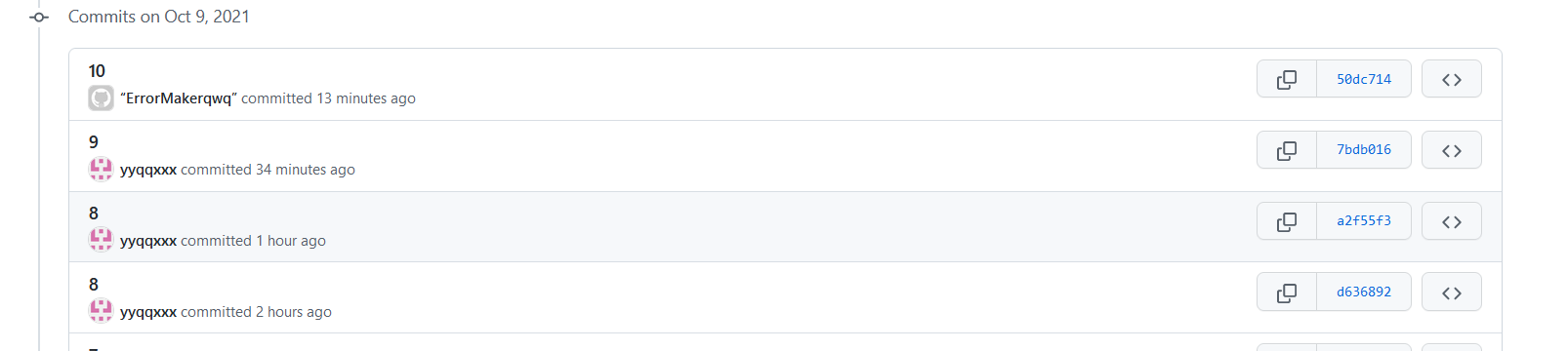
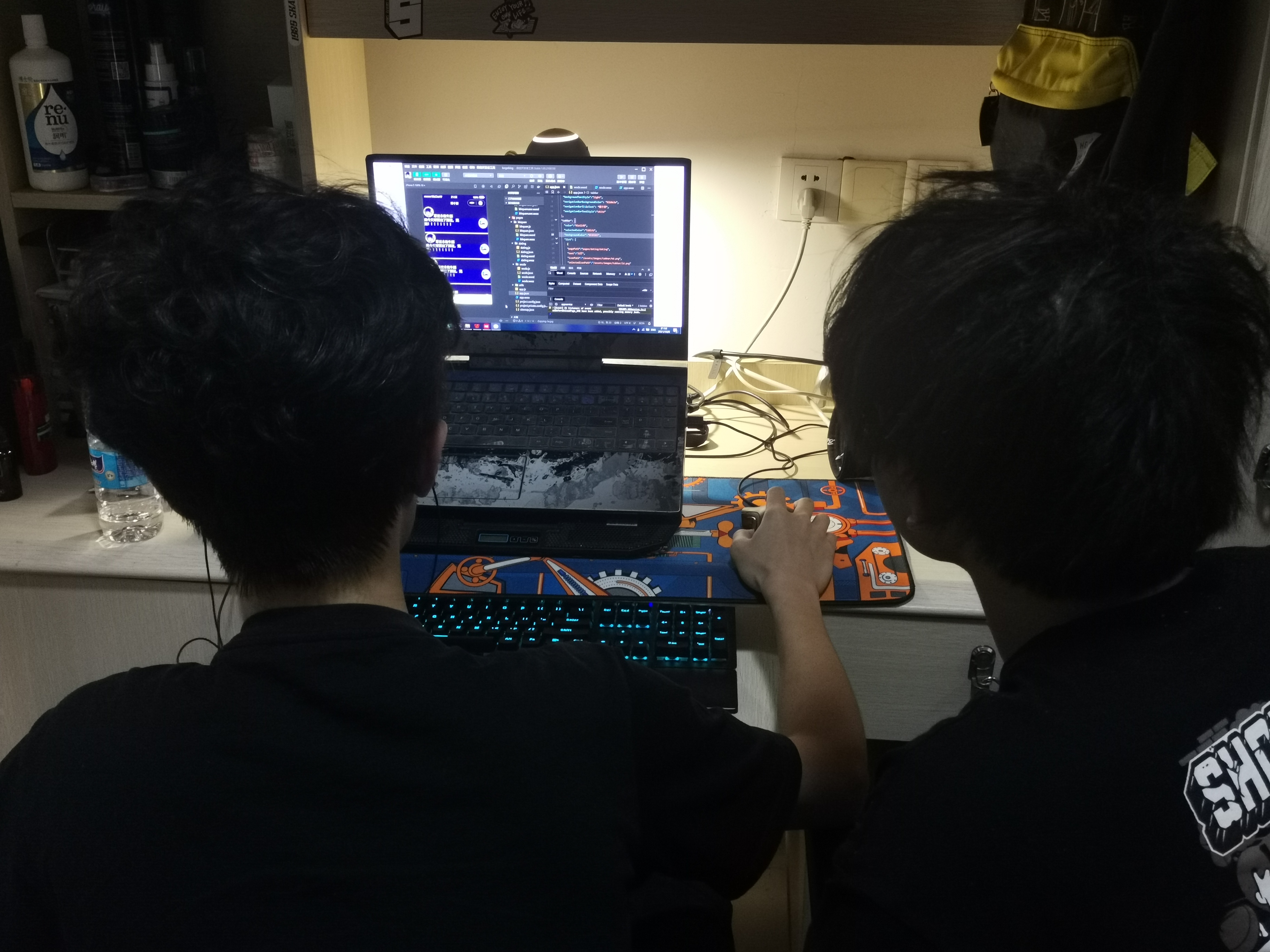
This applet development is undoubtedly is a challenge for us, we paid a lot of time also harvest a lot, such as: WeChat small program development process, programming, front-end design, etc., the most important thing is that we implemented a from idea to prototype to program the whole process of implementation, also learned how to communicate and cooperate, and his team-mates to overcome various difficulties and challenges. The work also improved our capabilities and our understanding of software development!