571
社区成员
 发帖
发帖 与我相关
与我相关 我的任务
我的任务
 分享
分享使用了Vue + Express 架构实现了在线简易聊天室,将前后端分离,使用MongoDB作为数据库,实现了用户注册、登陆、聊天等功能。
本文主要介绍后端部分,通过node.js和Express实现后端功能,采用MongoDB作为数据库,分别为前端提供Http服务和WebSocket服务,包括提供用户注册、登录功能,添加好友、处理好友申请,好友聊天功能。
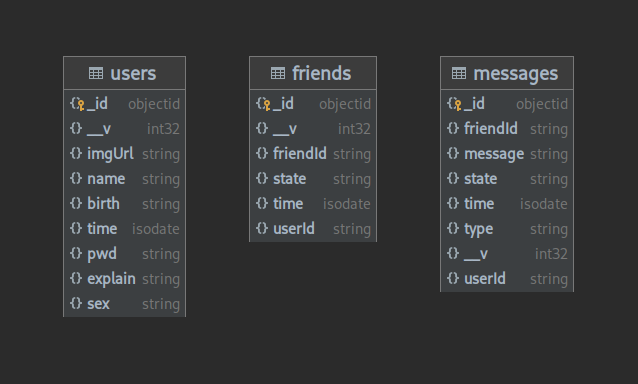
数据库采用MongoDB,包含三个表:
用户表(users)
| 字段 | 类型 | 说明 | 约束 |
|---|---|---|---|
| _id | String | 表结构id | 唯一 |
| name | String | 用户名 | 唯一 |
| pwd | String | 密码 | |
| sex | Number | 性别(0-未知,1-女,2-男) | |
| birth | Date | 生日 | |
| explain | String | 介绍 | |
| imgUrl | String | 头像链接 | |
| time | Date | 注册时间 |
好友表(friends)
| 字段 | 类型 | 说明 | 约束 |
|---|---|---|---|
| _id | String | 表结构id | 唯一 |
| userId | String | 用户id | 外键[users:_id] |
| friendId | String | 好友id | 外键[users:_id] |
| state | Number | 好友申请状态(0-已好友,1-申请中,2-已拒绝) | |
| time | Date | 好友申请时间 |
消息表(messages)
| 字段 | 类型 | 说明 | 约束 |
|---|---|---|---|
| _id | String | 表结构id | 唯一 |
| userId | String | 用户id | 外键[users:_id] |
| friendId | String | 好友id | 外键[users:_id] |
| message | String | 消息内容 | |
| type | Number | 消息类型(0-文字,1-图片,2-链接) | |
| state | String | 消息状态(0-未读,1-已读) | |
| time | Date | 消息发送时间 |
使用mongoose操作数据库。
const mongoose = require('mongoose')
const db = require('../config/db')

const UserSchema = new mongoose.Schema({
    name: {type: String},
    pwd: {type: String},
    sex: {type: Number, default: '0'},
    birth: {type: Date, default: ''},
    explain: {type: String, default: ''},
    imgUl: {type: String, default: 'user.png'},
    time: {type: Date}
})

const FriendSchema = new mongoose.Schema({
    userId: {type: String, ref: 'User'},
    friendId: {type: String, ref: 'User'},
    state: {type: String},          //  0-已为好友,1-申请中,2-对方未同意
    time: {type: Date}
})

const MessageSchema = new mongoose.Schema({
    userId: {type: String, ref: 'User'},
    friendId: {type: String, ref: 'User'},
    message: {type: String},
    type: {type: String},       // 0-文字,1-图片,3-链接
    state: {type: String},      // 0-已读,1-未读
    time: {type: Date}
})

module.exports = db.model('User', UserSchema)
module.exports = db.model('Friend', FriendSchema)
module.exports = db.model('Message', MessageSchema)
后端提供http服务,支持注册、登录、获取用户信息、获取好友列表等功能。
| 参数 | 类型 | 说明 | 必选 |
|---|---|---|---|
| usename | String | 用户名 | true |
| password | String | 密码 | true |
| 返回字段 | 类型 | 说明 | 必选 |
|---|---|---|---|
| status | Boolean | 注册是否成功 | true |
| exists | Boolean | 帐号是否已存在 | true |
登录: POST http://127.0.0.1:3000/login
请求参数:
| 参数 | 类型 | 说明 | 必选 |
|---|---|---|---|
| usename | String | 用户名 | true |
| password | String | 密码 | true |
返回字段:
| 返回字段 | 类型 | 说明 | 必选 |
|---|---|---|---|
| status | Boolean | 登录是否成功 | true |
| token | String | 用户token | false |
| userInfo | Json | 用户信息 | false |
获取用户信息: POST http://127.0.0.1:3000/getUserInfo
请求参数:
| 参数 | 类型 | 说明 | 必选 |
|---|---|---|---|
| userId | String | 用户id | true |
返回字段:
| 返回字段 | 类型 | 说明 | 必选 |
|---|---|---|---|
| status | Boolean | 获取是否成功 | true |
| userInfo | Json | 用户信息 | false |
获取好友列表: POST http://127.0.0.1:3000/getFriends
请求参数:
| 参数 | 类型 | 说明 | 必选 |
|---|---|---|---|
| token | String | 用户token | true |
返回字段:
| 返回字段 | 类型 | 说明 | 必选 |
|---|---|---|---|
| status | Boolean | 获取是否成功 | true |
| friends | JsonArray | 好友信息列表 | false |
获取单聊信息列表: POST http://127.0.0.1:3000/pullMessages
请求参数:
| 参数 | 类型 | 说明 | 必选 |
|---|---|---|---|
| token | String | 用户token | true |
返回字段:
| 返回字段 | 类型 | 说明 | 必选 |
|---|---|---|---|
| status | Boolean | 获取是否成功 | true |
| messages | JsonArray | 单聊信息列表 | false |
申请添加好友
POST http://127.0.0.1:3000/addFriend
请求参数:
| 参数 | 类型 | 说明 | 必选 |
|---|---|---|---|
| token | String | 用户token | true |
| userId | String | 用户id | true |
返回字段:
| 返回字段 | 类型 | 说明 | 必选 |
|---|---|---|---|
| status | Boolean | 获取是否成功 | true |
| exists | Boolean | 好友关系是否已存在 | true |
代码:
const express = require('express')

const app = express()
const port = 3000

app.use(express.json()) // for parsing application/json
app.use(express.urlencoded({ extended: true })) // for parsing application/x-www-form-urlencoded

// 前后端分离跨域访问
app.use((req, res, next) => {
    res.header('Access-Control-Allow-Origin', 'http://localhost:8080')
    res.header('Access-Control-Allow-Headers', 'Authorization,X-API-KEY, Origin, X-Requested-With, Content-Type, Accept, Access-Control-Request-Method' )
    res.header('Access-Control-Allow-Methods', 'GET, POST, OPTIONS, PATCH, PUT, DELETE')
    res.header('Allow', 'GET, POST, PATCH, OPTIONS, PUT, DELETE')
    next();
})

app.use(express.static('./assets'))

// 路由
require('./router/index')(app)

app.use((req, res, next) => {
    let err = new Error("Not Found")
    err.Status = 404
    next(err)
})

app.listen(port, () => {
    console.log(`Server listening at http://localhost:${port}`)
})
# router/index
const dbServer = require('../dao/dbServer')
const register = require('../api/register')
const login = require('../api/login')
const getFriends = require('../api/getFriends')
const addFriend = require('../api/addFriend')
const pushMessage = require('../api/pushMessage')
const getUserInfo = require('../api/getUserInfo')
const pullMessages = require('../api/pullMessages')
const dealFriend = require('../api/dealFriend')
const searchFriend = require('../api/searchFriend')

module.exports = function(app) {
    app.get('/test', (req, res) => {
        res.send('Hello Test!')
    })
    app.post('/register', (req, res) => {
        register.register(req, res)
    })
    app.post('/login', (req, res) => {
        login.login(req, res)
    })
    app.post('/getUserInfo', (req, res) => {
        getUserInfo.getUserInfo(req, res)
    })
    app.post('/getFriends', (req, res) => {
        getFriends.getFriends(req, res)
    })
    app.post('/pullMessages', (req, res) => {
        pullMessages.pullMessages(req, res)
    })
    app.post('/searchFriend', (req, res) => {
        searchFriend.searchFriend(req, res)
    })
    app.post('/addFriend', (req, res) => {
        addFriend.addFriend(req, res)
    })
}
后端还提供WebSocket服务,支持添加好友、好友聊天等功能,将添加好友、发送的消息广播给好友。
{
    type: "addFriend",
    data: {
        token: "eyJhbGciOiJIUzI1NiIsInR5cCI6IkpXVCJ9.eyJpZCI6IjYxZDEwNmRkZjAxZDNlODRlYmVmNTQ2MCIsImRhdGEiOiIyMDIyLTAxLTE3VDEyOjMxOjIxLjU2MloiLCJpYXQiOjE2NDI0MjI2ODEsImV4cCI6MTY0MjUwOTA4MX0.Zk4jcc_BsVBb_ri-do8lSvPfWxU1Q8mV_CBfljxDLiU",
        userId: "61e561920bd388f7073927b1"
    }
}
{
    type: "addFriend",
    data: {
        _id: new ObjectId("61e5700e0bd388f7073927ed"),
        userId: "61d106ddf01d3e84ebef5460",
        friendId: "61e556c573f70498d7087235",
        state: "0",
        time: "2022-01-17T13:33:02.000Z",
        __v: 0
  }
}
{
    type: "dealFriend",
    data: {
        token: "eyJhbGciOiJIUzI1NiIsInR5cCI6IkpXVCJ9.eyJpZCI6IjYxZDEwNmRkZjAxZDNlODRlYmVmNTQ2MCIsImRhdGEiOiIyMDIyLTAxLTE3VDEyOjMxOjIxLjU2MloiLCJpYXQiOjE2NDI0MjI2ODEsImV4cCI6MTY0MjUwOTA4MX0.Zk4jcc_BsVBb_ri-do8lSvPfWxU1Q8mV_CBfljxDLiU",
        userId: "61e561920bd388f7073927b1",
        agree: true
    }
}
{
    type: "dealFriend",
    data: {
        _id: new ObjectId("61e5700e0bd388f7073927ed"),
        userId: "61d106ddf01d3e84ebef5460",
        friendId: "61e556c573f70498d7087235",
        state: "0",
        __v: 0
  }
}
{
    type: "sendMsg",
    data: {
        token: "eyJhbGciOiJIUzI1NiIsInR5cCI6IkpXVCJ9.eyJpZCI6IjYxZDEwNmRkZjAxZDNlODRlYmVmNTQ2MCIsImRhdGEiOiIyMDIyLTAxLTE3VDEyOjMxOjIxLjU2MloiLCJpYXQiOjE2NDI0MjI2ODEsImV4cCI6MTY0MjUwOTA4MX0.Zk4jcc_BsVBb_ri-do8lSvPfWxU1Q8mV_CBfljxDLiU",
        userId: "61e561920bd388f7073927b1",
        message: "Hello World!",
        type: "0",
    }
}
{
    type: "senMsg",
    data: {
        _id: new ObjectId("61e5700e0bd388f7073927ed"),
        userId: "61d106ddf01d3e84ebef5460",
        friendId: "61e556c573f70498d7087235",
        message: "Hello World!",
        type: "0",
        state: "0",
        time: "2022-01-17T13:33:02.000Z",
        __v: 0
  }
}
代码:
const ws = require('ws')

const wss = new ws.WebSocketServer({ port: 7000 })

wss.on('open', () => {
    console.log('WebSocket Open')
})

wss.on('close', () => {
    console.log('WebSocket Close')
})

wss.on('error', () => {
    console.log('WebSocket Error')
})

wss.on('connection', function connection(ws) {
    ws.on('message', function message(data) {
        let sData = JSON.parse(data)
        console.log('received: %s', data)
        if (sData.type === 'sendMsg') {
            pushMessage.pushMessageSocket(sData.data).then((res) => {
                console.log(res)
                wss.clients.forEach(function each(c) {
                    c.send(JSON.stringify({ type:'sendMsg', data: res }), { binary: false })
                })
            })
        } else if (sData.type === 'addFriend') {
            addFriend.addFriendSocket(sData.data).then((res) => {
                // console.log(res)
                wss.clients.forEach(function each(c) {
                    c.send(JSON.stringify({ type:'addFriend', data: res }), { binary: false })
                })
            })
        } else if (sData.type === 'dealFriend') {
            dealFriend.dealFriendSocket(sData.data).then((res) => {
                console.log(res)
                if (res) {
                    if (sData.data.agree === true) {
                        sData.data['state'] = '0'
                    } else if (sData.data.agree === false) {
                        sData.data['state'] = '2'
                    }
                    let payload = jwt.verifyToken(sData.data.token)
                    sData.data['friendId'] = payload.id
                    wss.clients.forEach(function each(c) {
                        c.send(JSON.stringify(sData), { binary: false })
                    })
                }
            })
        }
    })
})
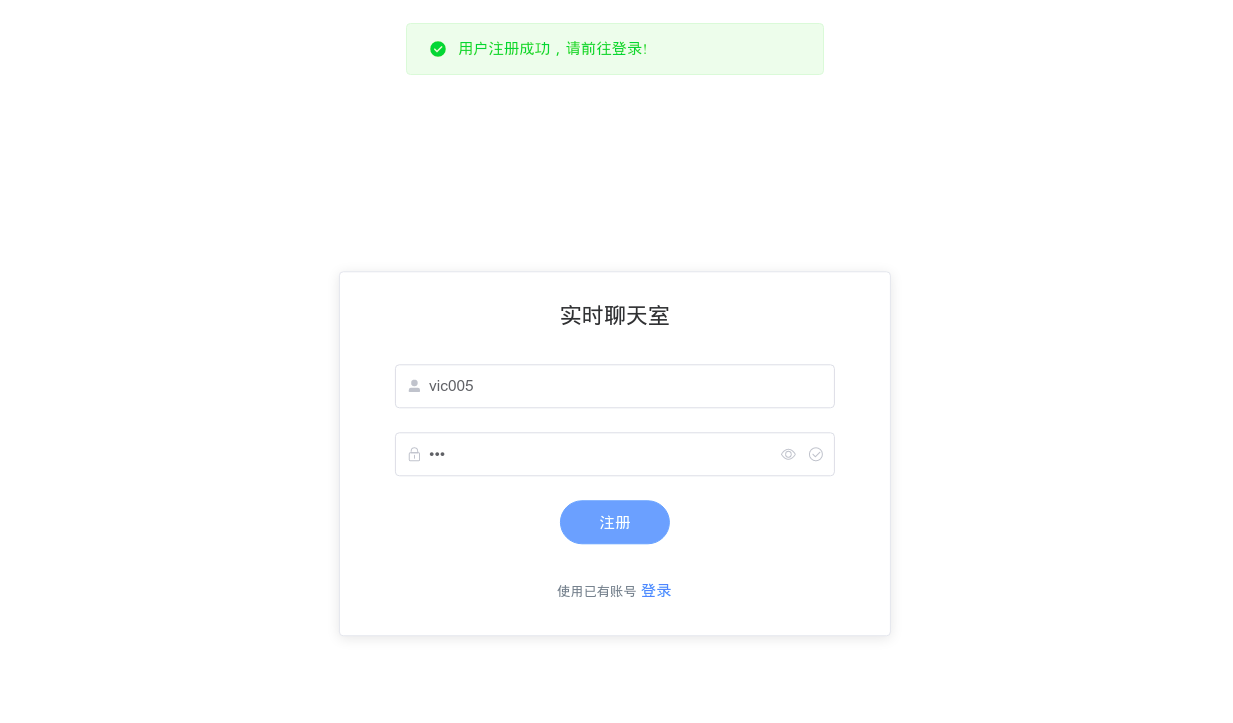
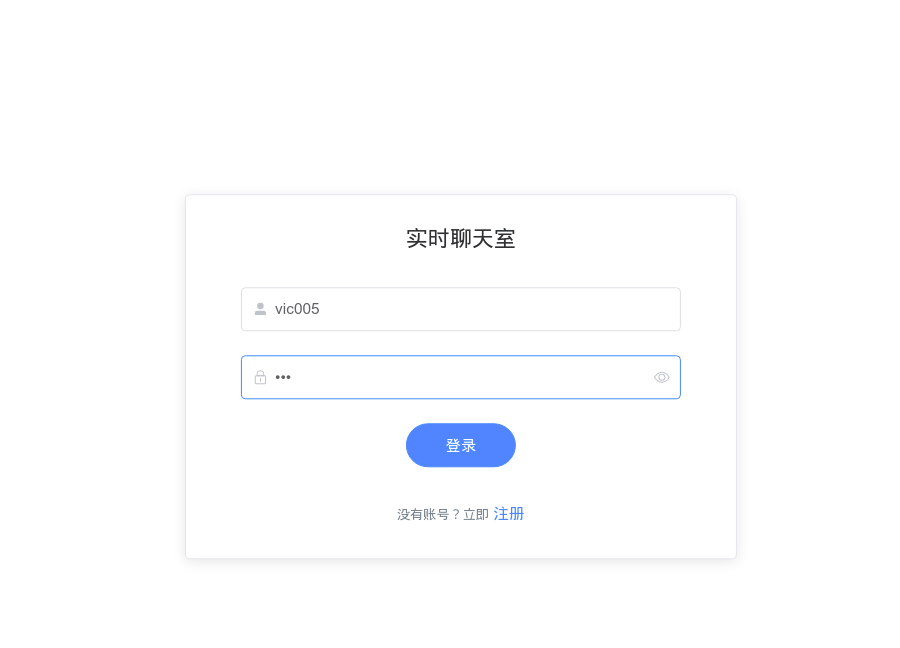
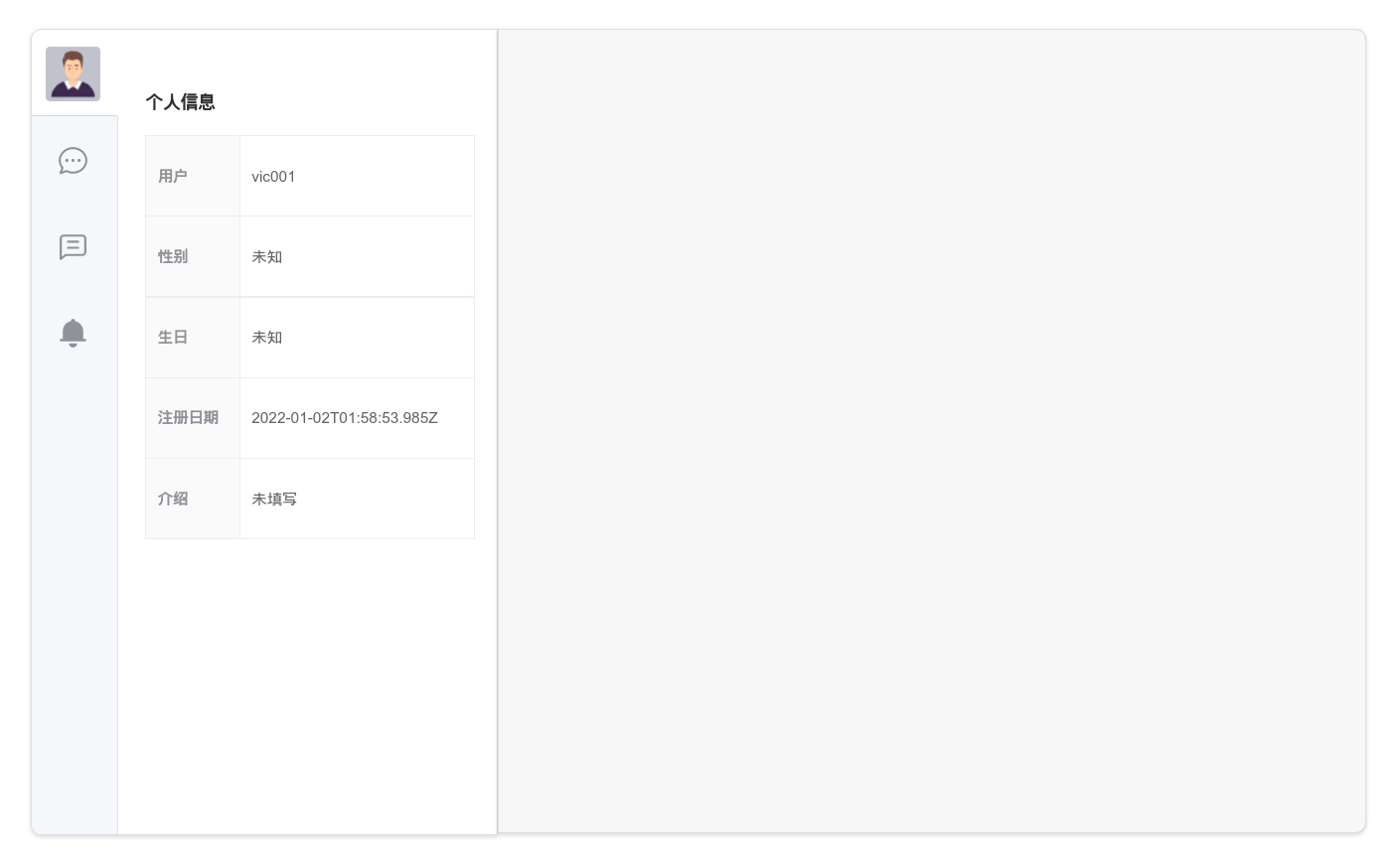
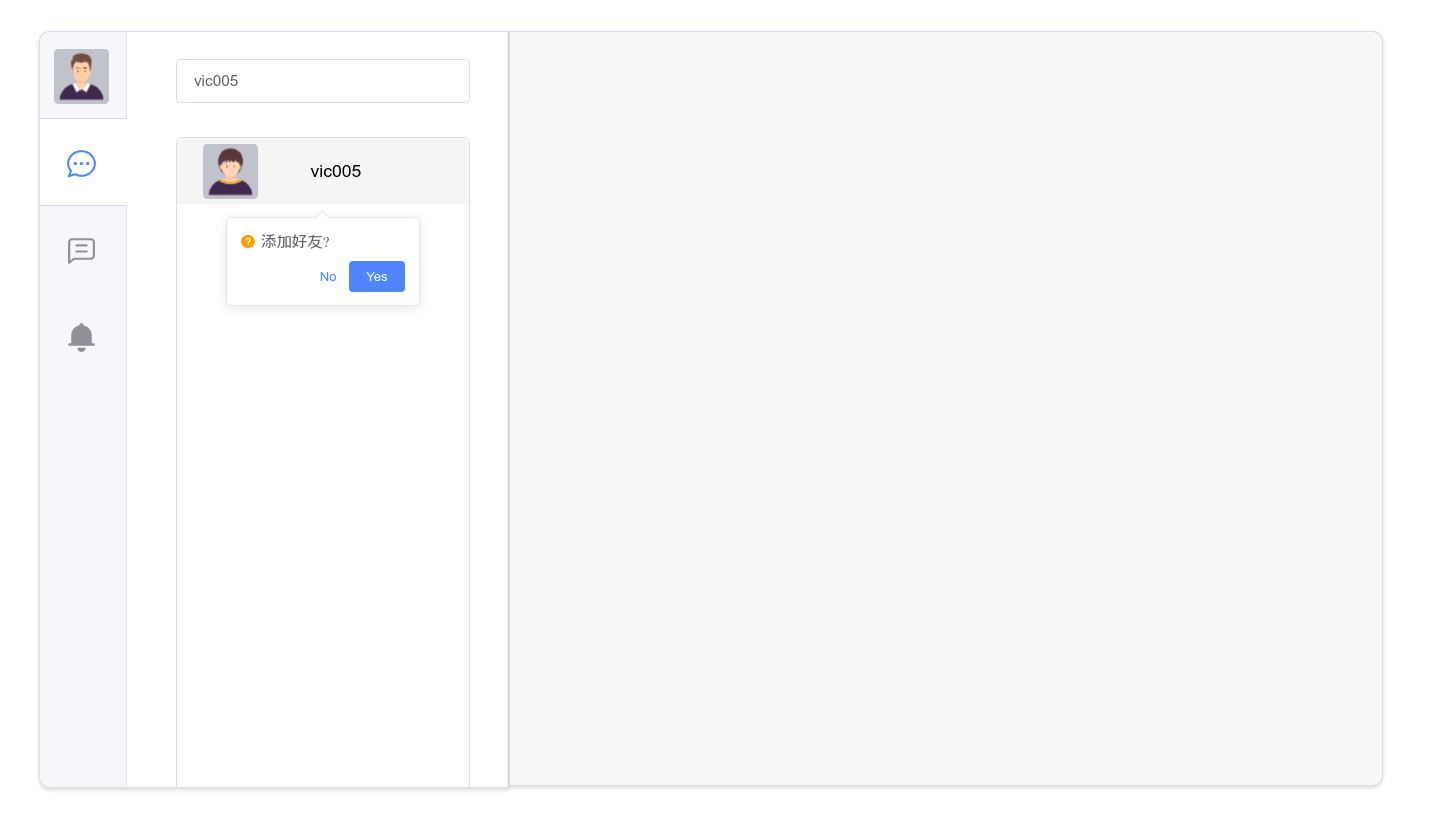
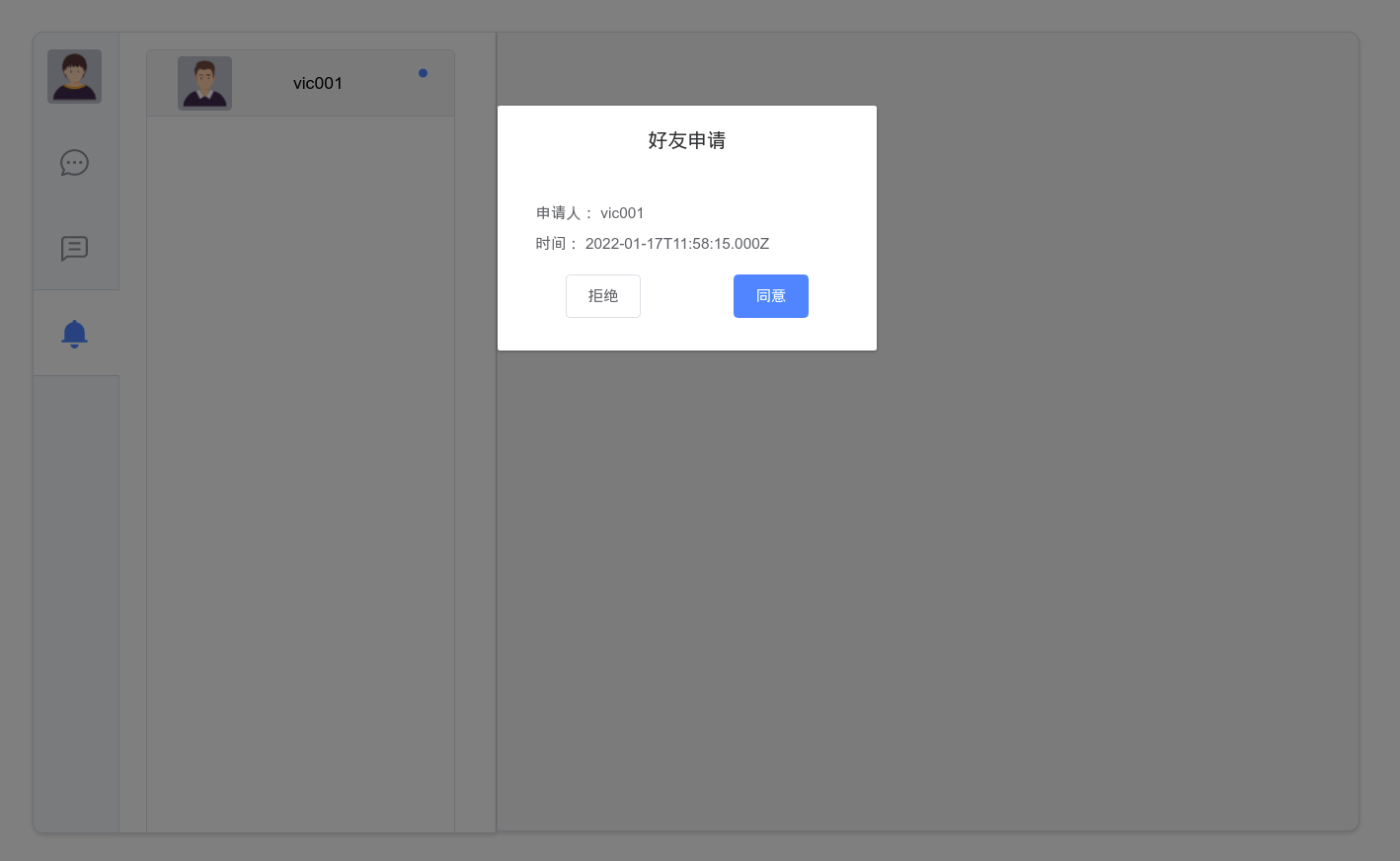
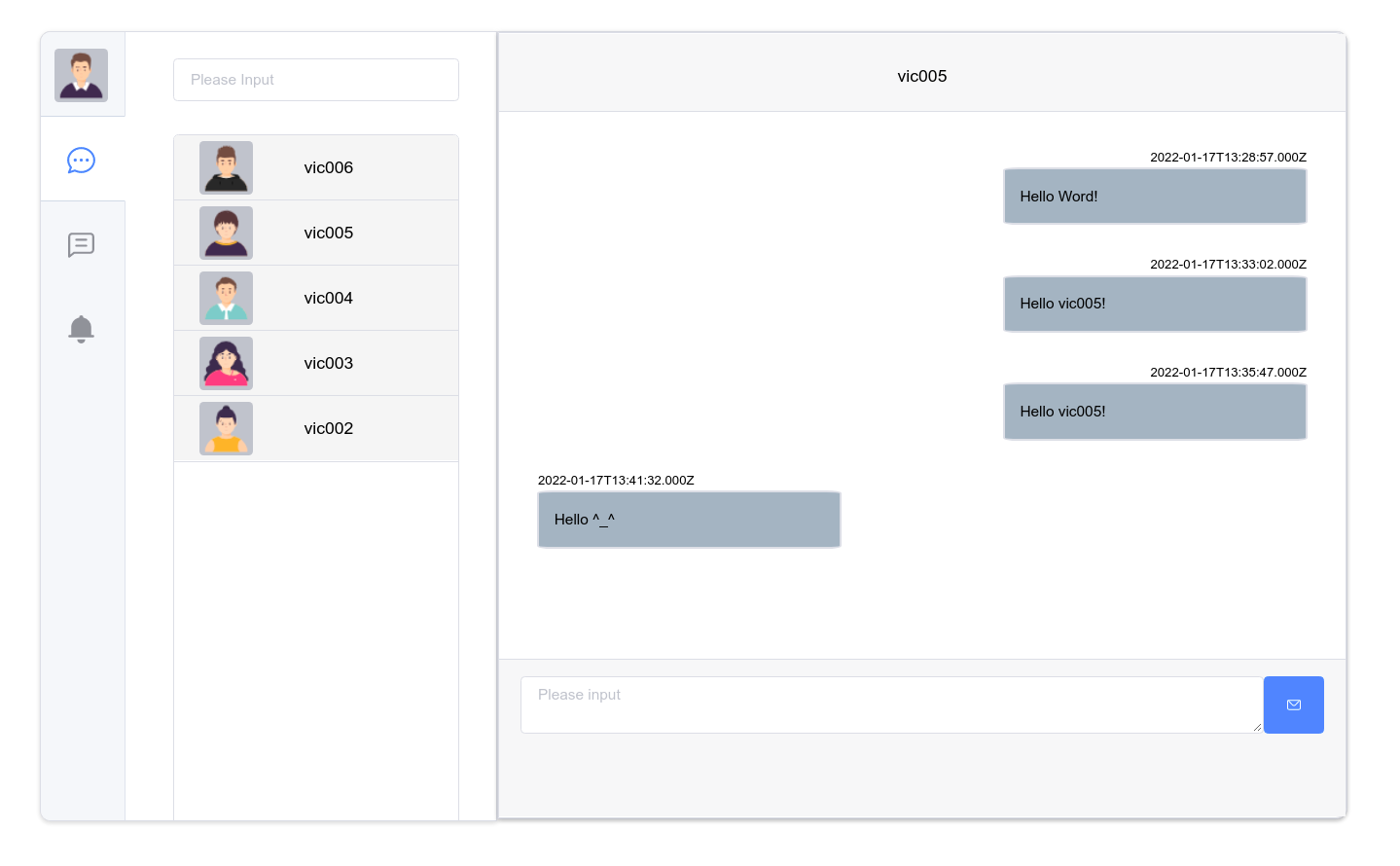
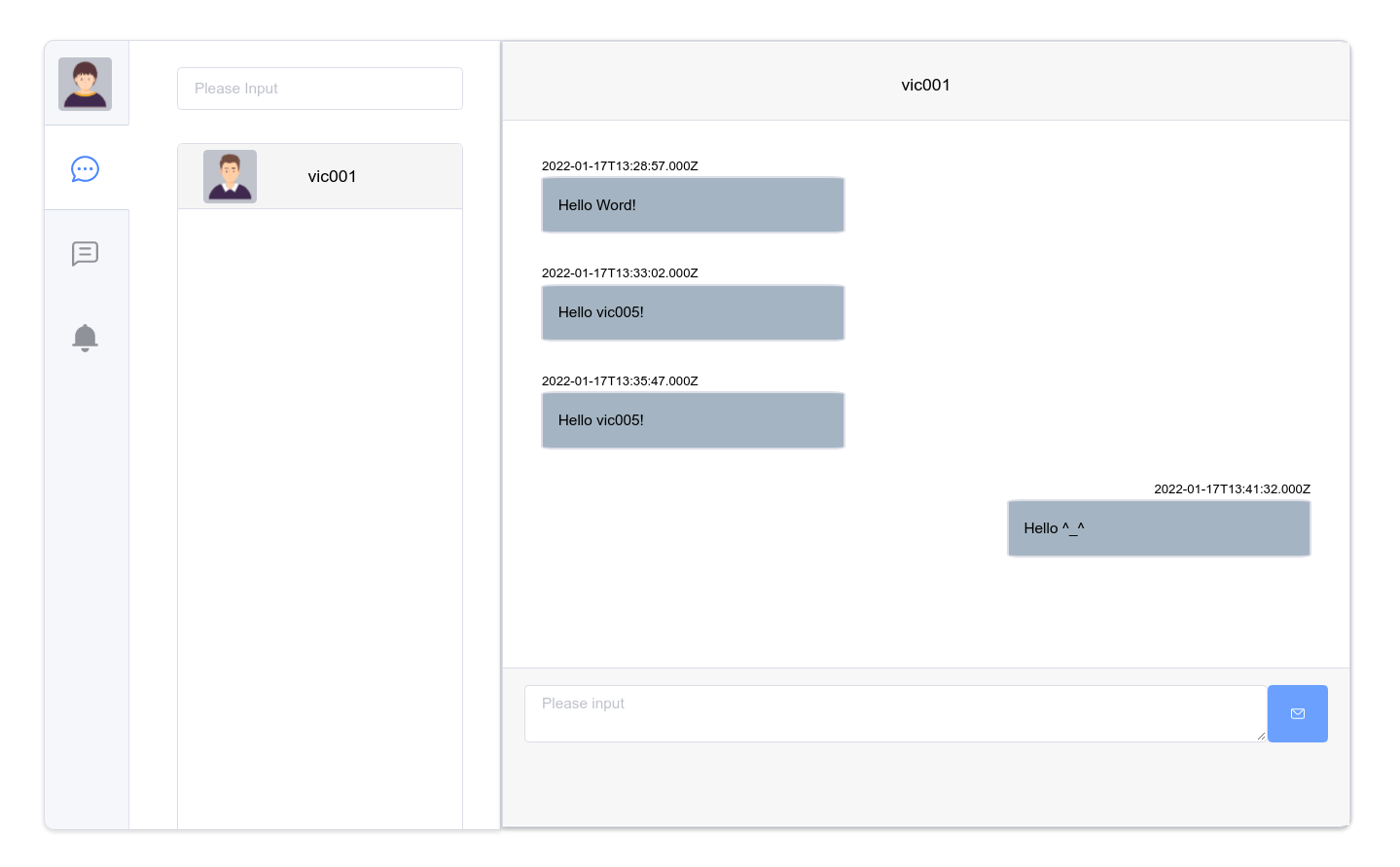
使用UI组件库Elment Plus、路由管理器Vue Router、状态管理模式Vuex、http库Axios等。前端的实现效果如下:
进入聊天页面之前会先从服务端获取好友列表和历史消息列表,并建立WebSocket客户端用于聊天。
客户端保存WebSocket对象在状态管理中,通过ws.send()发送消息,通过onMessage函数来接受webSocket服务端广播的消息。
状态管理保存用户信息、用户token、好友列表、消息列表等信息,并在actions中实现请求后端的接口。