


158
社区成员
 发帖
发帖 与我相关
与我相关 我的任务
我的任务
 分享
分享| 这个作业属于哪个课程 | 2301-计算机学院-软件工程 |
|---|---|
| 这个作业要求在哪里 | 第二次作业-前后端交互计算器 |
| 这个作业的目标 | 继续实现更完善的计算器功能,体现前后端分离 |
| 其他参考文献 | SpringBoot、Axios |
| PSP | Personal Software Process Stages | 预估耗时(分钟) | 实际耗时(分钟) |
|---|---|---|---|
| Planning | 计划 | 20 | 25 |
| • Estimate | • 估计这个任务需要多少时间 | 20 | 25 |
| Development | 开发 | 500 | 5850 |
| • Analysis | • 需求分析 (包括学习新技术) | 140 | 130 |
| • Design Spec | • 生成设计文档 | 30 | 25 |
| • Design Review | • 设计复审 | 30 | 40 |
| • Coding Standard | • 代码规范 (为目前的开发制定合适的规范) | 15 | 30 |
| • Design | • 具体设计 | 20 | 50 |
| • Coding | • 具体编码 | 210 | 260 |
| • Code Review | • 代码复审 | 15 | 20 |
| • Test | • 测试(自我测试,修改代码,提交修改) | 40 | 30 |
| Reporting | 报告 | 170 | 185 |
| • Test Repor | • 测试报告 | 80 | 85 |
| • Size Measurement | • 计算工作量 | 40 | 30 |
| • Postmortem & Process Improvement Plan | • 事后总结, 并提出过程改进计划 | 50 | 70 |
| 合计 | 660 | 785 |
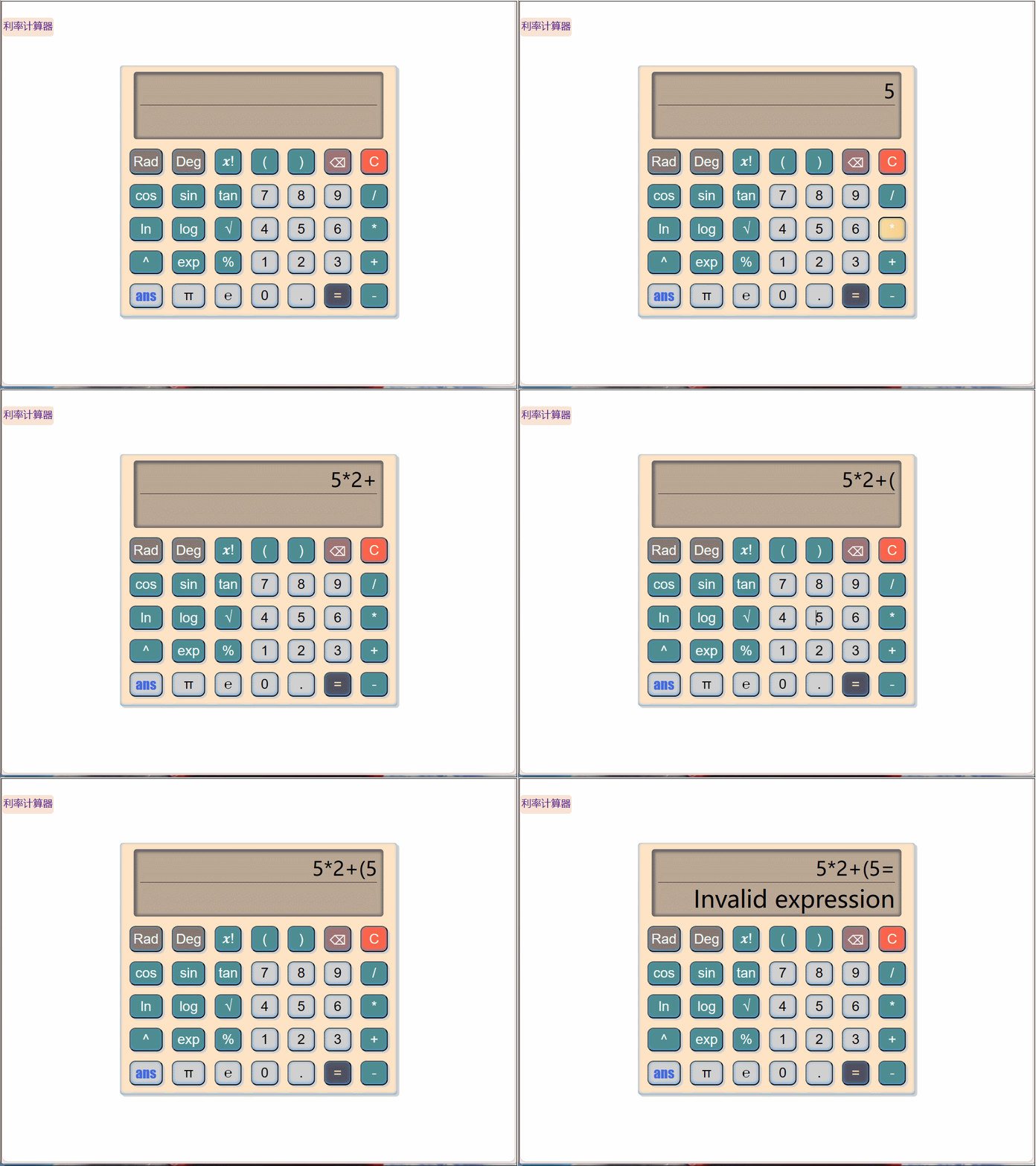
计算
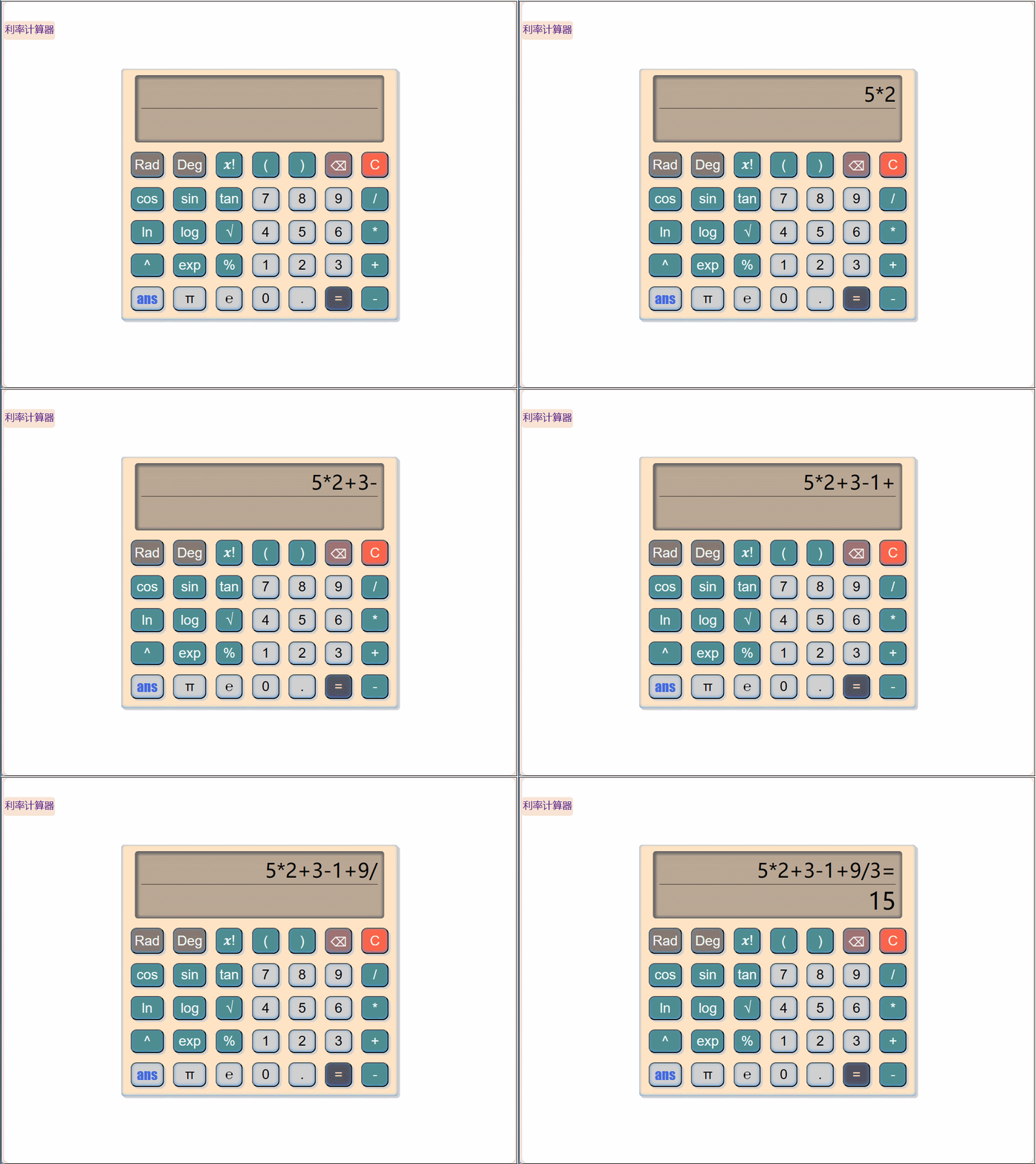
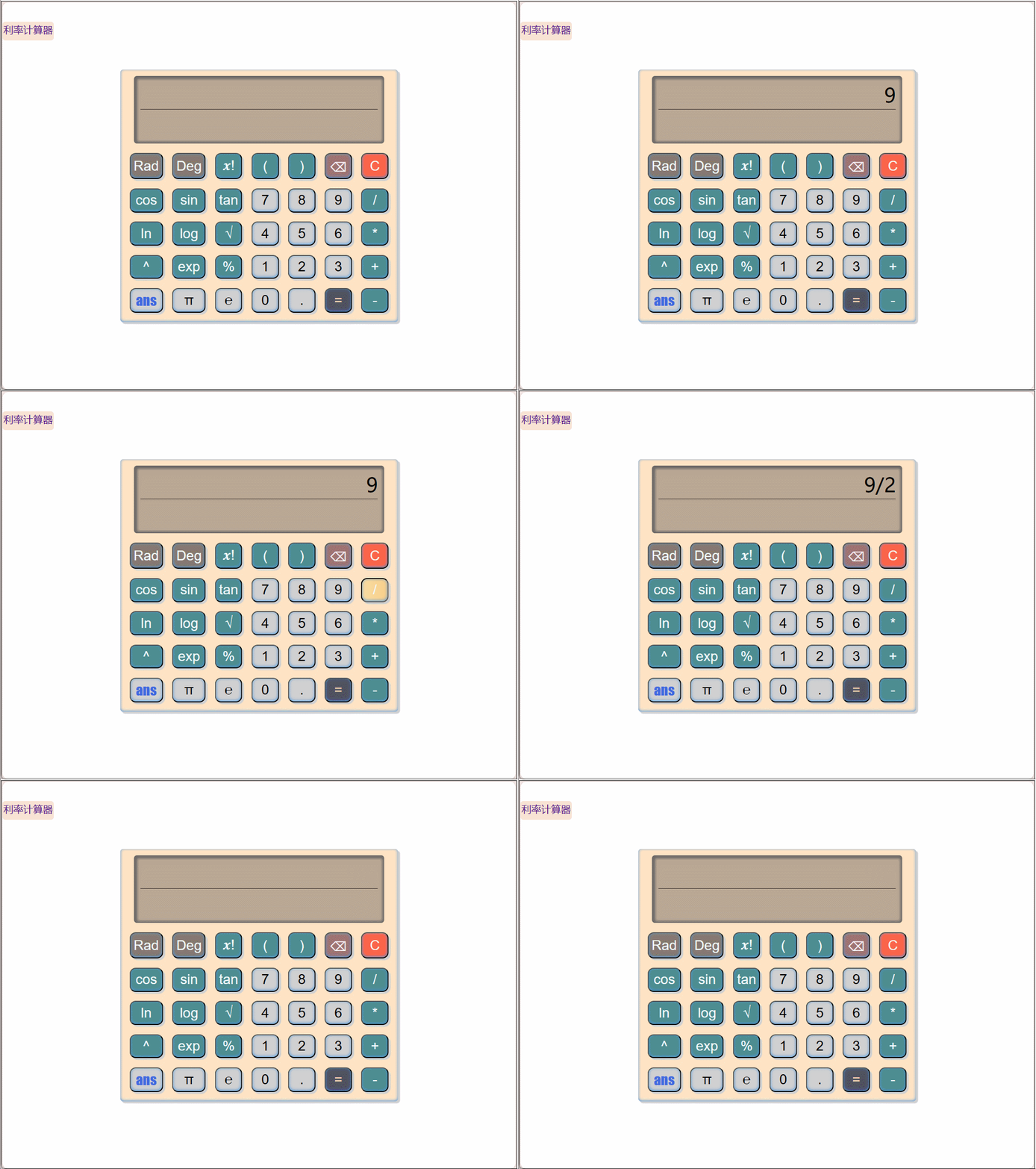
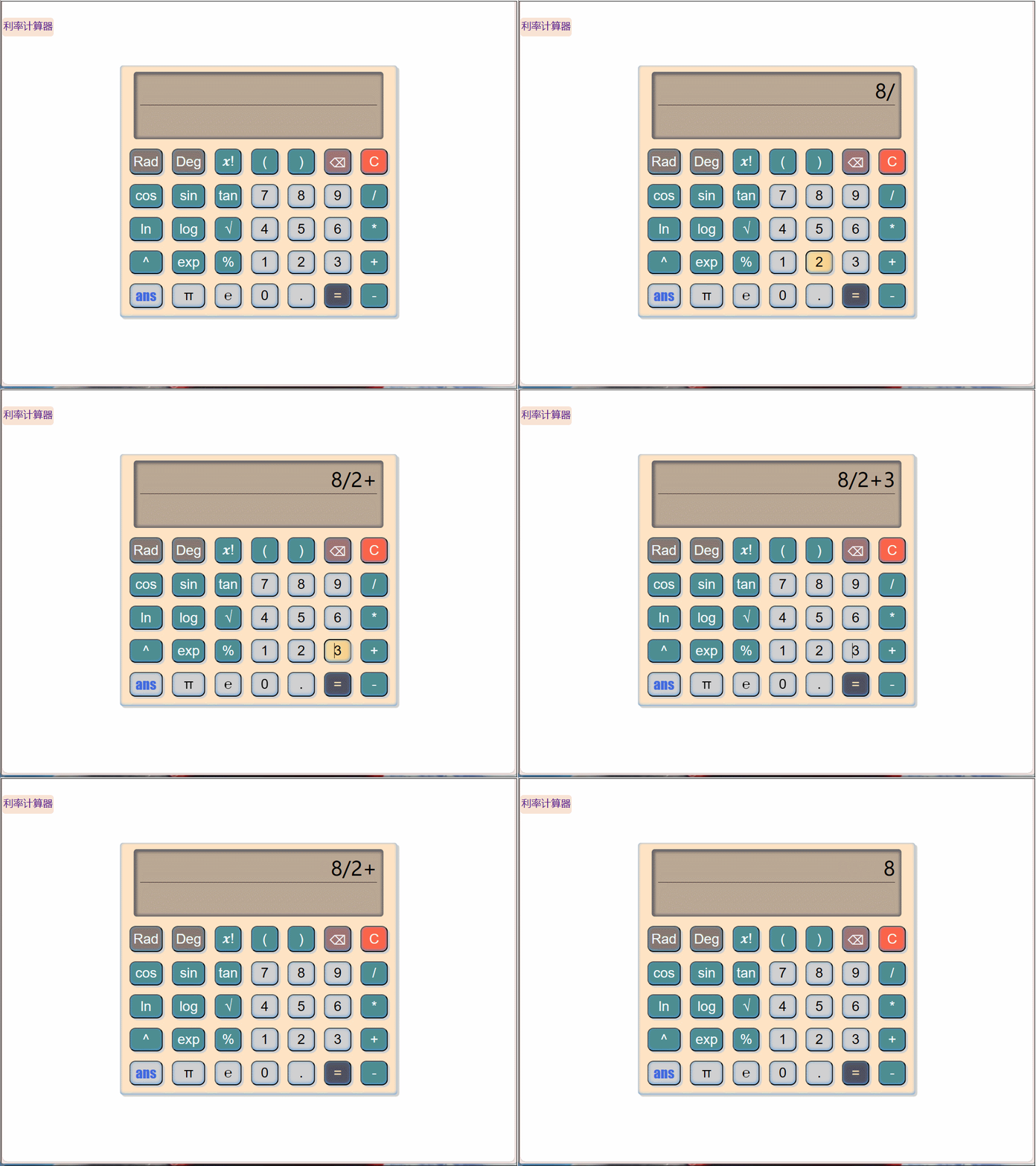
清零
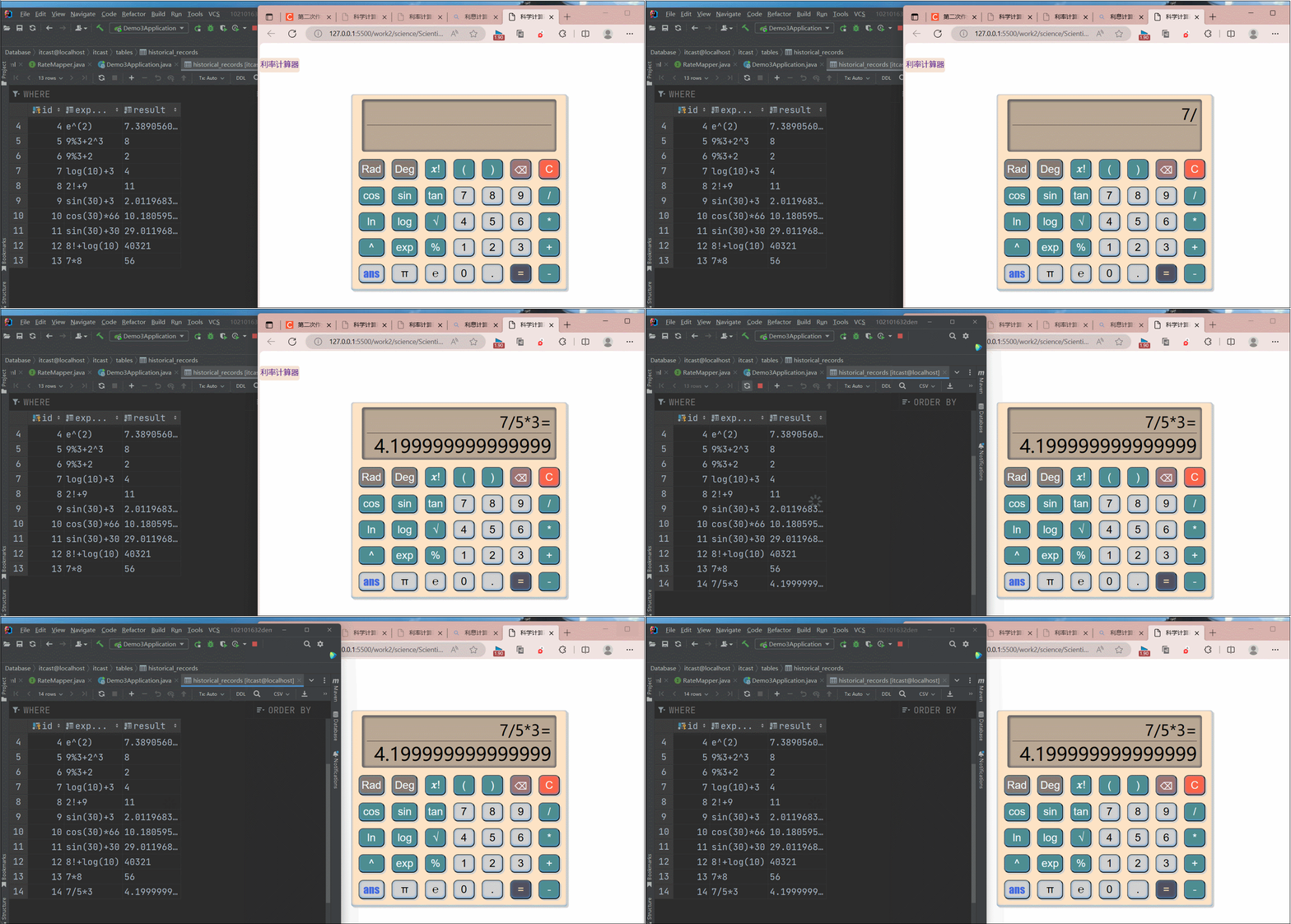
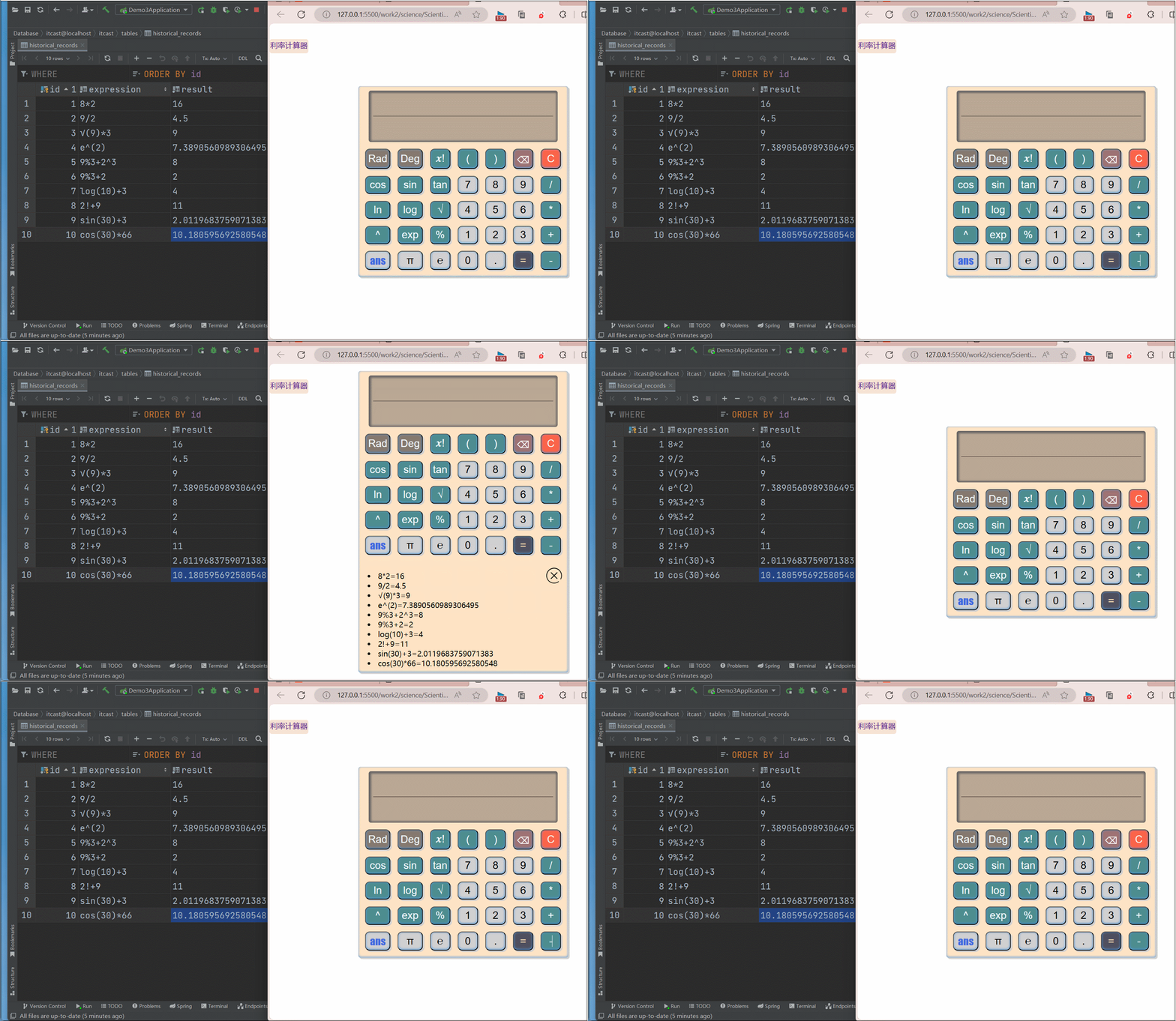
点击ans显示历史记录,点击x取消显示
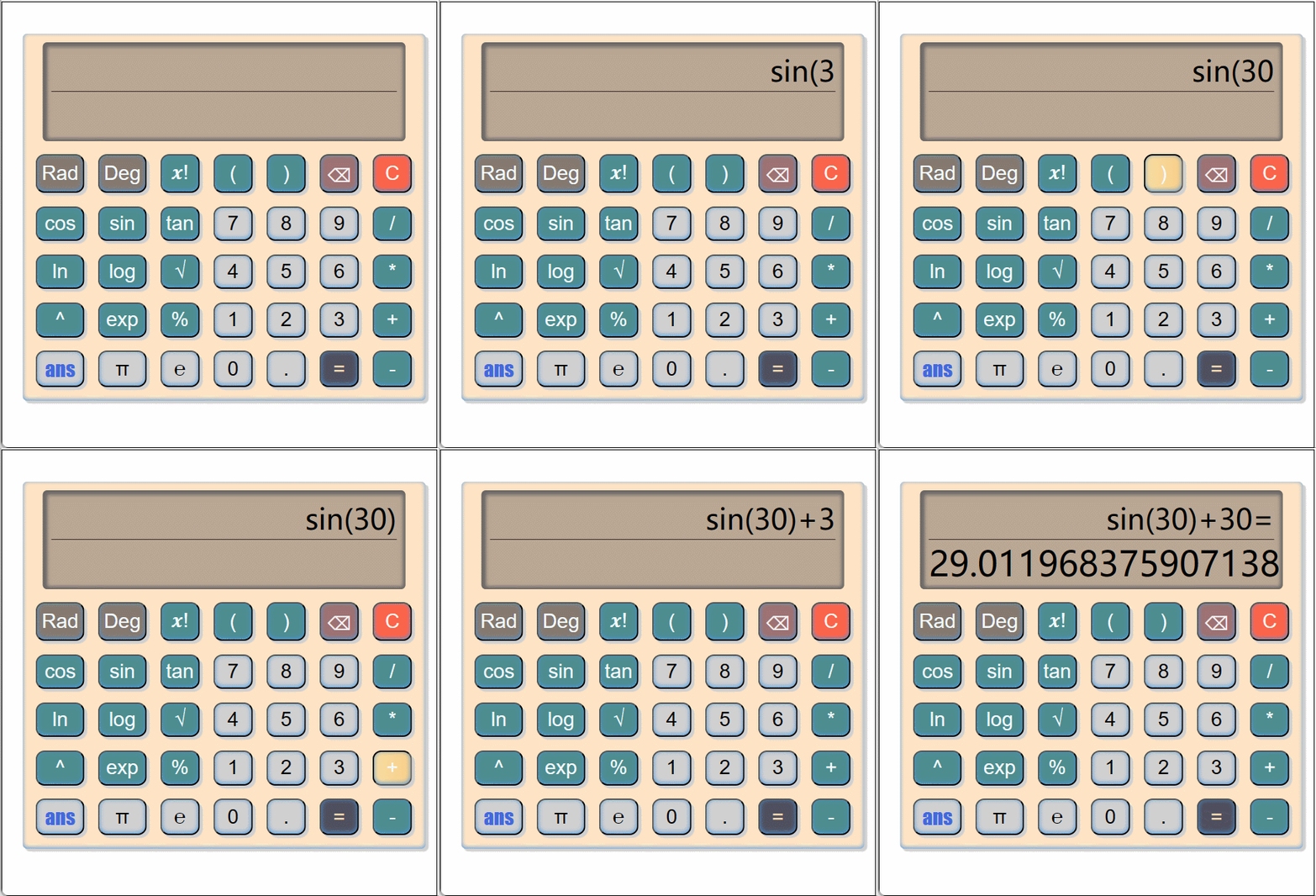
三角函数计算
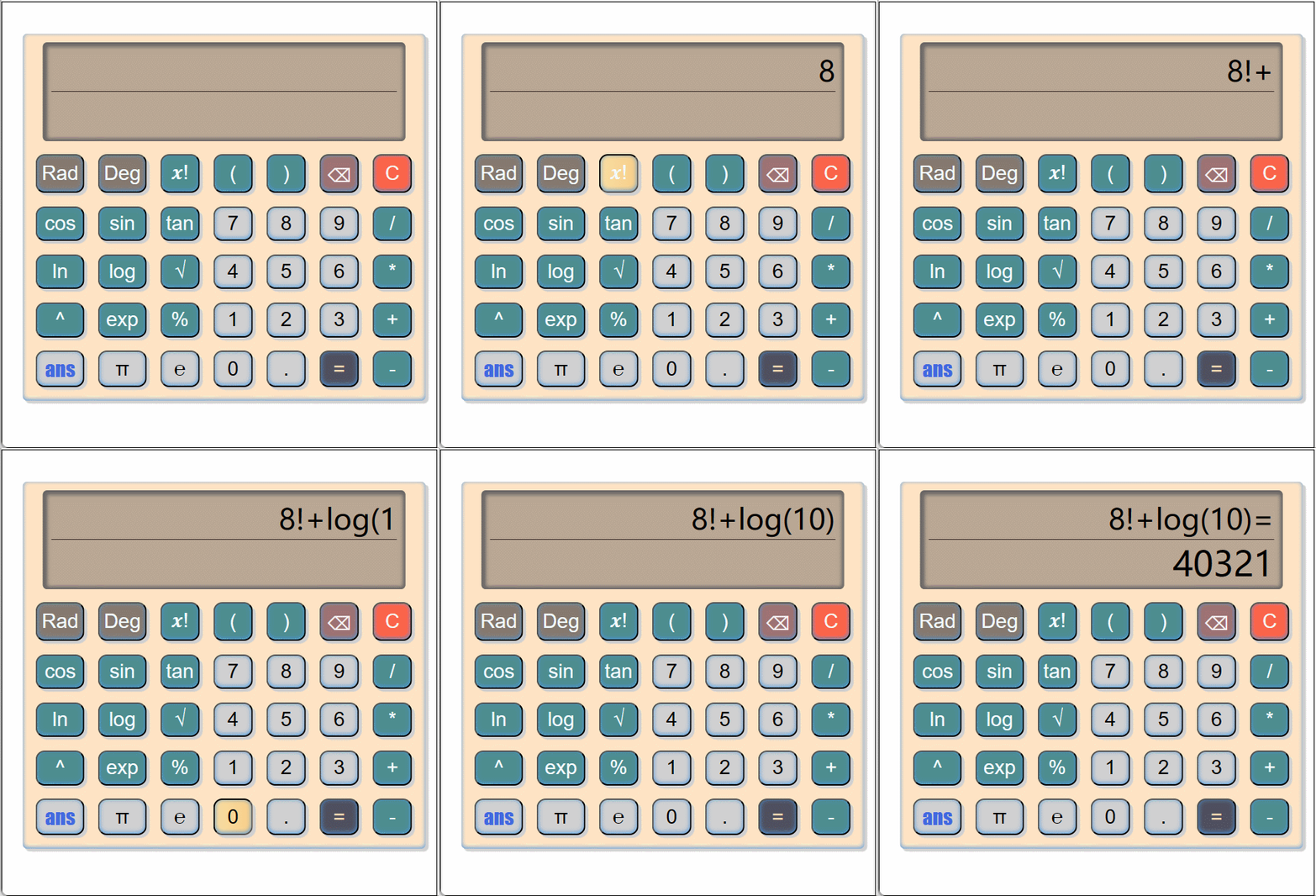
计算存款利息
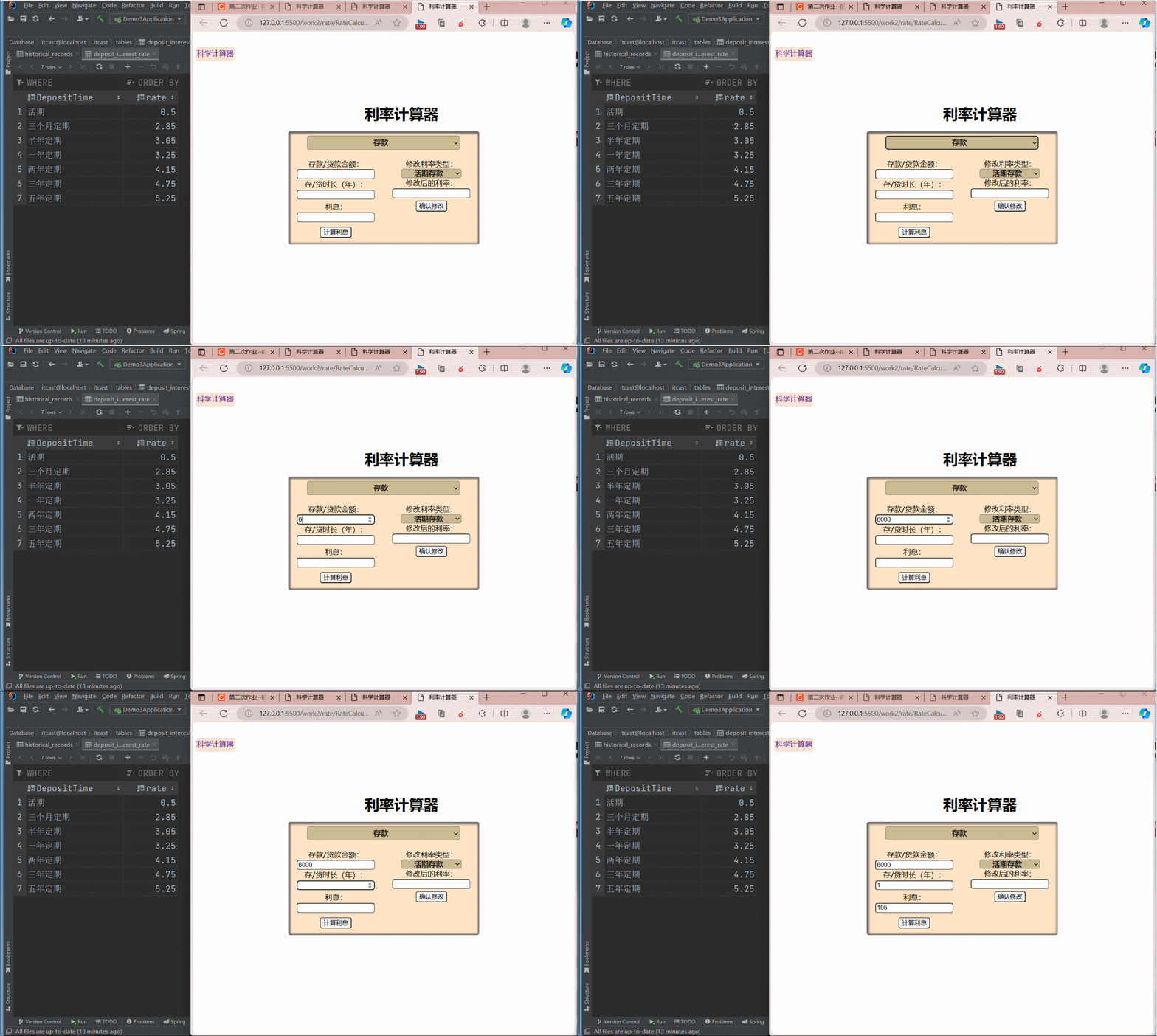
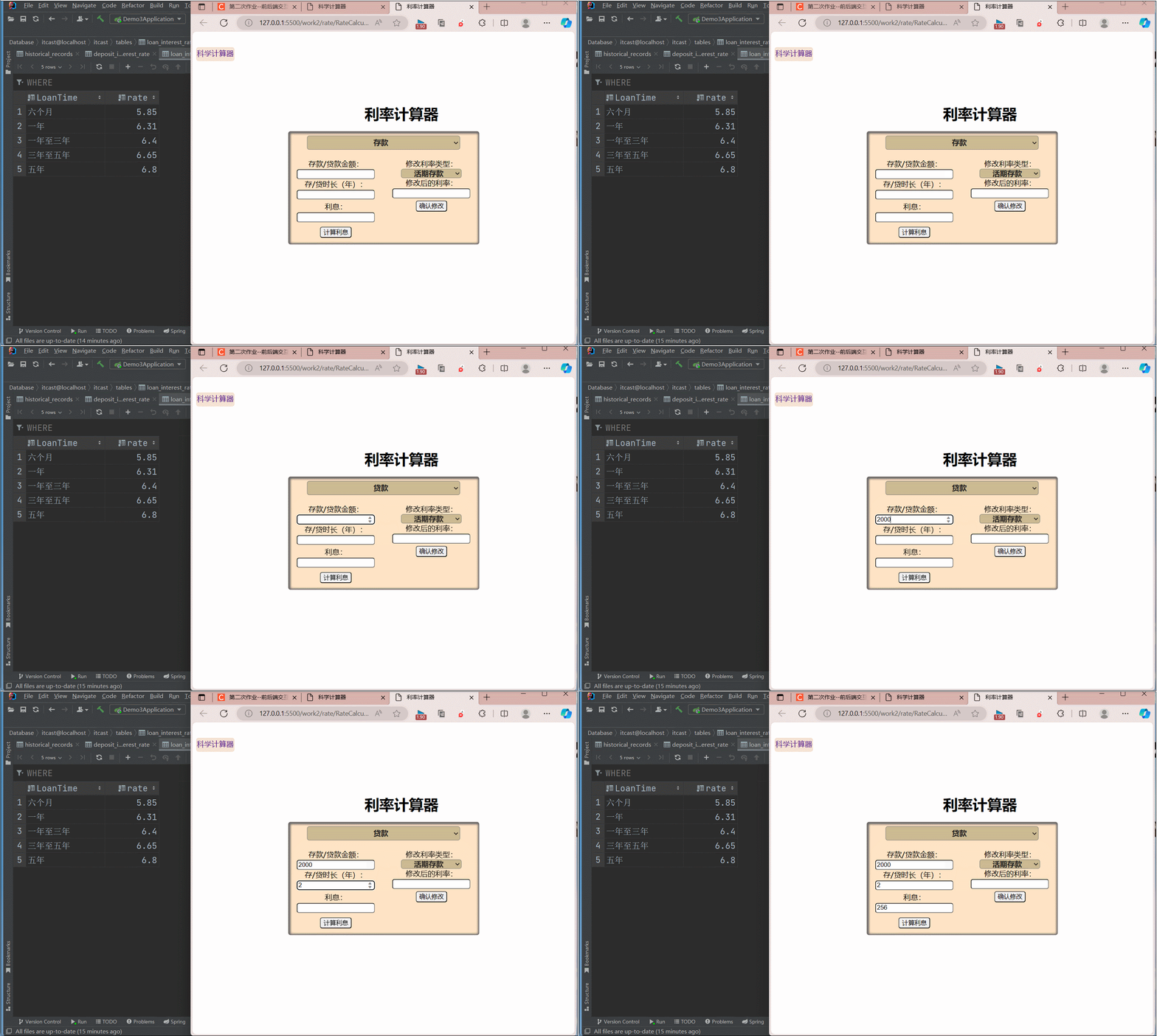
设计数据库表结果,创建deposit_interest_rate、loan_interest_rate、historical_records三个表,分别用于存储存款利率、贷款利率和用户计算历史记录。
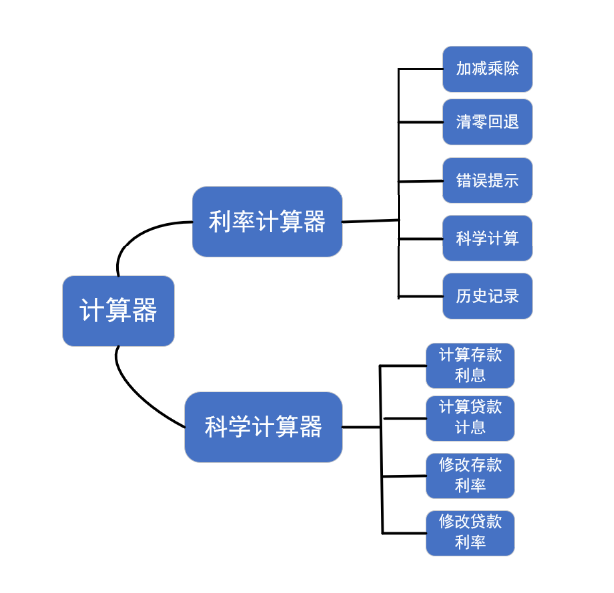
前端实现,使用html+css+js实现计算器页面,添加一个页面切换的按钮,用户切换到不同的计算器。使用axios发送请求到后端的API接口,处理后端返回的响应,根据返回结果显示成功或失败。
后端实现,使用springboot和mybatis来实现网络传输和数据库的存取。
calculateInterest()函数:
- 当调用该函数时,获取页面上输入的金额和时间。
- shu组成一个JavaScript对象data,其中包含rateType、amount和duration属性,用于表示利率类型、金额和期限的信息。
- 使用axios库发送一个POST请求到"http://localhost:8080/t/calculateInterest%22%E7%9A%84URL%EF%BC%8C%E5%B0%86%60data%60%E4%BD%9C%E4%B8%BA%E8%AF%B7%E6%B1%82%E7%9A%84%E4%B8%BB%E4%BD%93%E6%95%B0%E6%8D%AE%E5%8F%91%E9%80%81%E7%BB%99%E5%90%8E%E7%AB%AF%E3%80%82
接收到后端的响应后,将响应数据中的利息值设置到页面id为result的input标签中
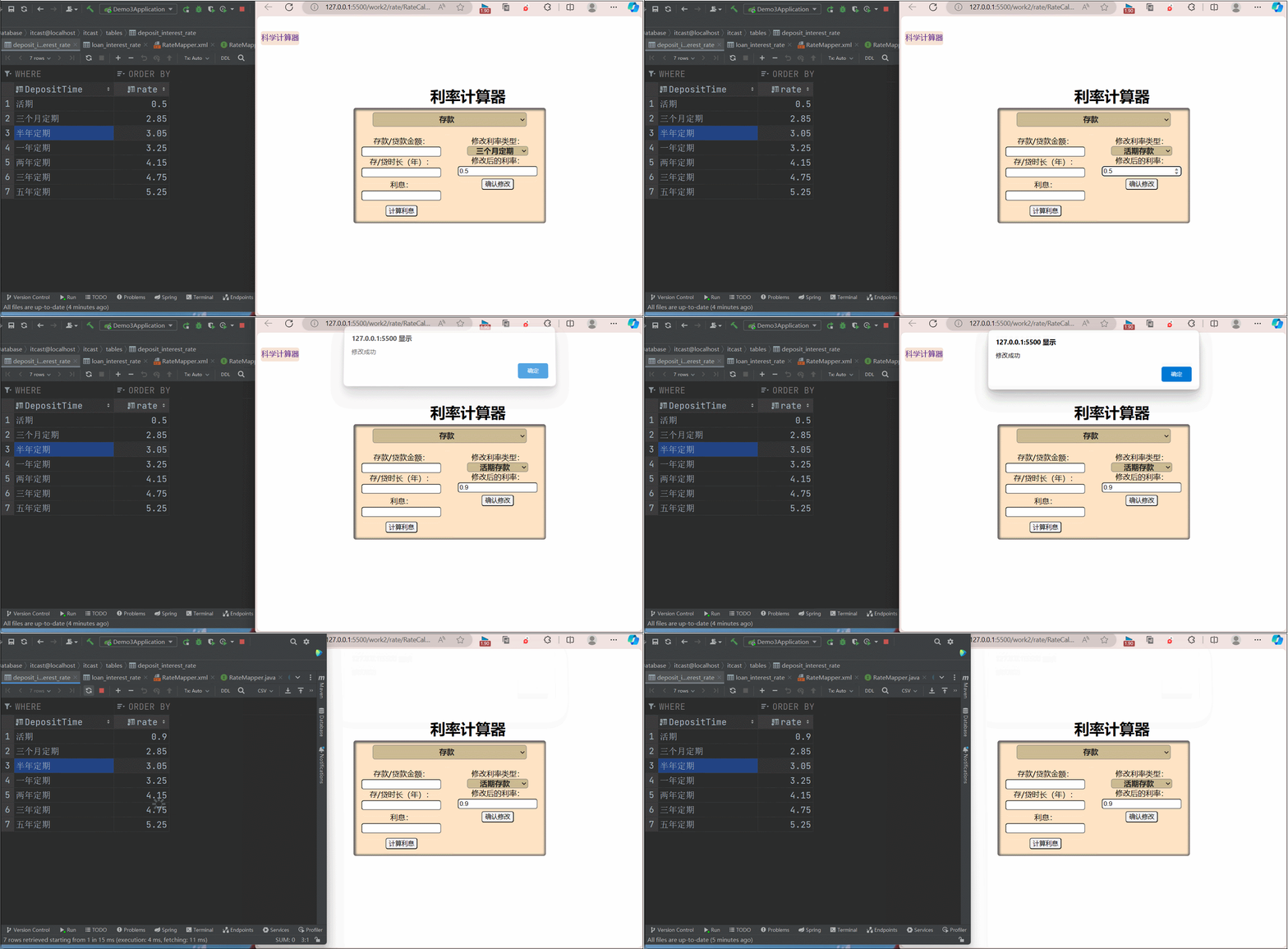
updateRate()函数
- 调用该函数时,它会获取页面上指定的利率类型、和新利率的输入值
- 将rateType、option和rate值组成一个对象data
- 使用axios库发送一个POST请求到"http://localhost:8080/t/Rate%22%E7%9A%84URL%EF%BC%8C%E5%B0%86%60data%60%E4%BD%9C%E4%B8%BA%E8%AF%B7%E6%B1%82%E7%9A%84%E4%B8%BB%E4%BD%93%E6%95%B0%E6%8D%AE%E5%8F%91%E9%80%81%E7%BB%99%E5%90%8E%E7%AB%AF%E3%80%82
- 成功接收到后端的响应后,它会显示一个成功的弹窗提示"修改成功".
  function calculateInterest() {
    var rateType = document.getElementById("rate_type").value;
    var amount = document.getElementById("amount").value;
    var duration = document.getElementById("duration").value;

    var data = {
        rateType: rateType,
        amount: amount,
        duration: duration
    };
    // alert("click")
    axios.post("http://localhost:8080/t/calculateInterest", data,{
        headers:{
            "Content-Type":"application/json",
        }
    })
        .then(function(response) {
            console.log(response.data);
            //var result =response.data.interest;
            document.getElementById("result").value = response.data;

        })
        .catch(function(error) {
            console.error(error);
        });
}
function updateRate() {
    var rateType = document.getElementById("rate_type").value;
    var selectedOption = document.getElementById("type").value;
    var newRate = document.getElementById("newRate").value;

    var data = {
        rateType: rateType,
        option: selectedOption,
        rate: newRate
    };
    console.log(data)
    axios.post("http://localhost:8080/t/Rate", data, {
        headers: {
            "Content-Type": "application/json"
        }
    })
    .then(function (response) {
        //console.log(1);
        alert("修改成功");
    })
    .catch(function (error) {
        console.error(error);
    });
}
- 对于每个按钮,添加了'click'事件监听器,点击按钮时,根据按钮的值执行相应的操作。
- 按下ans,则获取id为'ans'的按钮,显示历史计算列表(id为'history'),使用fetch函数发送GET请求到"http://localhost:8080/t/recentCalculations%22%E7%9A%84URL%EF%BC%8C%E8%8E%B7%E5%8F%96%E6%9C%80%E8%BF%91%E7%9A%84%E8%AE%A1%E7%AE%97%E5%8E%86%E5%8F%B2%E6%95%B0%E6%8D%AE%E3%80%82
将计算历史数据显示在id为'calculation-list'的列表元素中,页面的x时,隐藏历史计算列表。- 按下‘=’后,获取当前的表达式(operation-screen的文本内容),计算出结果,并将表达式与结果发送到后端,存在数据库中。
 window.onload = function () {
  const radBtn = document.getElementById('Rad');
  const degBtn = document.getElementById('Deg');

  radBtn.addEventListener('click', function () {
    radBtn.classList.add('active');
    degBtn.classList.remove('active');
  });

  degBtn.addEventListener('click', function () {
    degBtn.classList.add('active');
    radBtn.classList.remove('active');
  });

  const operationScreen = document.getElementById('operation-screen');
  const resultScreen = document.getElementById('result-screen');
  document.querySelectorAll
    ('.number, .operator, .clear, .reset, .calculate').forEach(button => {
      button.addEventListener('click', () => {
        const buttonValue = button.value;
        if (buttonValue === 'C') {
          operationScreen.textContent = '';
          resultScreen.textContent = '';
        } else if (buttonValue === '=') {
          const currentExpression = operationScreen.textContent;
          const Expression = operationScreen.textContent;
          operationScreen.textContent = currentExpression + buttonValue;
          const result = calculate(Expression);
          resultScreen.textContent = result;
          var data = {
            expression: currentExpression,
            result: result
          };
          console.log(data);
          axios.post("http://localhost:8080/t/calculate", data, {
            headers: {
              "Content-Type": "application/json",
            }
          })
            .then(function (response) {
              console.log(1);
            })
            .catch(function (error) {
              console.error(error);
            });
        }
        else if (buttonValue === 'ans') {
            const ansButton = document.getElementById('ans');
            const calculationList = document.getElementById('history');
            ansButton.addEventListener('click', function() {
              calculationList.style.display = 'block';
            });
            fetch("http://localhost:8080/t/recentCalculations")
              .then(response => response.json())
              .then(data => {
                  const calculationList = document.getElementById('calculation-list');
                  calculationList.innerHTML = '';
                  data.forEach(calculation => {
                  const calculationItem = document.createElement('li');
                  calculationItem.textContent =calculation.expression +"="+ calculation.result;
                  calculationList.appendChild(calculationItem);
                  });
                });
                const delans = document.getElementById('del');
                delans.addEventListener('click',function(){
                  calculationList.style.display = 'none';
                })
        }
        else if (buttonValue === '⌫') {
          const currentExpression = operationScreen.textContent;
          operationScreen.textContent = currentExpression.slice(0, -1);
        } else {
          const currentExpression = operationScreen.textContent;
          operationScreen.textContent = currentExpression + buttonValue;
        }
      })
    })
}
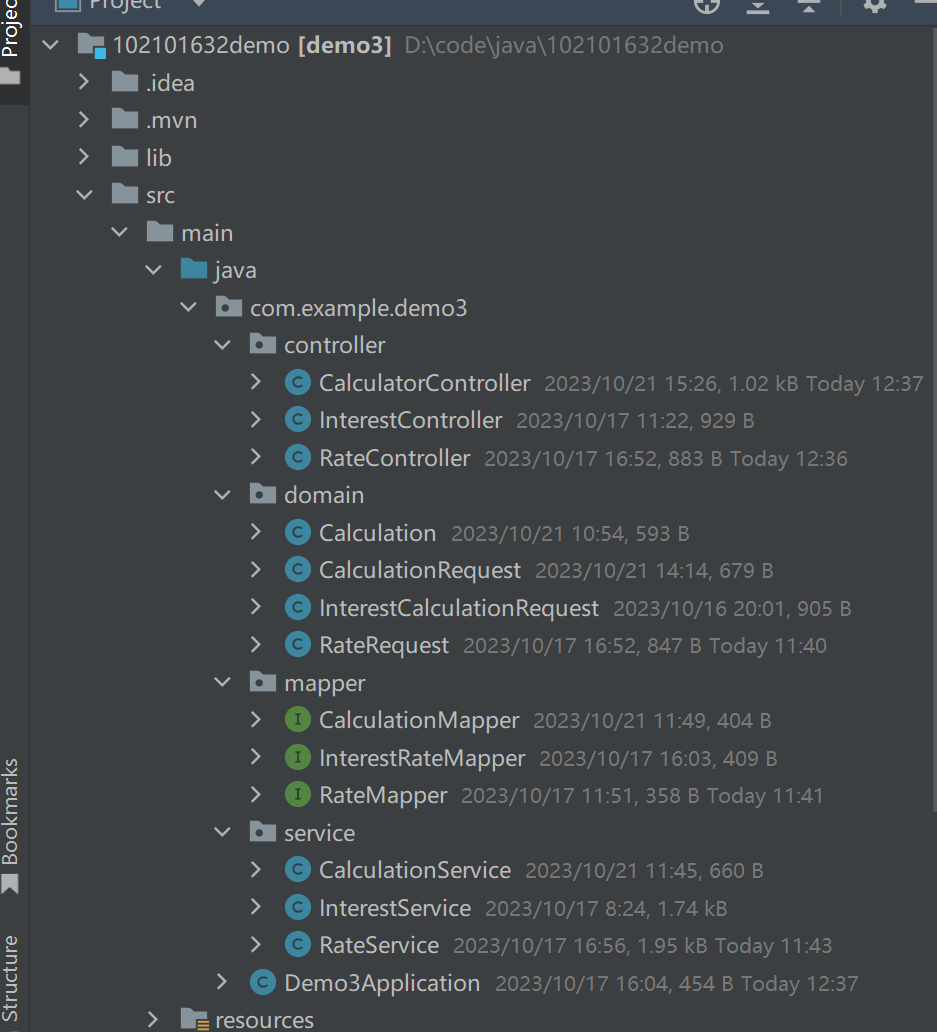
//RateController.java
package com.example.demo3.controller;
import com.example.demo3.domain.RateRequest;
import com.example.demo3.service.RateService;
import org.springframework.beans.factory.annotation.Autowired;
import org.springframework.web.bind.annotation.*;

@RestController
@CrossOrigin(origins = "*")
@RequestMapping("/t")
public class RateController {

    @Autowired
    private RateService rateService;

    @PostMapping("/Rate")

    public void UpdateRate(@RequestBody RateRequest req ) {
        String rateType = req.getRateType();
        String option = req.getOption();
        //String rateType = "deposit";
        //String option = "current";
        double rate = req.getRate();
        System.out.println(req.toString());
        String getback = rateService.UpdateRate(rateType,option,rate);
        System.out.println(getback);
        return;
    }
}
//RateRequest.java
package com.example.demo3.domain;

public class RateRequest {
    private String rateType;
    private String option;
    private double rate;

    public String getRateType() {
        return rateType;
    }

    public void setRateType(String rateType) {
        this.rateType = rateType;
    }

    public String getOption() {
        return option;
    }

    public void setOption(String option) {
        this.option = option;
    }

    public double getRate() {
        return rate;
    }

    public void setRate(double rate) {
        this.rate = rate;
    }

    @Override
    public String toString() {
        return "RateRequest{" +
                "rateType='" + rateType + '\'' +
                ", option='" + option + '\'' +
                ", rate=" + rate +
                '}';
    }
}
//RateMapper.java
package com.example.demo3.mapper;


import org.apache.ibatis.annotations.Mapper;
import org.apache.ibatis.annotations.Param;

@Mapper
public interface RateMapper {
    void UpdateDeposit(@Param("rowType") String rowType,@Param("newRate") double newRate);
    void UpdateLoan(@Param("rowType") String rowType,@Param("newRate") double newRate);
}
// //RateMapper.xml
<?xml version="1.0" encoding="UTF-8"?>
<!DOCTYPE mapper PUBLIC "-//mybatis.org//DTD Mapper 3.0//EN"
        "http://mybatis.org/dtd/mybatis-3-mapper.dtd">

<mapper namespace="com.example.demo3.mapper.RateMapper">
    <update id="UpdateDeposit">
        UPDATE Deposit_interest_rate
        SET  rate = #{newRate}
        WHERE DepositTime = #{rowType}
    </update>

    <update id="UpdateLoan">
        UPDATE Loan_interest_rate
        SET rate = #{newRate}
        WHERE  LoanTime = #{rowType}
    </update>
</mapper>
// RateService.java
package com.example.demo3.service;

import com.example.demo3.mapper.RateMapper;
import org.springframework.beans.factory.annotation.Autowired;
import org.springframework.stereotype.Service;

@Service
public class RateService {
    @Autowired
    private RateMapper rateMapper;
    public String UpdateRate(String rateType,String selectedOption,double newRate){
        String rowType="";
        if(rateType.equals("deposit")) {
            System.out.println(selectedOption);
            if (selectedOption.equals("current"))
                rowType = "活期";
            else if (selectedOption.equals("3months"))
                rowType = "三个月定期";
            else if (selectedOption.equals("6months"))
                rowType = "半年定期";
            else if (selectedOption.equals("1year"))
                rowType = "一年定期";
            else if (selectedOption.equals("2years"))
                rowType = "两年定期";
            else if (selectedOption.equals("3years"))
                rowType = "三年定期";
            else if(selectedOption.equals("5years"))
                rowType = "五年定期";
            System.out.println(rowType);
            System.out.println(newRate);
            rateMapper.UpdateDeposit(rowType,newRate);
        }
        else if(rateType.equals("loan")){
            if(selectedOption.equals("loan6months"))
                rowType="六个月";
            else if(selectedOption.equals("loan1year"))
                rowType="一年";
            else if(selectedOption.equals("loan1to3years"))
                rowType="一年至三年";
            else if(selectedOption.equals("loan3to5years"))
                rowType="三年至五年";
            else if(selectedOption.equals("loan5years"))
                rowType="五年";
            rateMapper.UpdateLoan(rowType,newRate);
        }
        return "ok";
    }

}
通过这次作业,我实现了前后端分离的计算器,我深刻体会到了前后端分离开发的优势,熟悉了Spring Boot和MyBatis的使用,提升了接口设计、错误处理和异常处理的能力。这是我第一次尝试前后端开发,遇到了不少问题,通过查阅文档、参考示例代码、与同学讨论等途径,不断学习和改进自己的技术能力。同时,及时反思和总结经验,以便在未来的项目中能够更好地应用所学。


