


7,833
社区成员
 发帖
发帖 与我相关
与我相关 我的任务
我的任务
 分享
分享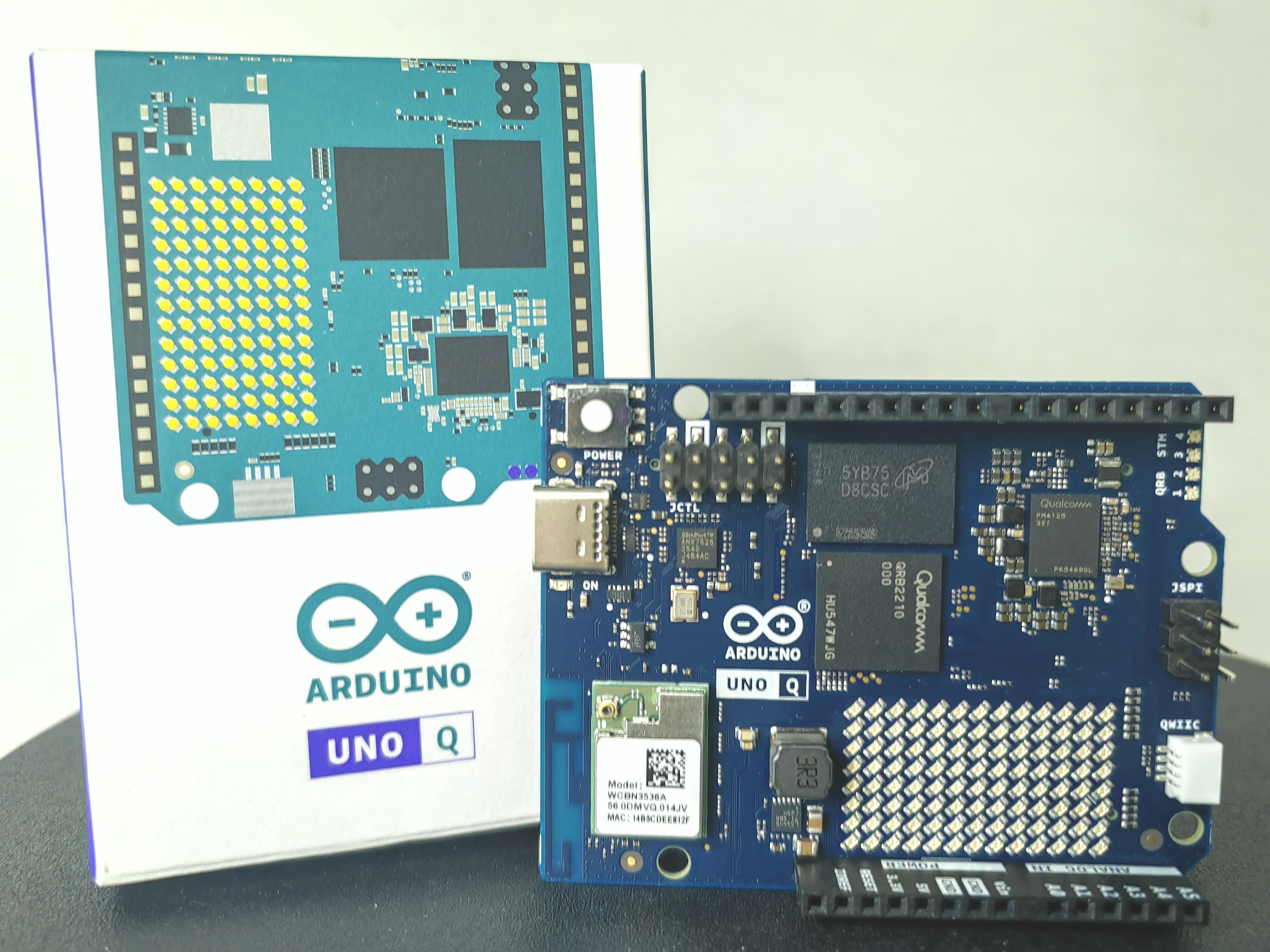
本次测评的Qualcomm Arduino UNO Q开发板为2GB RAM + 16GB EMMC版本。DigiKey得捷官网售价487.91元。
Qualcomm Arduino UNO Q开发板产品外包装为印刷纸盒。盒内分为一袋,袋内为Qualcomm Arduino UNO Q开发板本体,除本体外盒内另附纸制品若干。
关于该开发板的相关技术资料可通过访问Qualcomm Arduino官网(https://www.qualcomm.com/developer/hardware/arduino-uno-q%EF%BC%89%E8%8E%B7%E5%8F%96%E3%80%82
Qualcomm Arduino UNO Q开发板所有内容物包含:
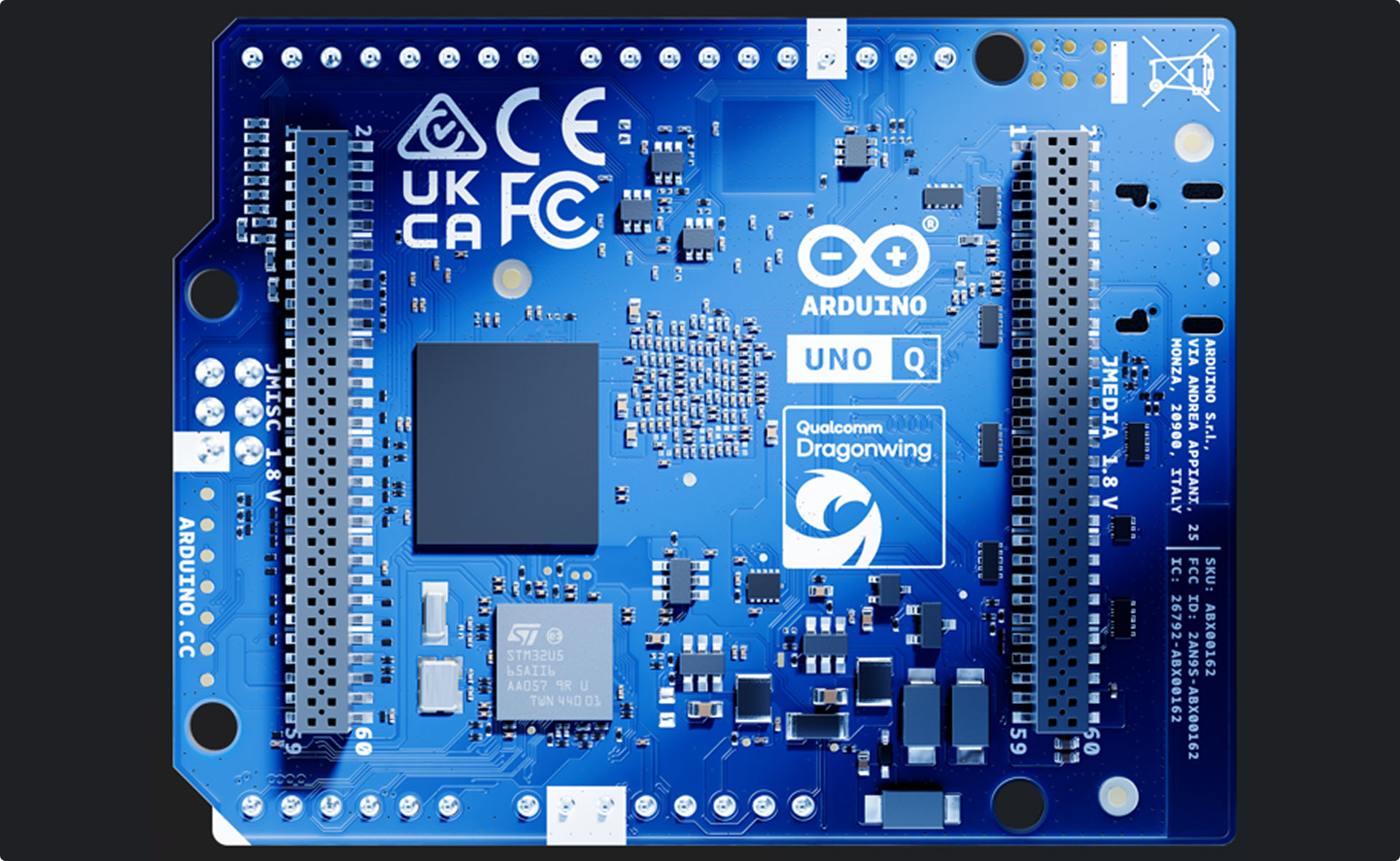
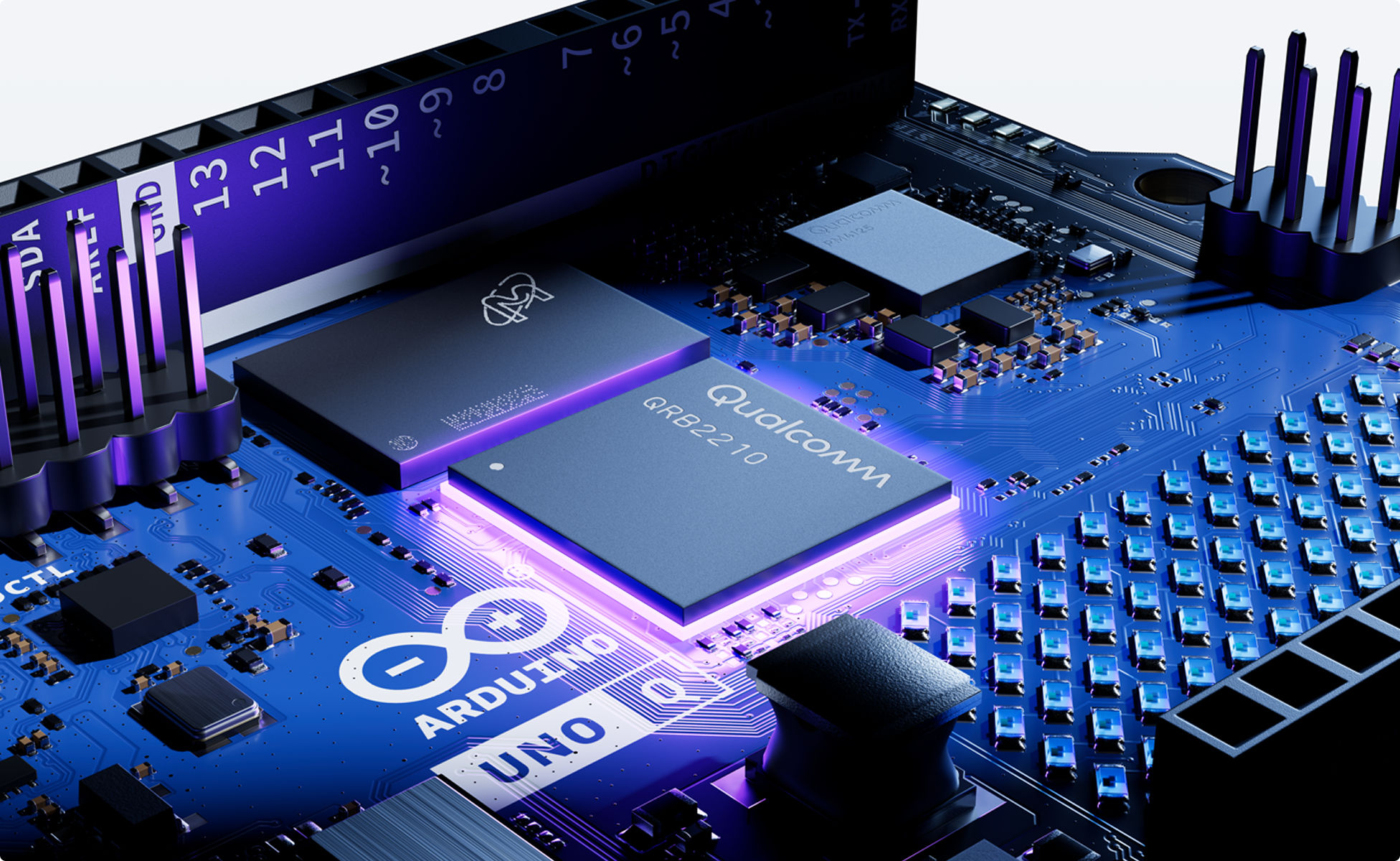
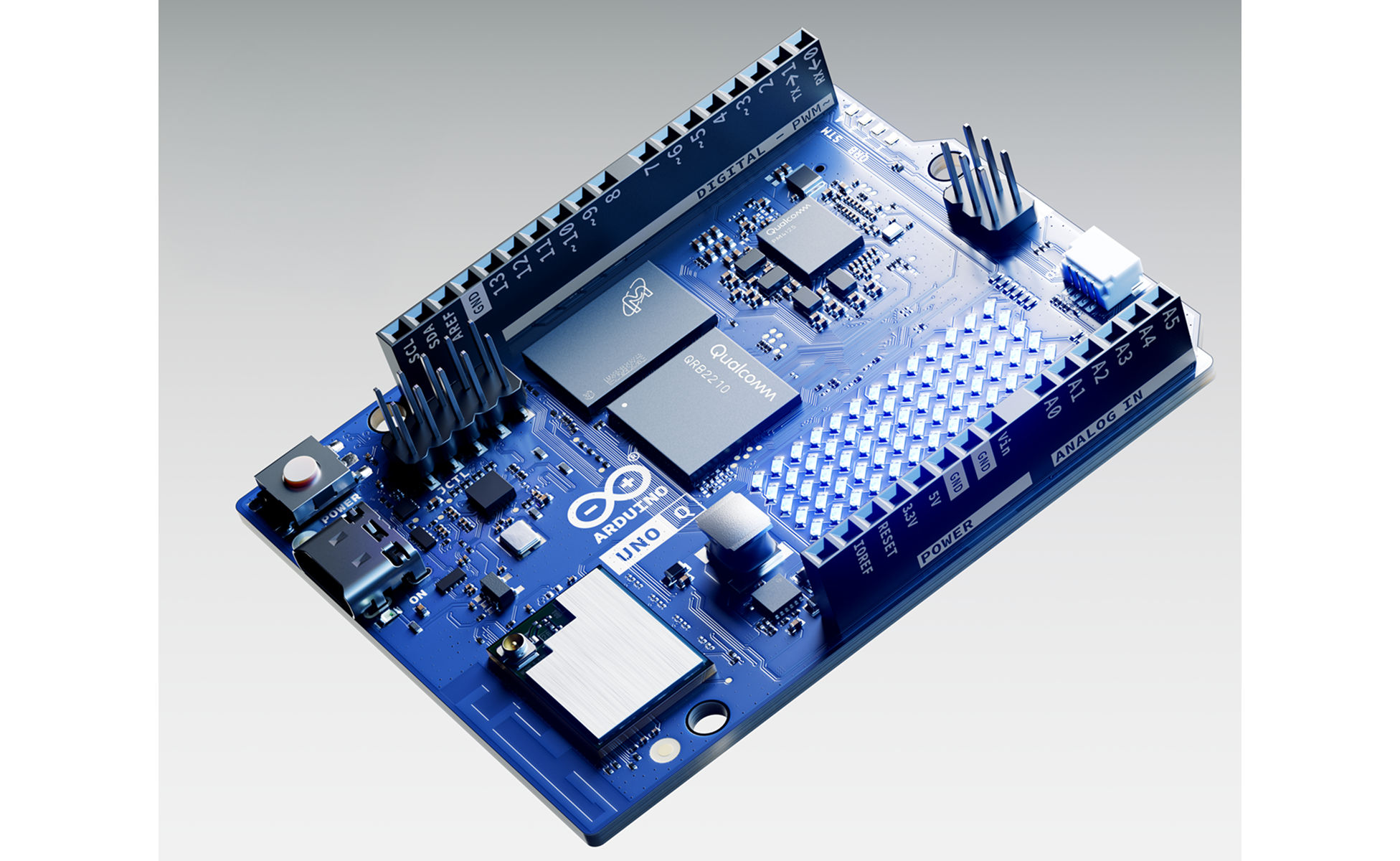
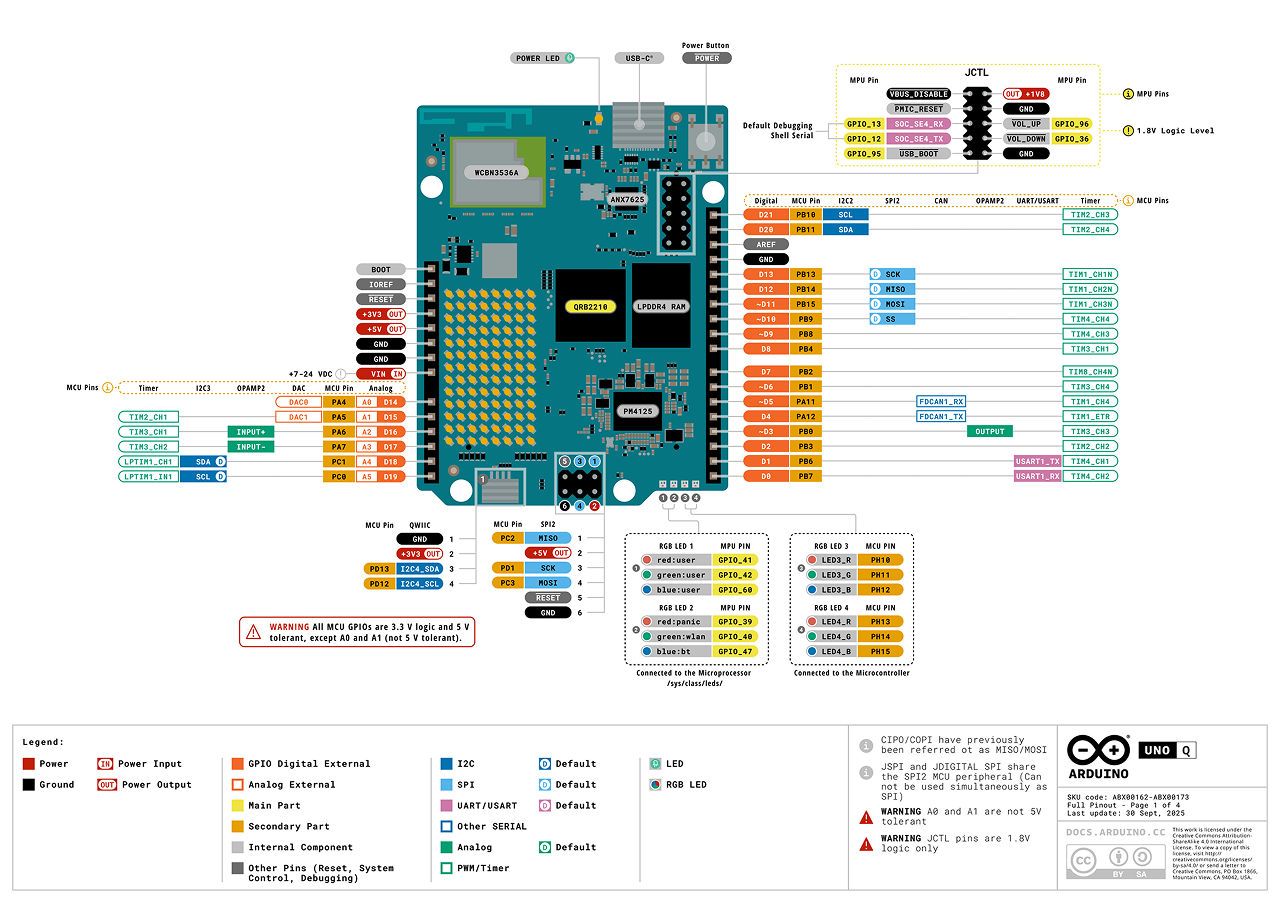
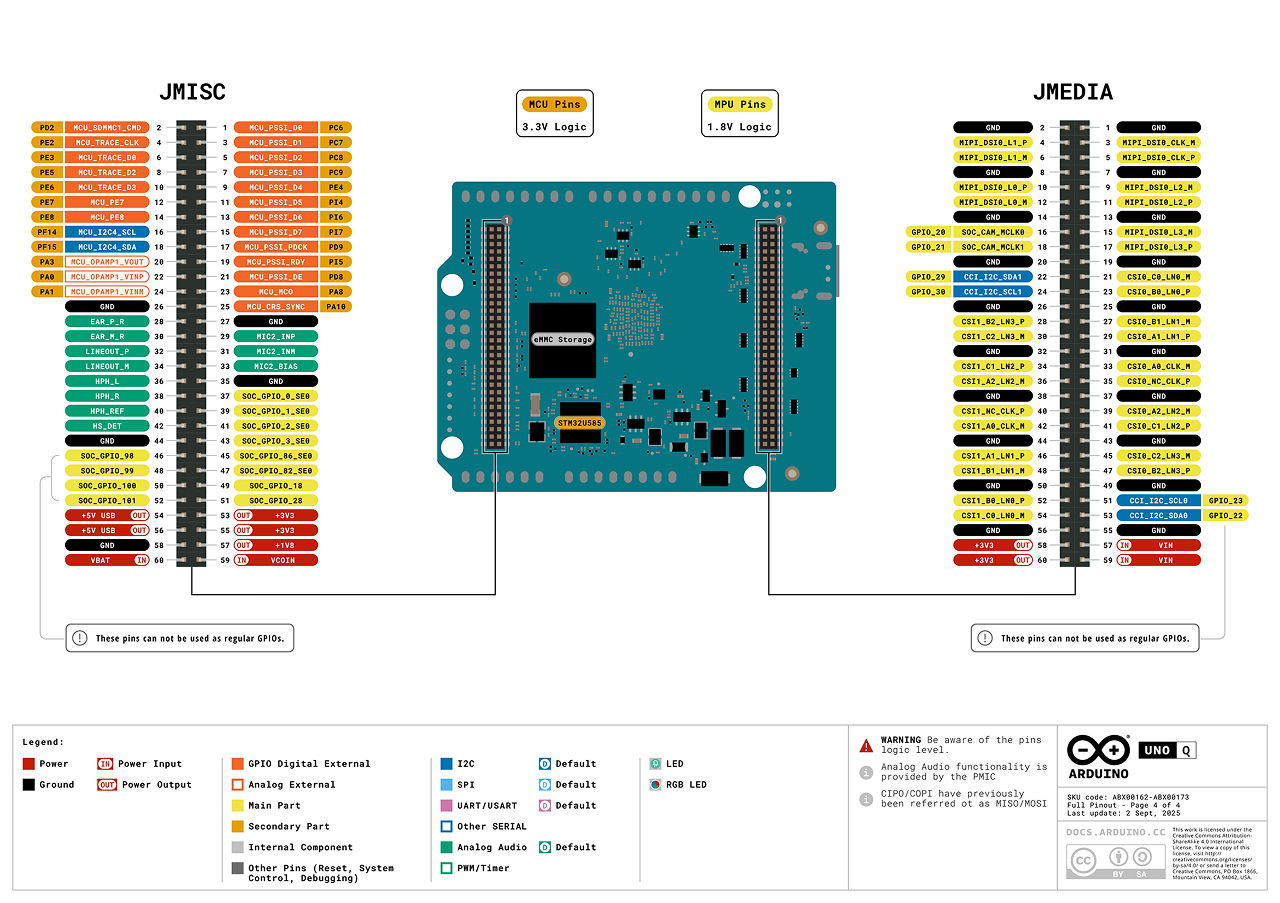
分析图像或视频,执行目标检测或图像分类,用于安防监控或产品质量控制;或构建能够读取条形码和二维码的扫描器。
构建物联网解决方案,监测并记录空气质量、运动状态和天气预报等传感器数据;或在检测到环境阈值(如土壤湿度过低)时控制执行器。
将基于 MCU 的快速 AI 感知与驱动,和 MPU 驱动的实时调参与可视化仪表板相结合。适用于控制理论、自动化和电机驱动系统。
实现实时交互系统,结合视觉模型、仪表板以及舵机或 LED 等执行器,用于智能助手、交互式信息亭和人感知的物联网设备。
| 参数 | 规格 |
|---|---|
| 处理器 | QRB2210 |
| 微控制器 | STM32U585 |
| MPU 操作系统 | 带上游支持的 Linux Debian OS |
| 内存 | 2GB 或 4GB LPDDR4 |
| 存储 | 16GB 或 32GB eMMC |
| 无线连接 | 带板载天线的 Wi-Fi® 5 2.4/5GHz;带板载天线的 Bluetooth® 5.1 |
| 电源 | 通过 USB-C 接口:5 VDC,最大 3 A;输入电压(VIN):7–24 VDC |
(以上内容取自Qualcomm Arduino官方网站,地址:https://www.qualcomm.com/developer/hardware/arduino-uno-q)
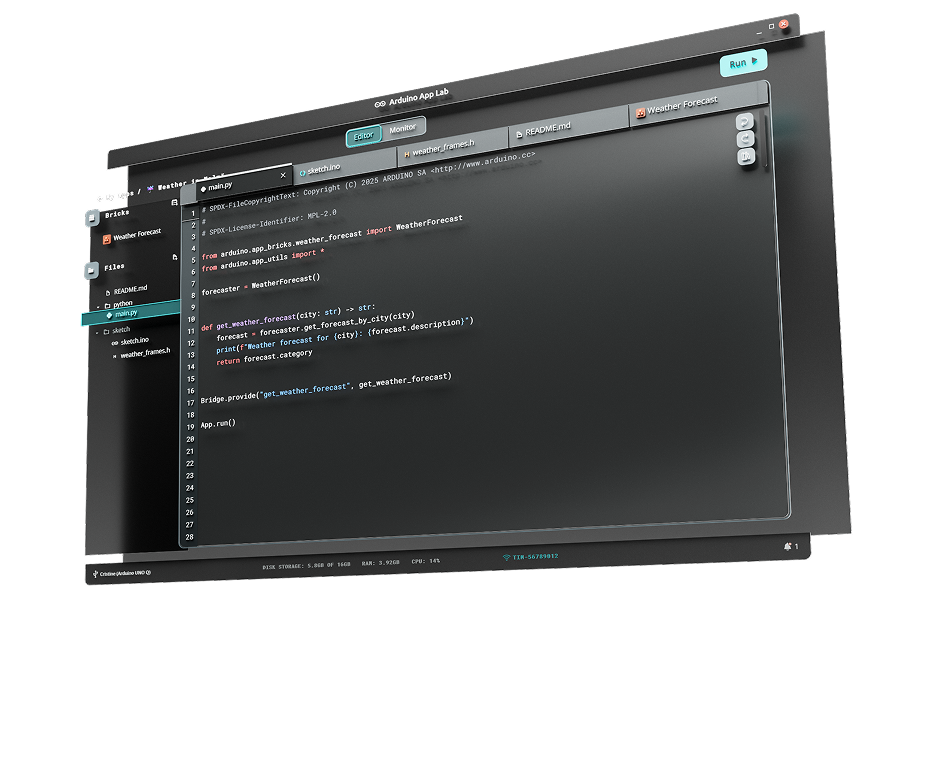
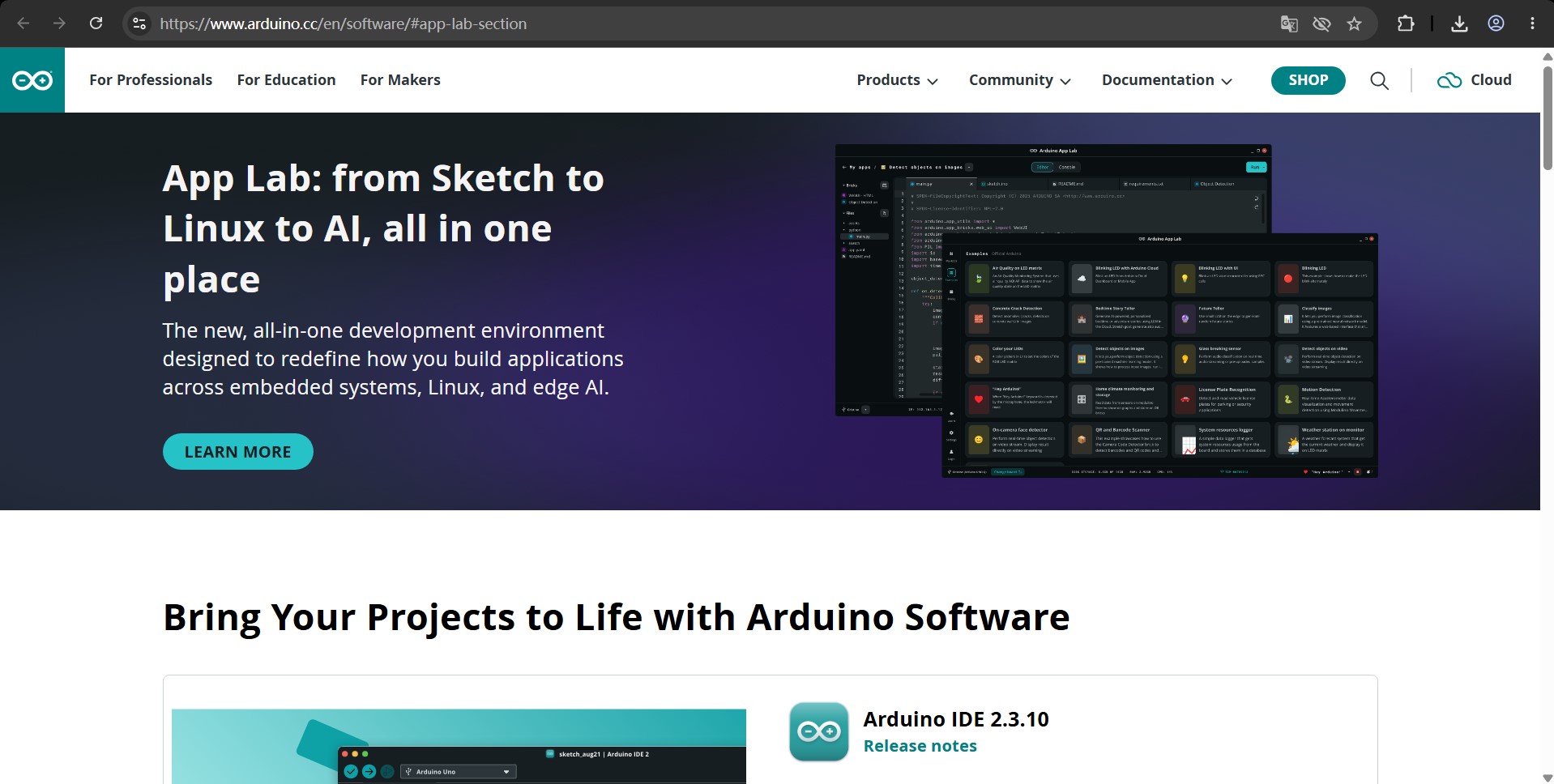
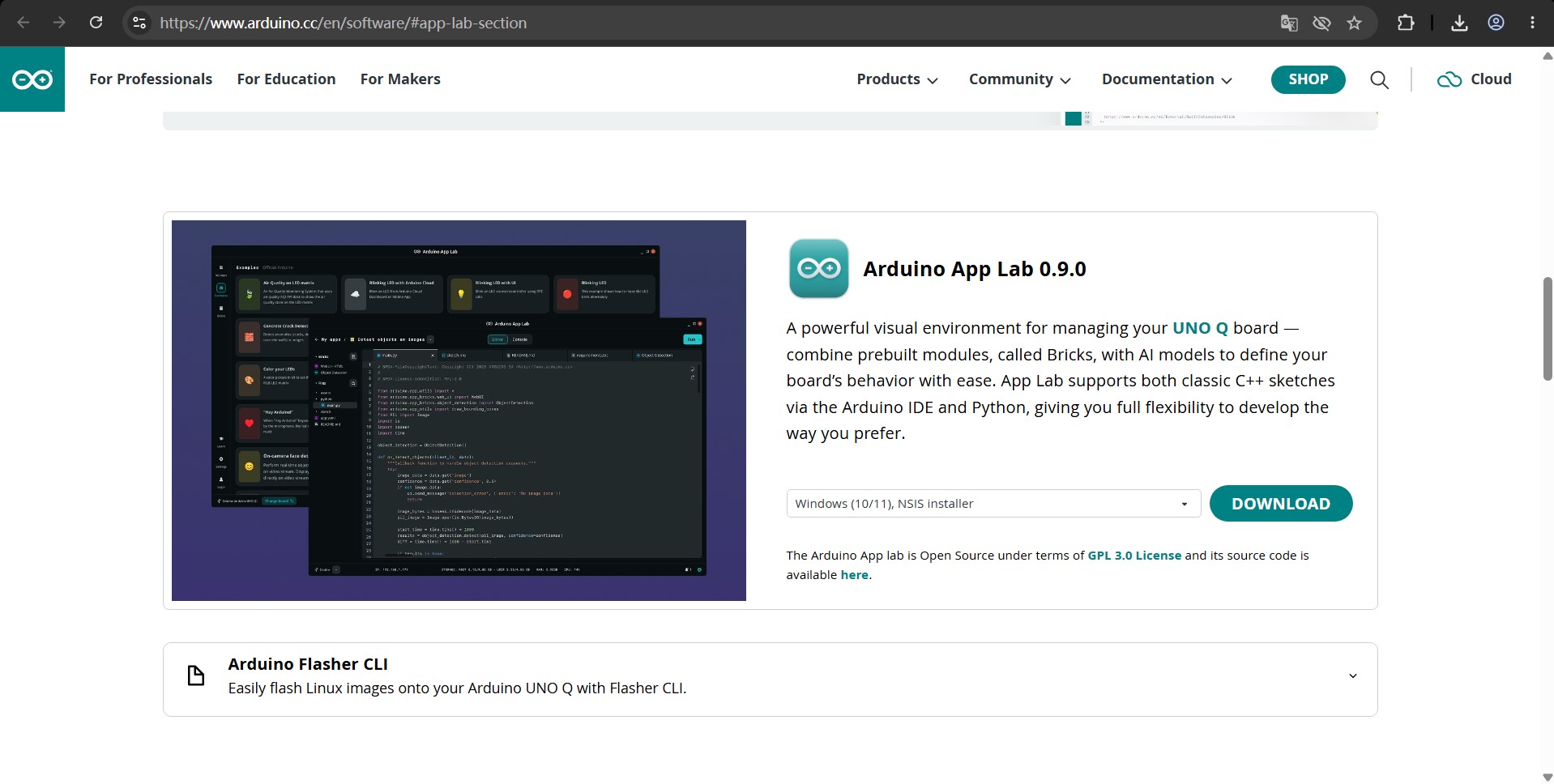
探索用于为新一代双核 Arduino 开发板创建 Arduino 应用程序的统一开发环境。专注于应用逻辑,通过堆叠即插即用的 Arduino Bricks来构建项目。
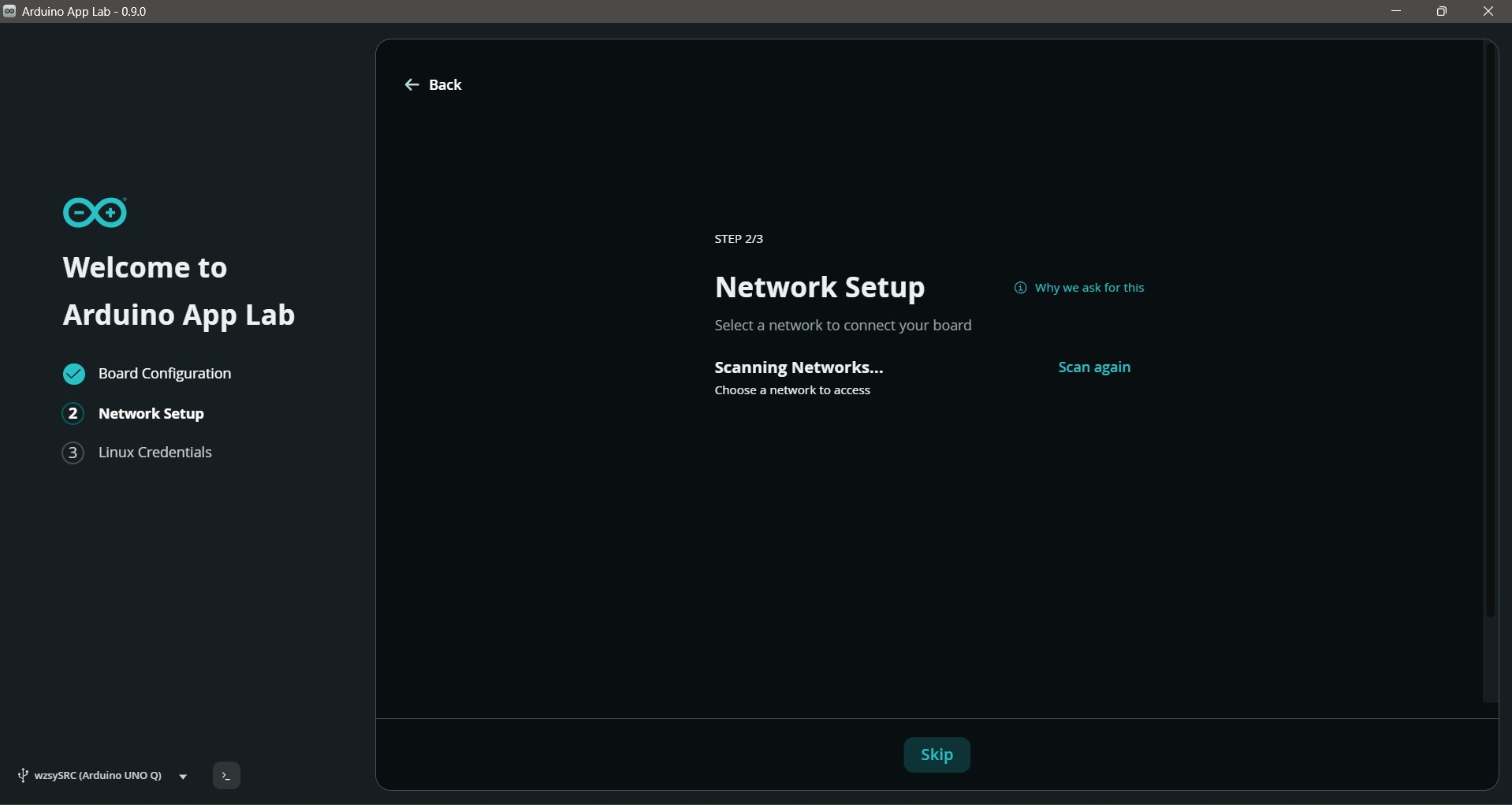
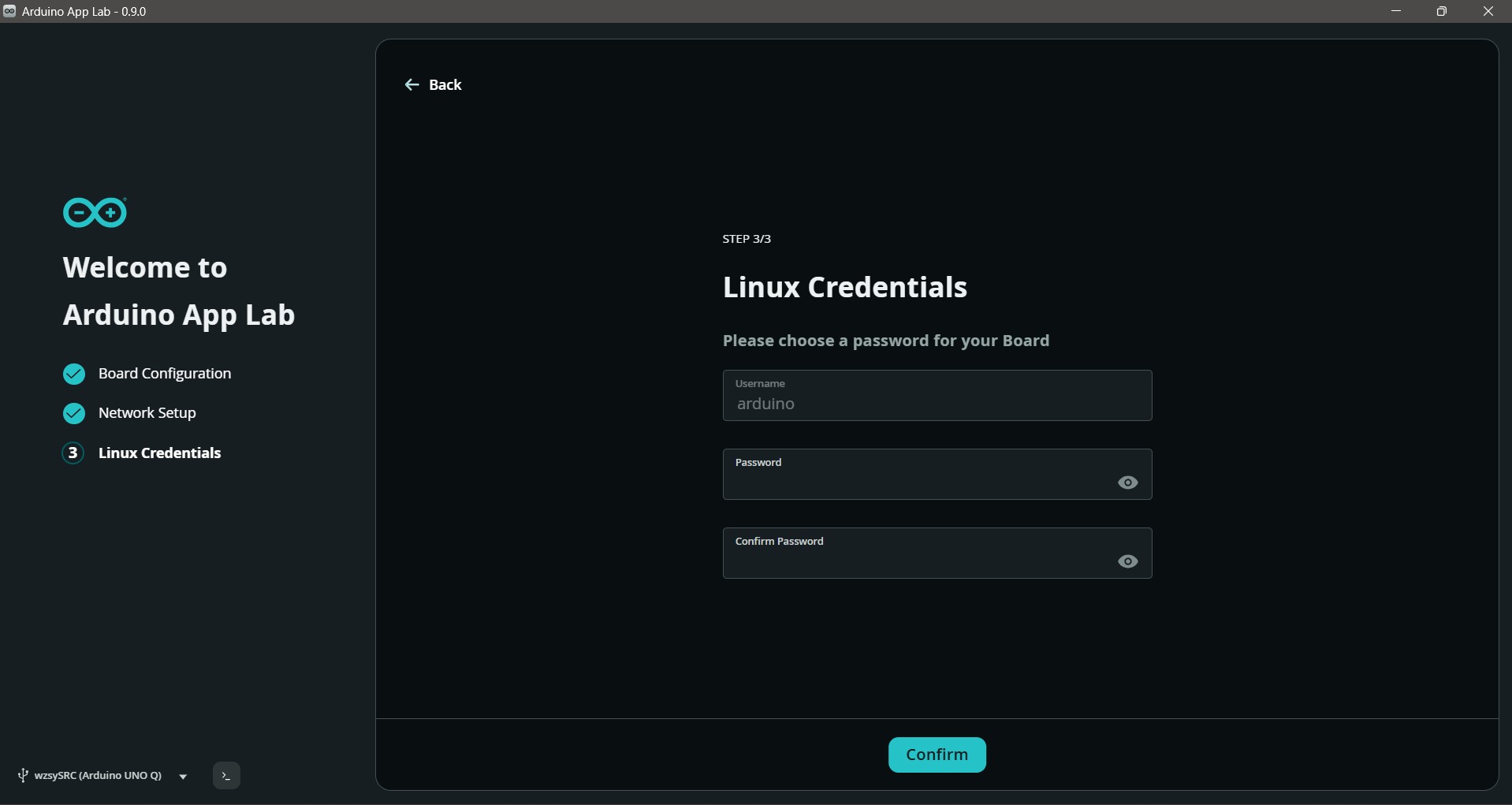
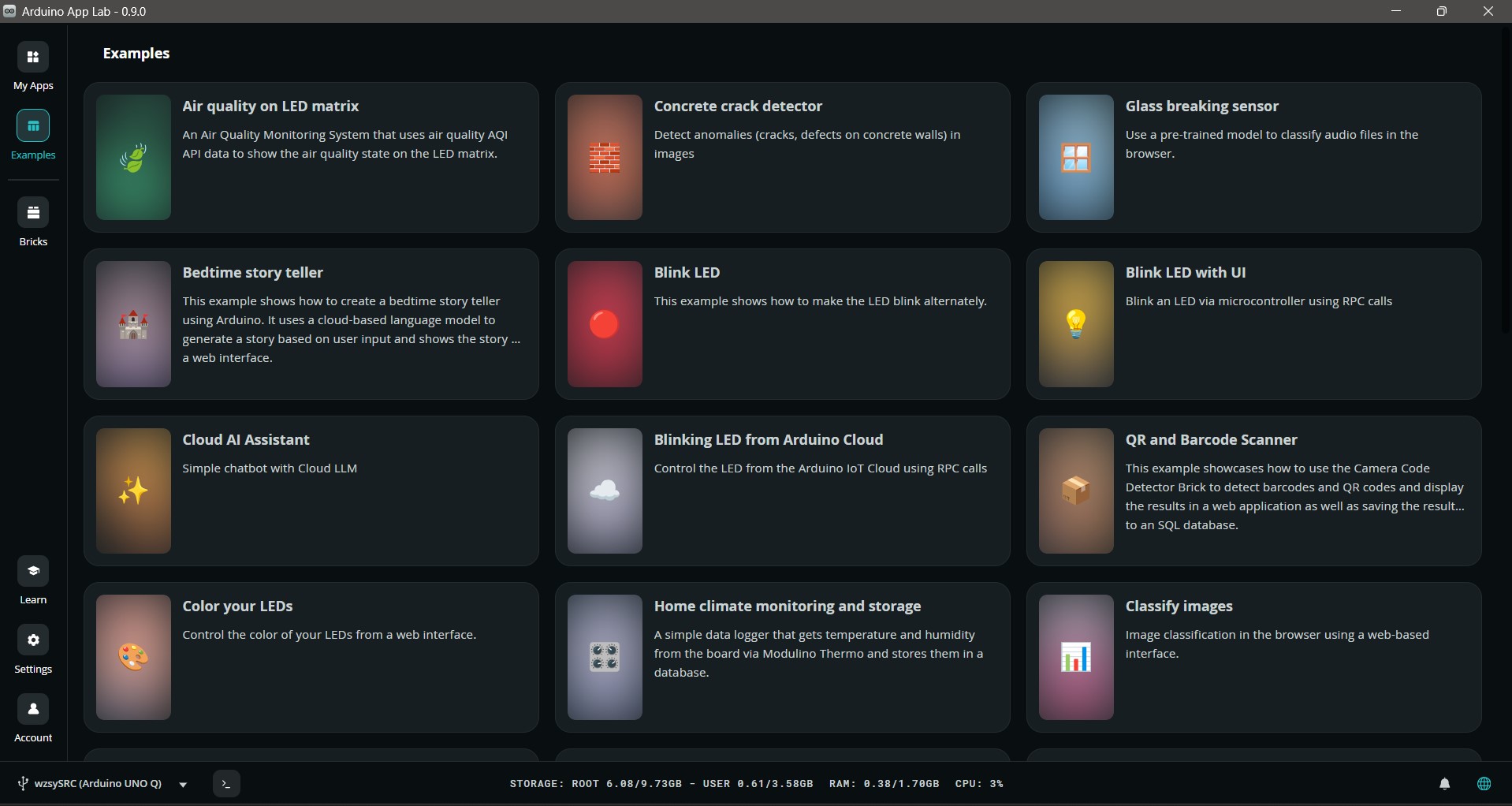
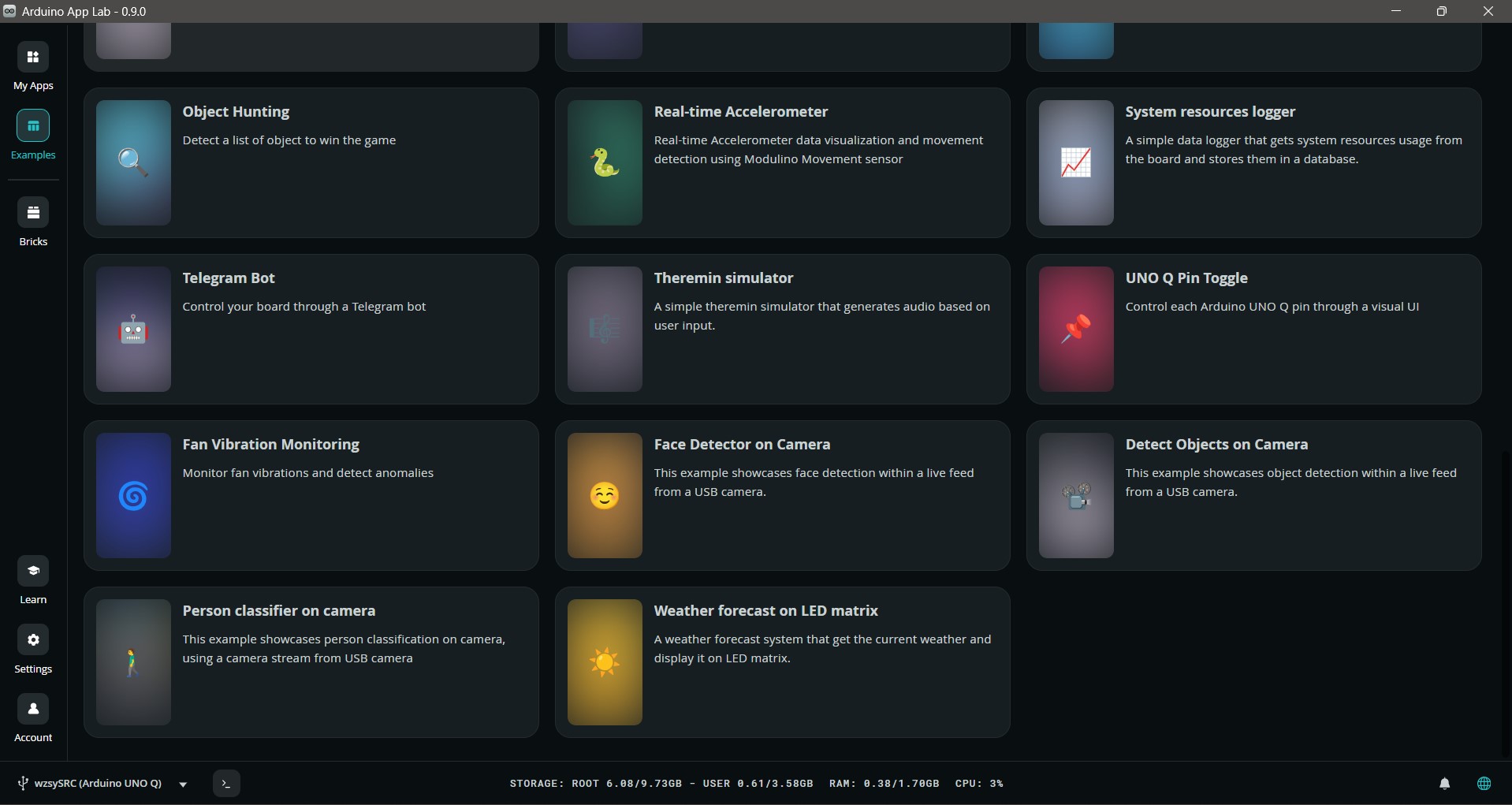
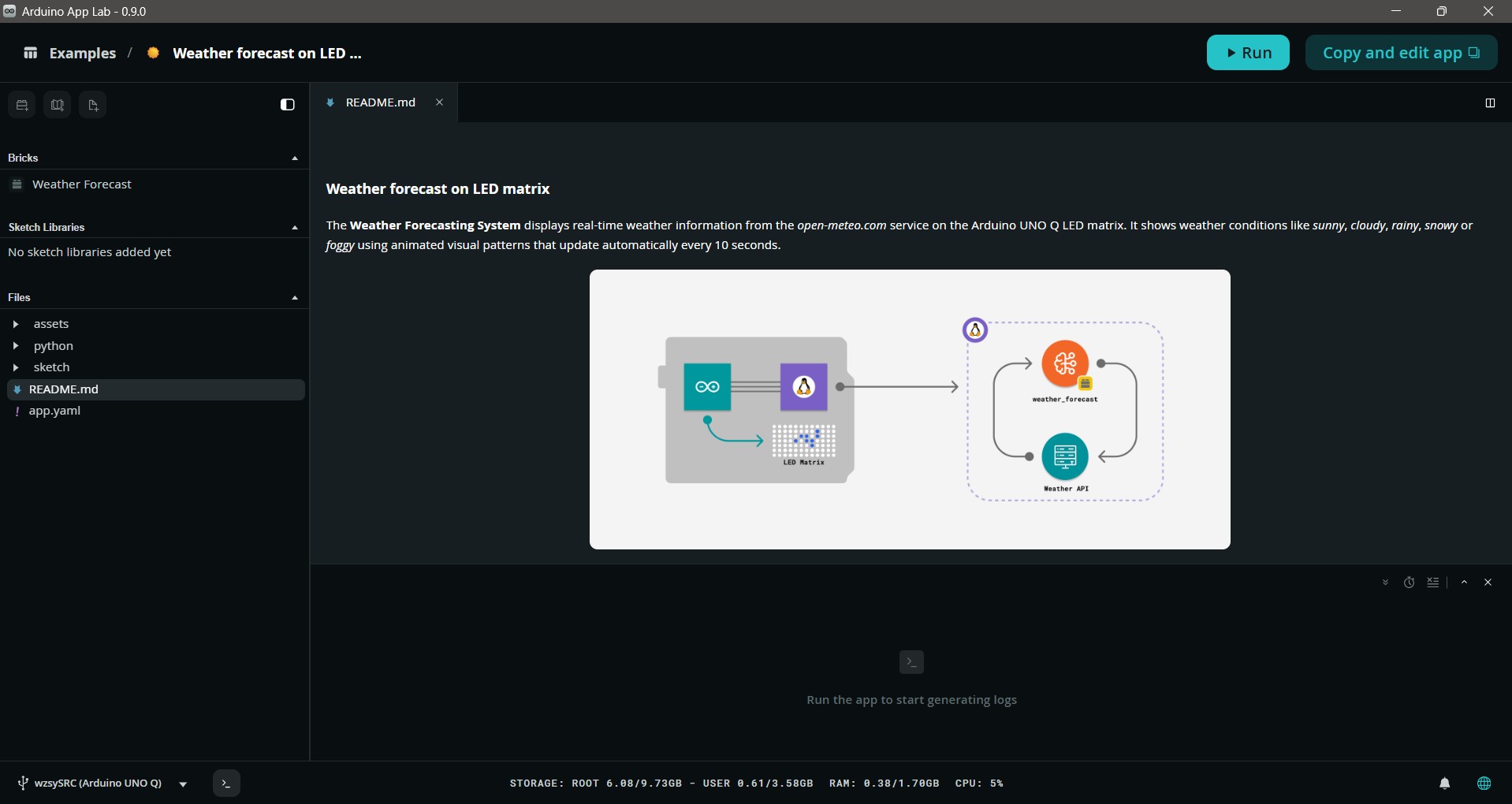
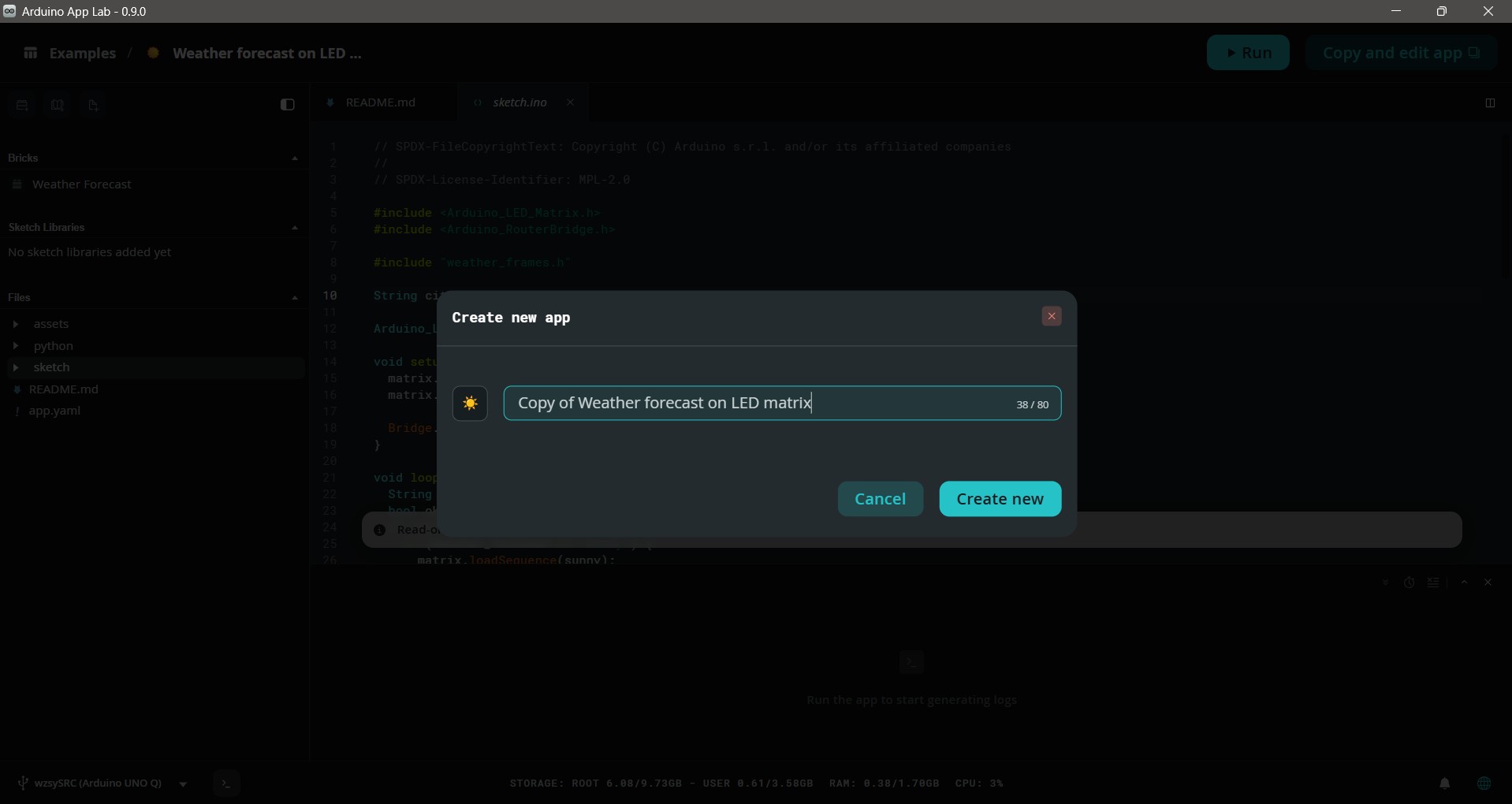
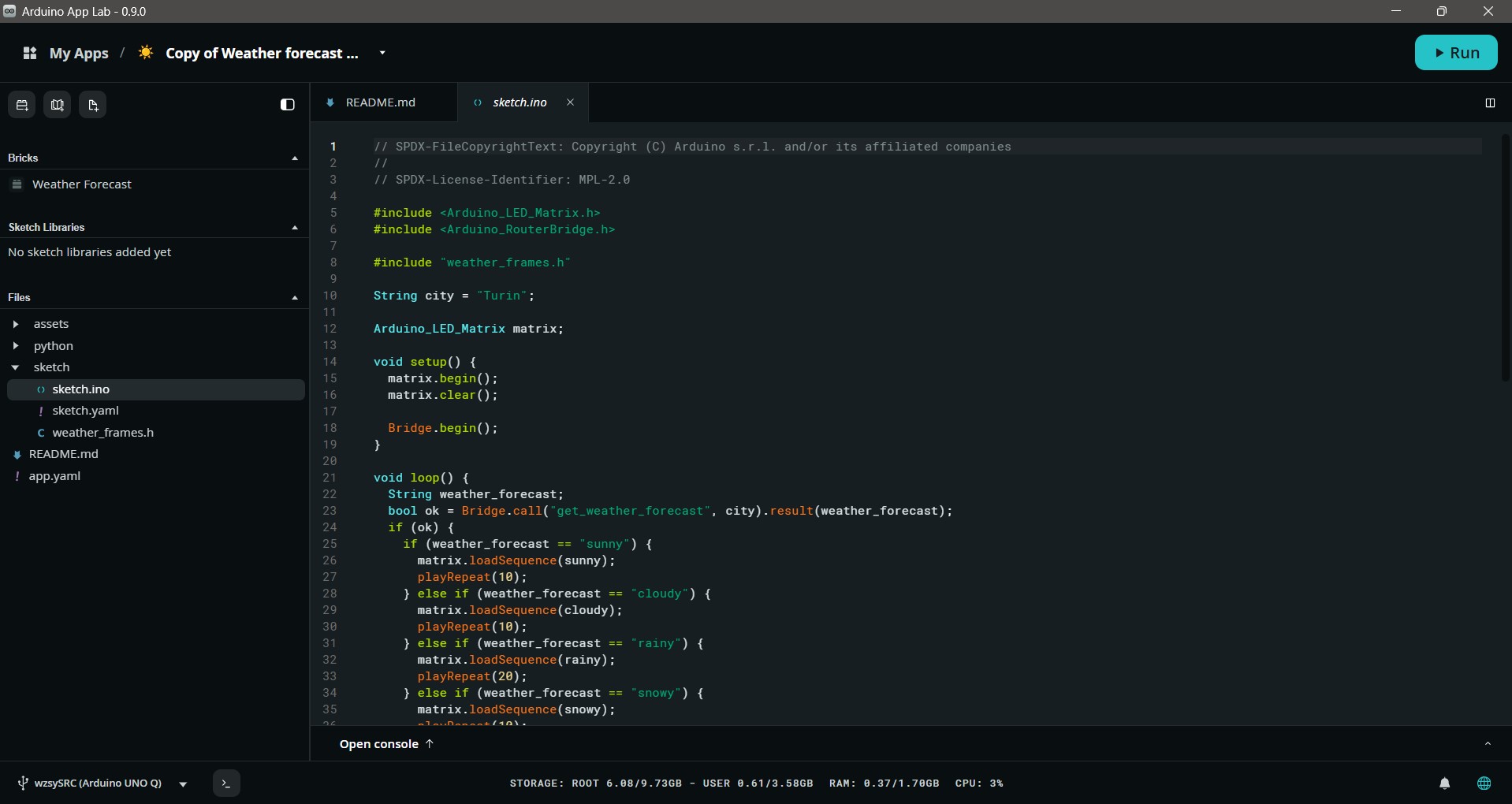
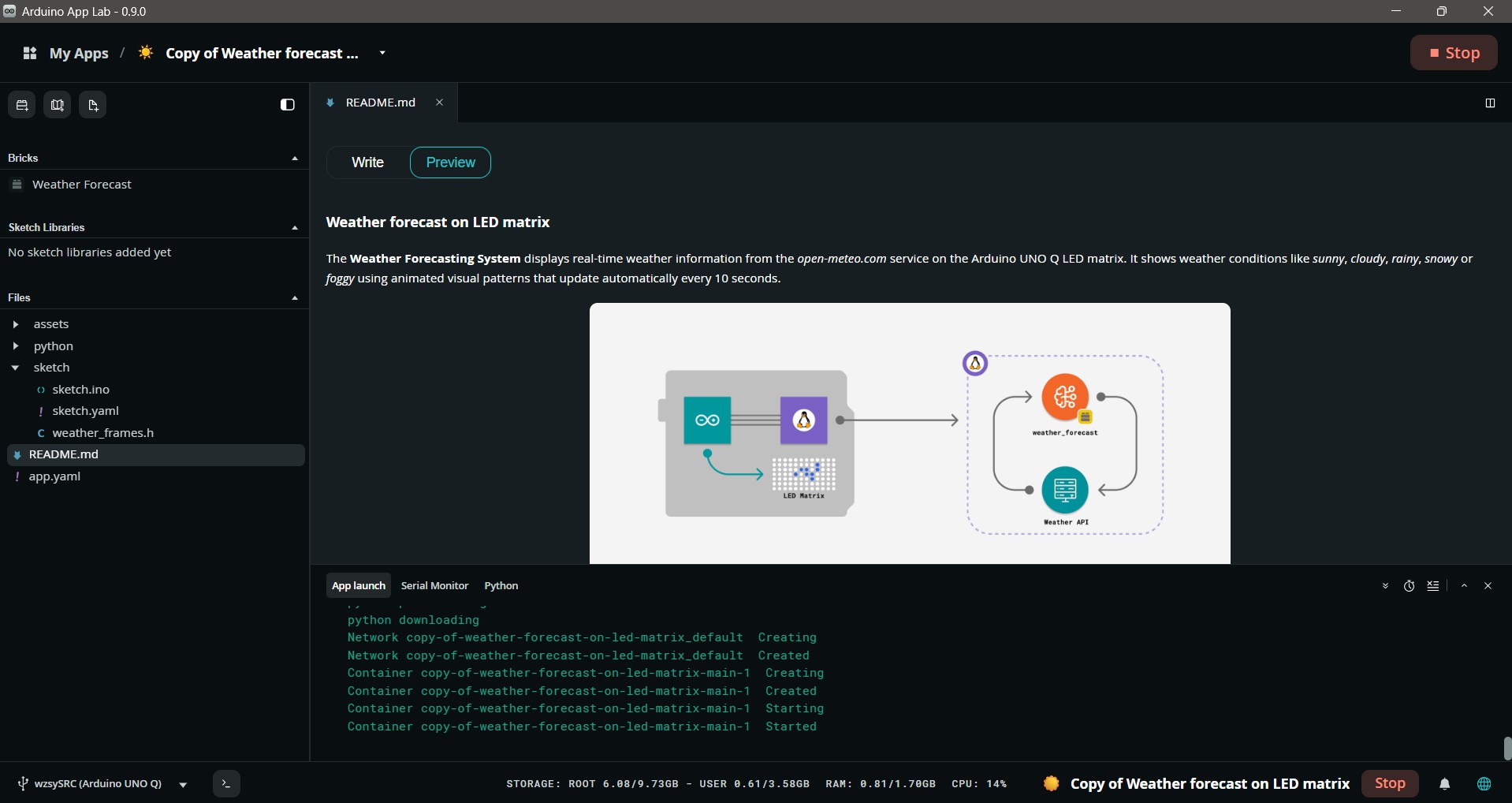
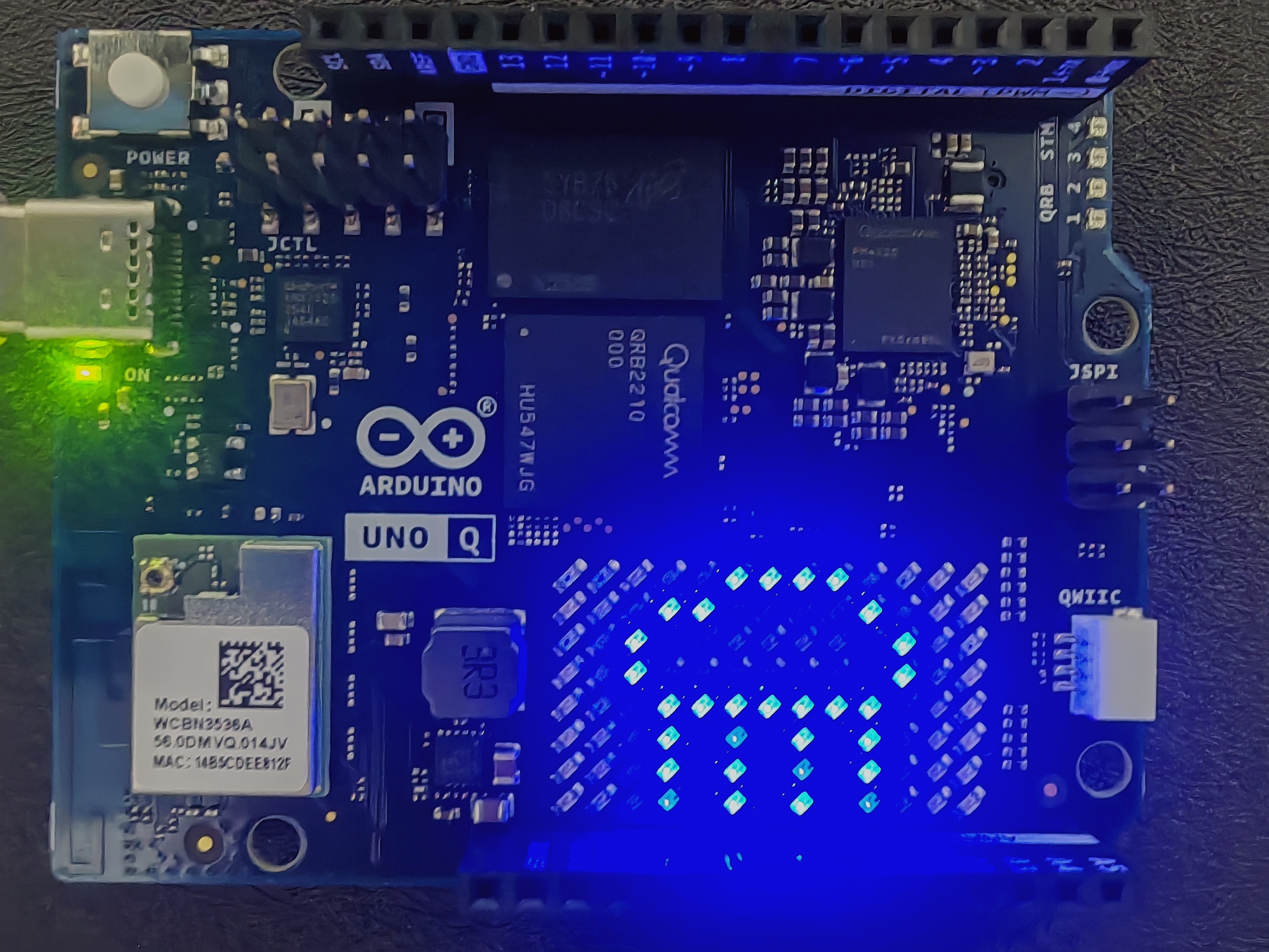
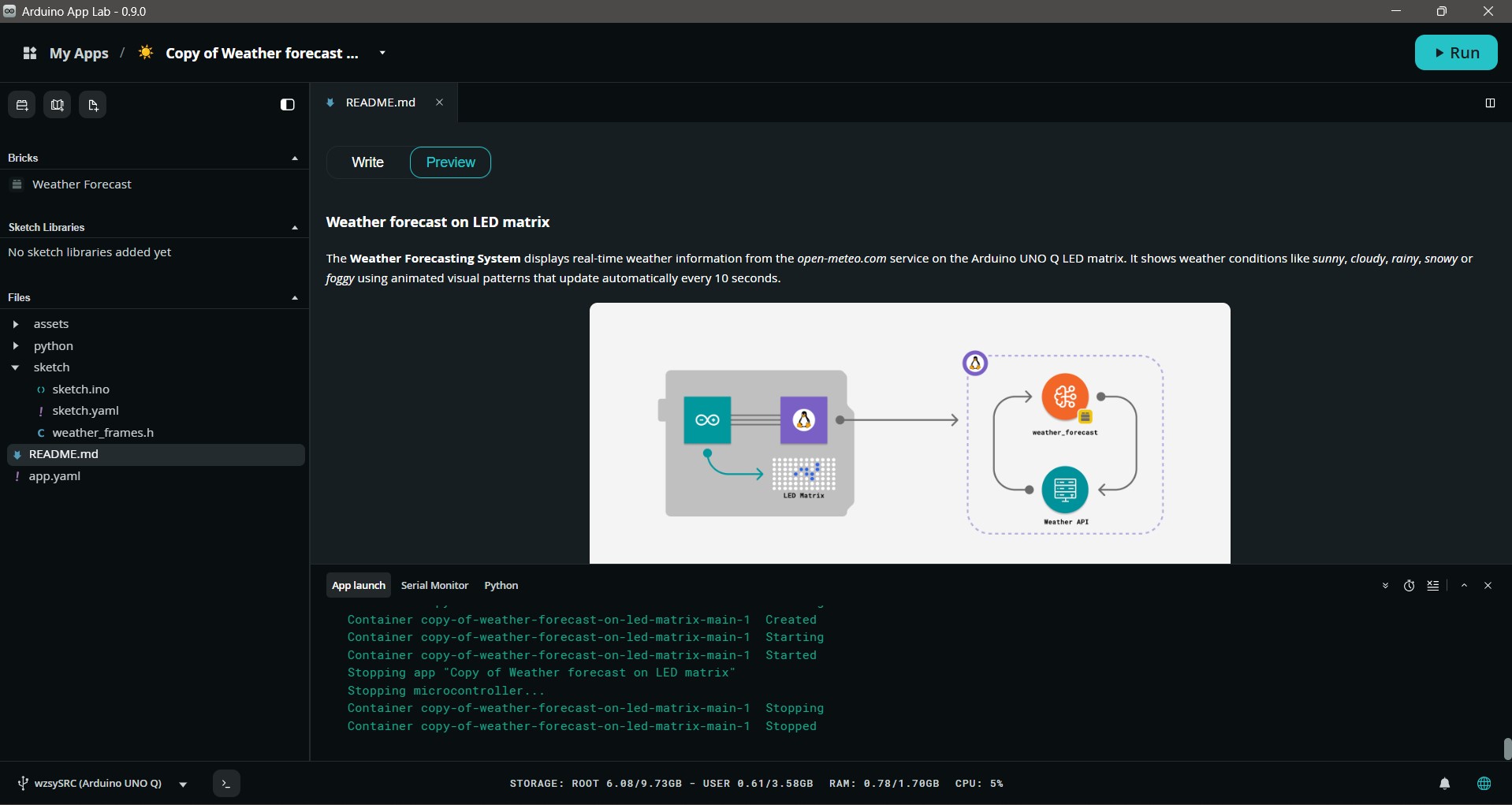
# SPDX-FileCopyrightText: Copyright (C) Arduino s.r.l. and/or its affiliated companies
#
# SPDX-License-Identifier: MPL-2.0

from arduino.app_bricks.weather_forecast import WeatherForecast
from arduino.app_utils import *

forecaster = WeatherForecast()


def get_weather_forecast(city: str) -> str:
    forecast = forecaster.get_forecast_by_city(city)
    print(f"Weather forecast for {city}: {forecast.description}")
    return forecast.category


Bridge.provide("get_weather_forecast", get_weather_forecast)

App.run()
// SPDX-FileCopyrightText: Copyright (C) Arduino s.r.l. and/or its affiliated companies
//
// SPDX-License-Identifier: MPL-2.0

#include <Arduino_LED_Matrix.h>
#include <Arduino_RouterBridge.h>

#include "weather_frames.h"

String city = "Beijing";

Arduino_LED_Matrix matrix;

void setup() {
  matrix.begin();
  matrix.clear();

  Bridge.begin();
}

void loop() {
  String weather_forecast;
  bool ok = Bridge.call("get_weather_forecast", city).result(weather_forecast);
  if (ok) {
    if (weather_forecast == "sunny") {
      matrix.loadSequence(sunny);
      playRepeat(10);
    } else if (weather_forecast == "cloudy") {
      matrix.loadSequence(cloudy);
      playRepeat(10);
    } else if (weather_forecast == "rainy") {
      matrix.loadSequence(rainy);
      playRepeat(20);
    } else if (weather_forecast == "snowy") {
      matrix.loadSequence(snowy);
      playRepeat(10);
    } else if (weather_forecast == "foggy") {
      matrix.loadSequence(foggy);
      playRepeat(5);
    }
  }
}

void playRepeat(int repeat_count) {
  for (int i = 0; i < repeat_count; i++) {
    matrix.playSequence();
  }
}
profiles:
  default:
    platforms:
      - platform: arduino:zephyr
default_profile: default
/*
 * SPDX-FileCopyrightText: Copyright (C) Arduino s.r.l. and/or its affiliated companies
 *
 * SPDX-License-Identifier: MPL-2.0
 */

const uint32_t sunny[][5] = {
    {0x04812805, 0x80138390, 0x03402902, 0x40000000, 500},
    {0x12005201, 0xa072009c, 0x0b009400, 0x90000000, 500},
    {0x04812805, 0x80138390, 0x03402902, 0x40000000, 500},
};

const uint32_t cloudy[][5] = {
    {0x0000380e, 0x20888404, 0x2020fe00, 0x00000000, 500},
    {0x00001c07, 0x10444202, 0x10107f00, 0x00000000, 500},
    {0x00000e03, 0x88222101, 0x08083f80, 0x00000000, 500},
    {0x00001c07, 0x10444202, 0x10107f00, 0x00000000, 500},
};

const uint32_t rainy[][5] = {
    {0x0780c208, 0x084041fc, 0x08a05100, 0xa0000000, 200},
    {0x0780c208, 0x084041fc, 0x02804502, 0x88000000, 200},
    {0x0780c208, 0x084041fc, 0x0a201402, 0x28000000, 200},
};

const uint32_t snowy[][5] = {
    {0x0780c208, 0x084041fc, 0x02004400, 0x88000000, 650},
    {0x0780c208, 0x084041fc, 0x00201002, 0x20000000, 650},
    {0x0780c208, 0x084041fc, 0x08800100, 0x80000000, 650},
};

const uint32_t foggy[][5] = {
    {0x0001fb00, 0x006fc000, 0x1f700000, 0x00000000, 660},
    {0x0001ef00, 0x0077c000, 0x1fb00000, 0x00000000, 660},
    {0x0001fb00, 0x006fc000, 0x1f700000, 0x00000000, 660},
};
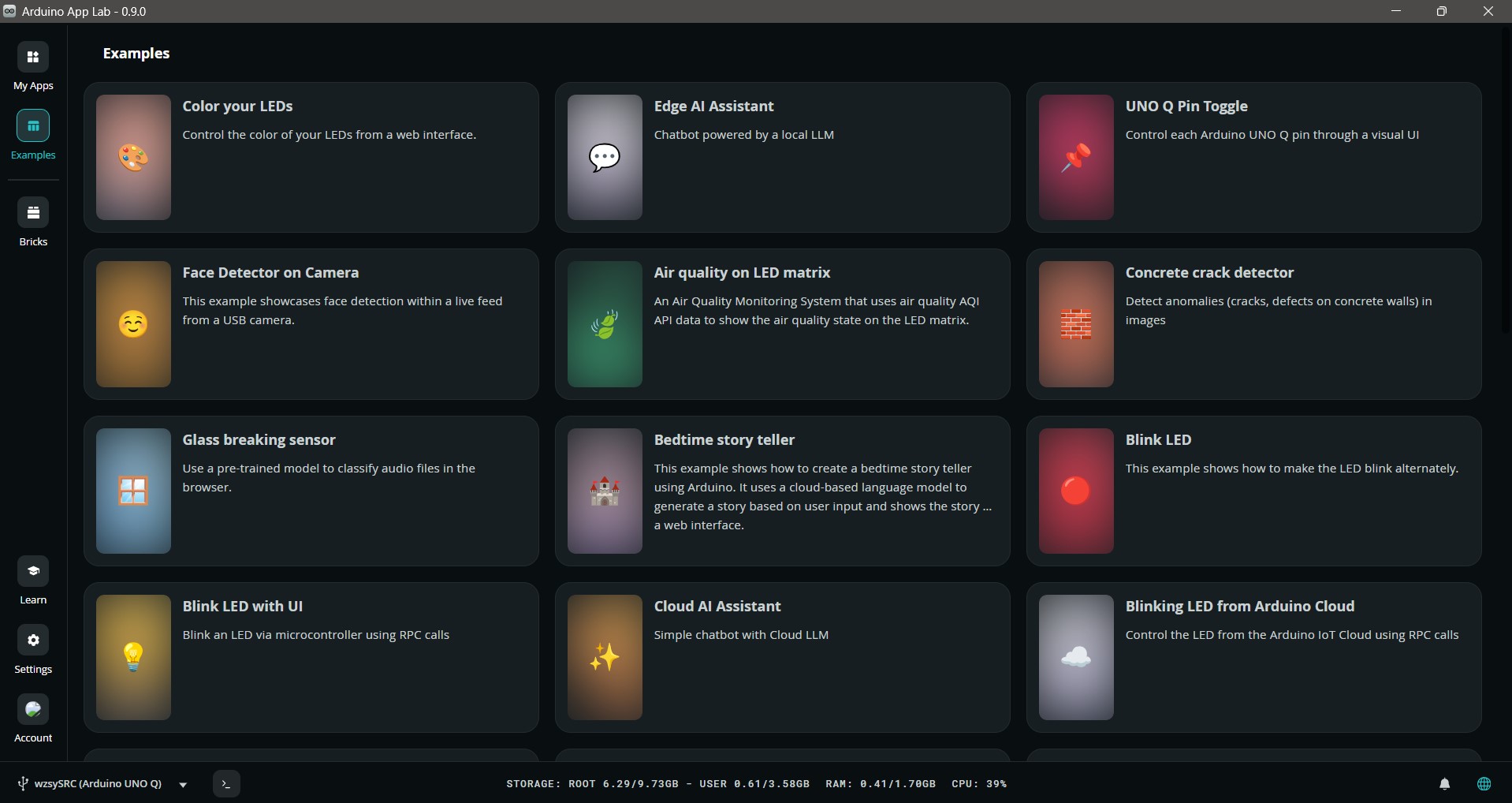
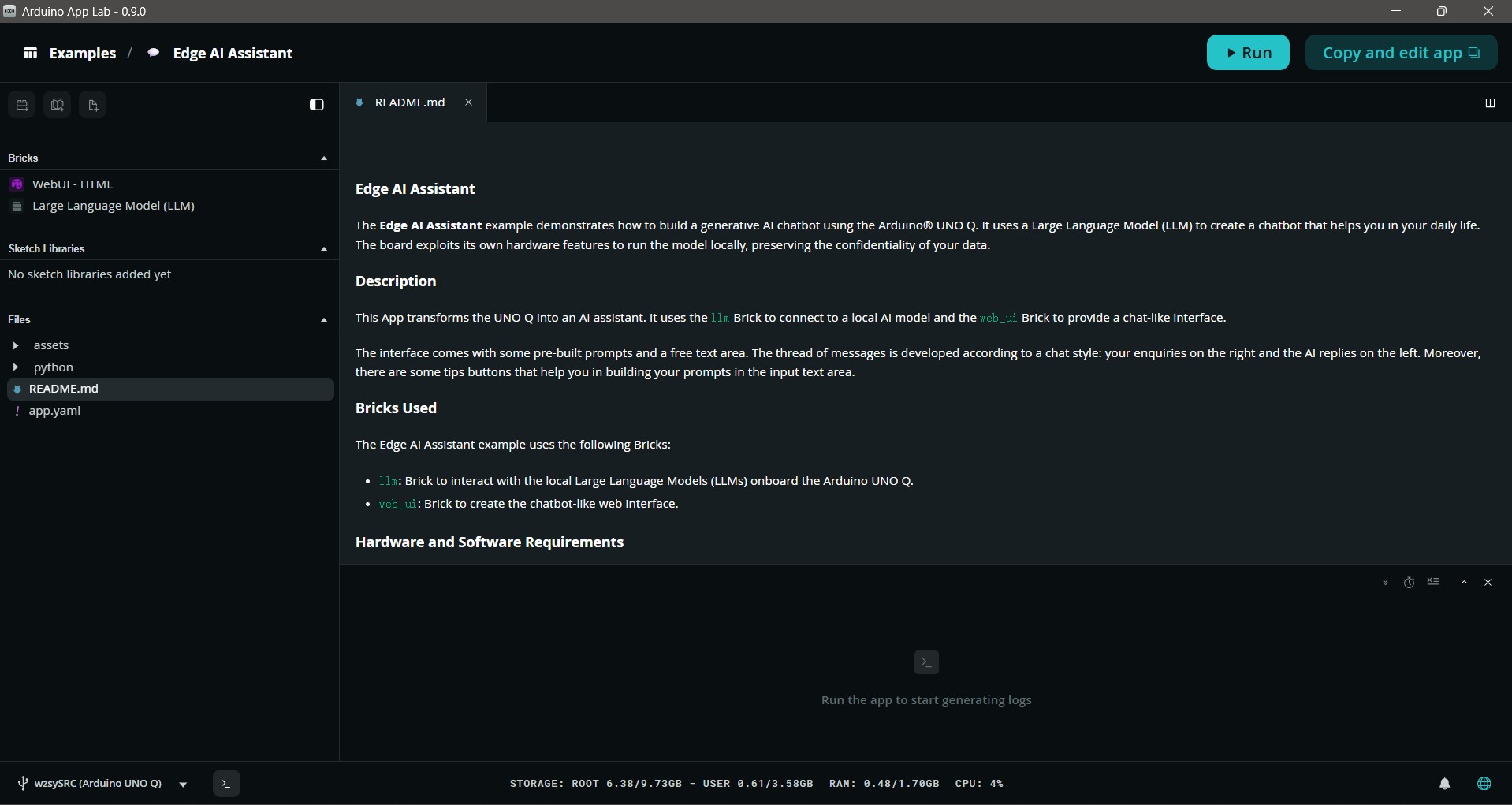
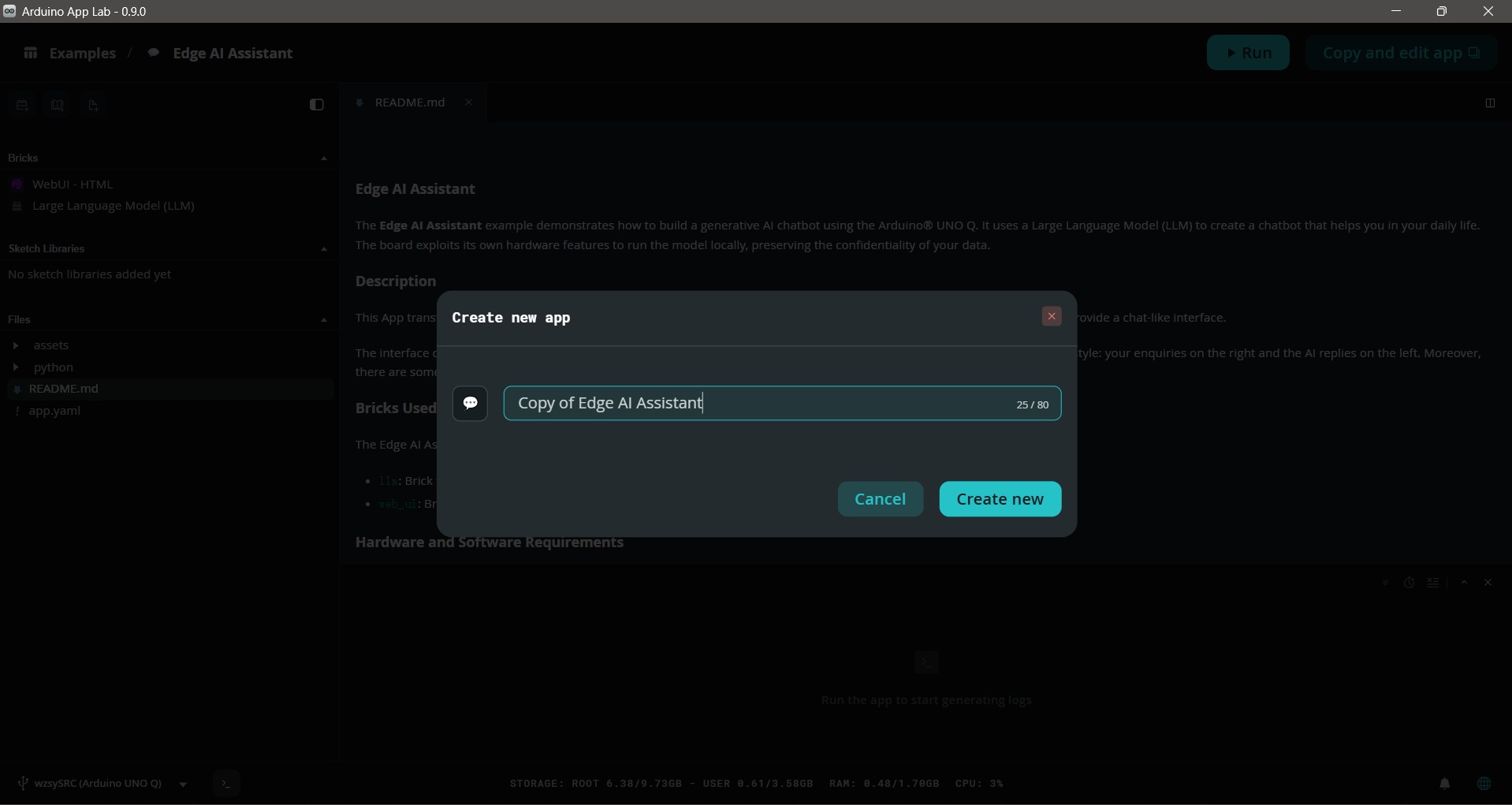
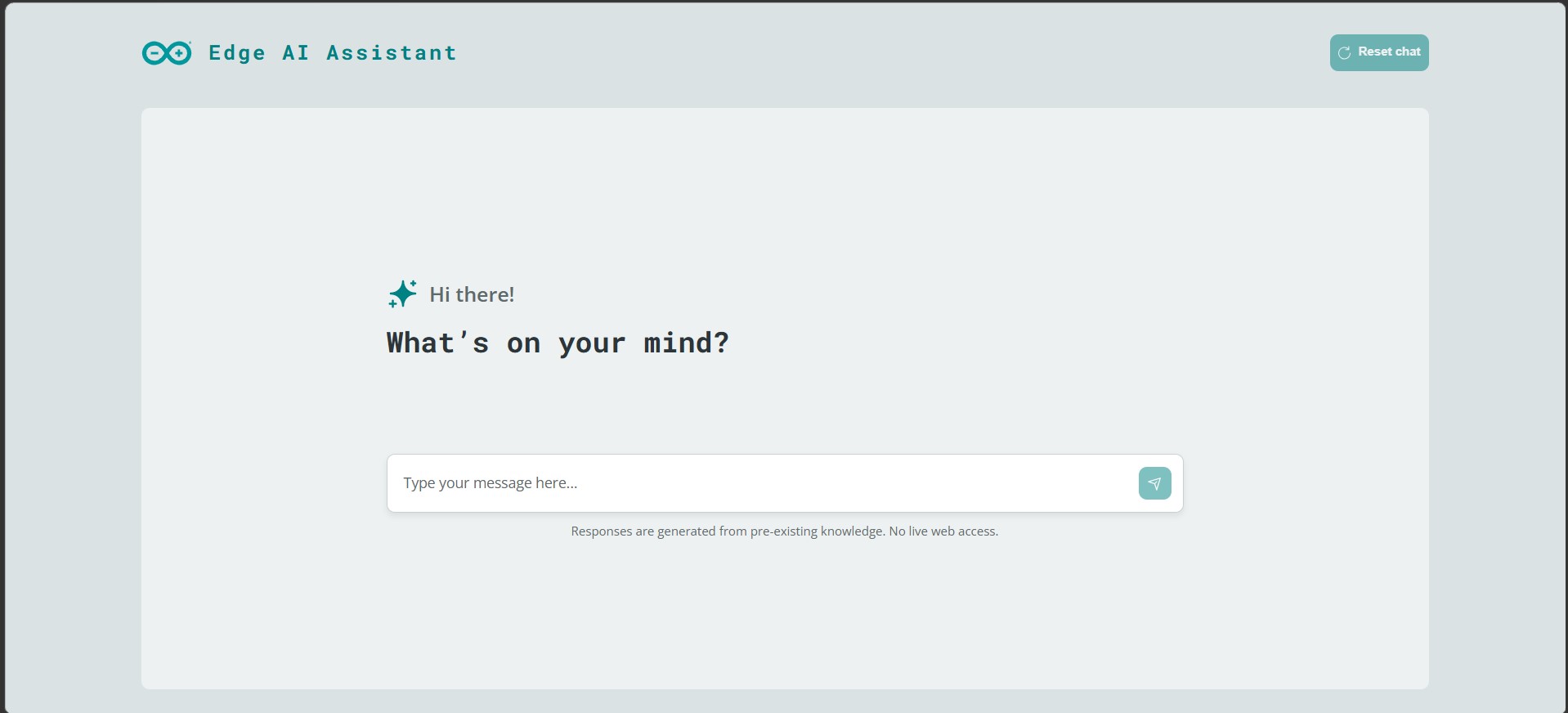
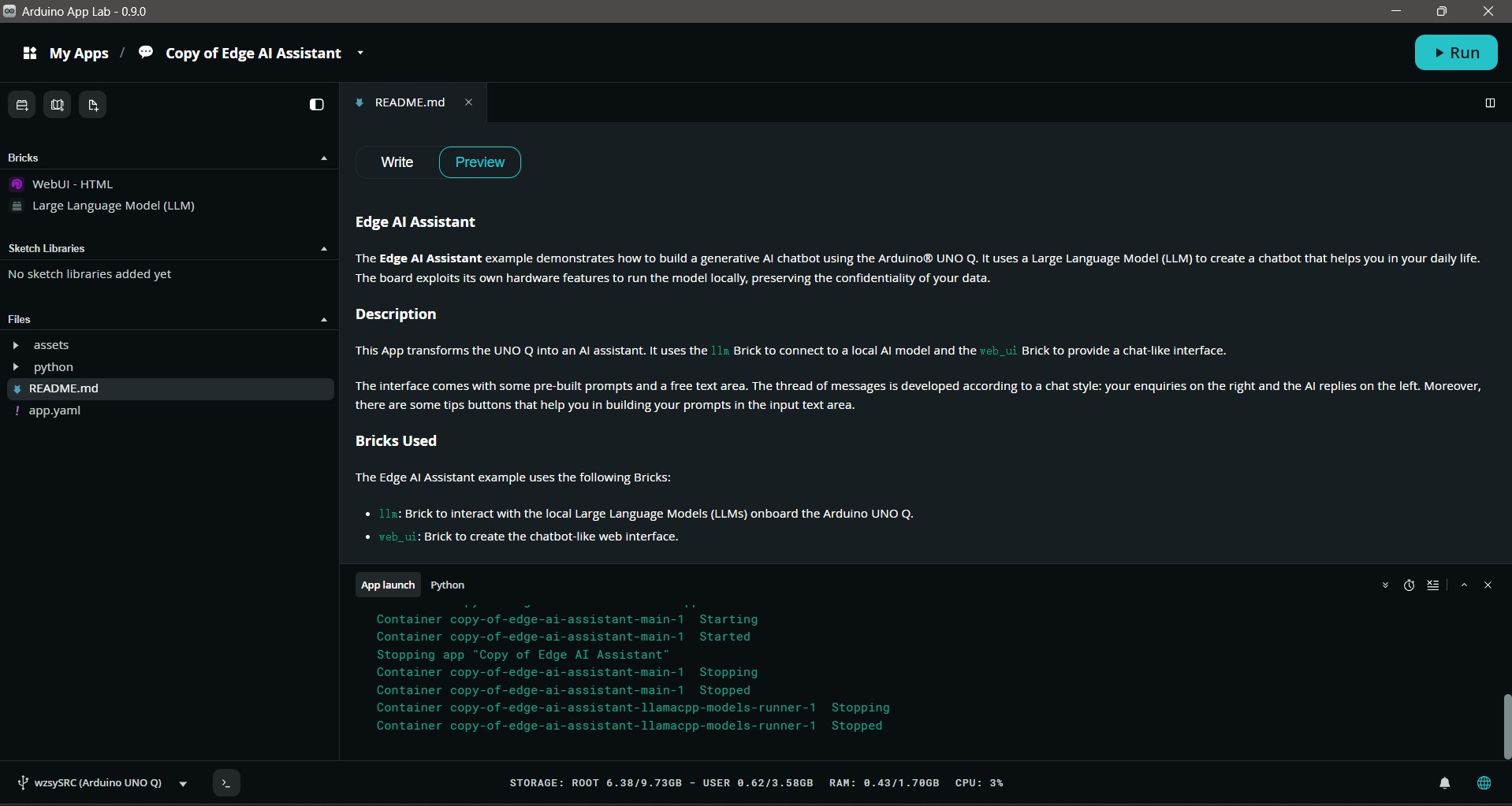
# SPDX-FileCopyrightText: Copyright (C) Arduino s.r.l. and/or its affiliated companies
#
# SPDX-License-Identifier: MPL-2.0

from arduino.app_bricks.llm import LargeLanguageModel
from arduino.app_bricks.web_ui import WebUI
from arduino.app_utils import App
from prompts import load_system_prompt


def generate_prompt(_, data):
    try:
        prompt = data.get("prompt", "")
        # Use the plain text prompt for the LLM and stream the response
        for resp in llm.chat_stream(prompt):
            ui.send_message("response", resp)

        # Signal the end of the stream
        ui.send_message("stream_end", {})
    except Exception as e:
        ui.send_message("llm_error", {"error": str(e)})


def commands_handler(_, data):
    command = data.get("command", "")
    try:
        if command == "clear_chat":
            llm.stop_stream()
            llm.clear_memory()
            ui.send_message("command_ok", {"command": command})
        elif command == "stop_stream":
            llm.stop_stream()
            ui.send_message("command_ok", {"command": command})
        else:
            ui.send_message(
                "command_error", {"command": command, "error": "Unknown command"}
            )
    except Exception as e:
        ui.send_message("command_error", {"command": command, "error": str(e)})


llm = LargeLanguageModel(system_prompt=load_system_prompt())

llm.with_memory(10)

ui = WebUI()

ui.on_message("prompt", generate_prompt)
ui.on_message("commands", commands_handler)

App.run()
# SPDX-FileCopyrightText: Copyright (C) Arduino s.r.l. and/or its affiliated companies
#
# SPDX-License-Identifier: MPL-2.0

import os


def load_system_prompt():
    try:
        with open(os.path.join(os.path.dirname(__file__), "system_prompt.txt"), "r") as f:
            system_prompt = f.read()
            f.close()
    except Exception:
            system_prompt = "You are a generic AI Chatbot Assistant."
    return system_prompt


