


7,696
社区成员
 发帖
发帖 与我相关
与我相关 我的任务
我的任务
 分享
分享目录
感谢阿加犀、高通以及相关工作人员提供这次体验机会。
本文简单记录 Rhino X1 的系统安装、外接 SSD 挂载,以及通过 CH340 与 STM32F407 开发板进行串口通信时遇到的问题和解决过程。
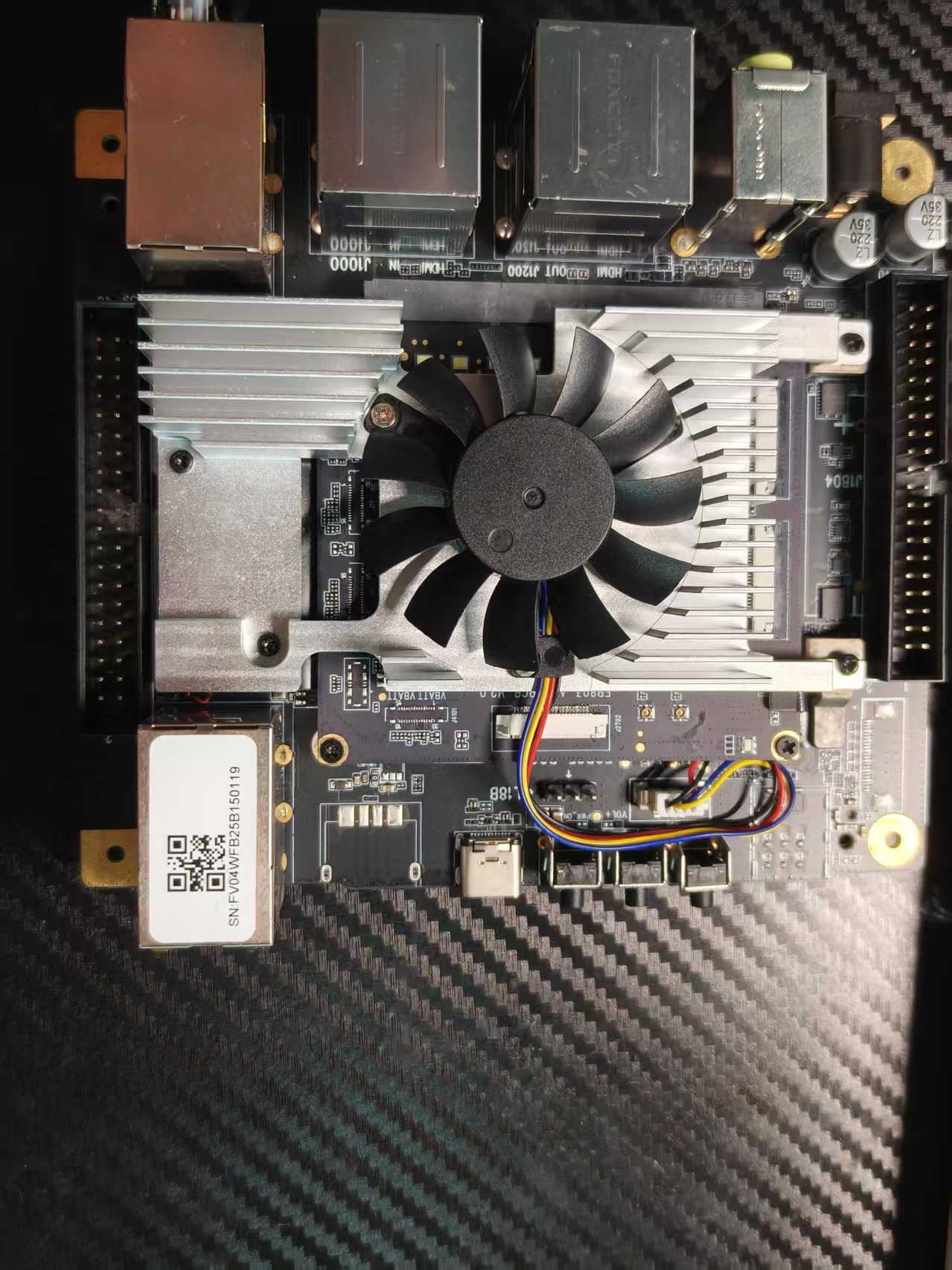
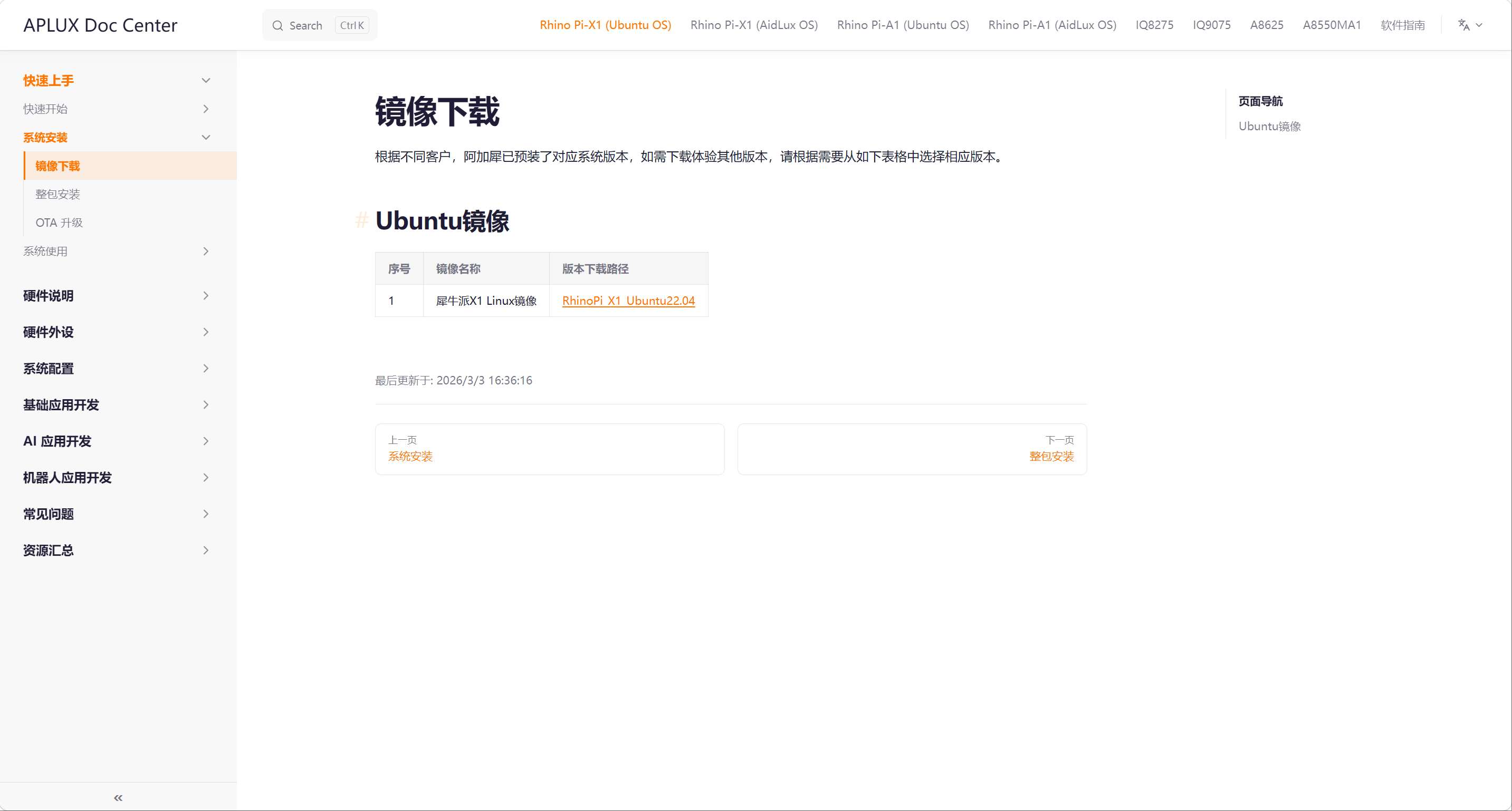
首先从官方文档下载 Rhino X1 的 Ubuntu 系统镜像:
然后按照官方提供的教程烧录并安装系统:
由于不知道板子自带,储存空间,于是外挂了一块固态硬盘。
sudo apt update
sudo apt install -y ntfs-3g
sudo mkdir -p /mnt/ssd
sudo mount -t ntfs-3g /dev/nvme0n1p1 /mnt/ssd
这样就可以开始愉快的对SSD进行读写了
创建一个文件试试
cd /mnt/ssd
touch test.txt
我使用一块基于 STM32F407 的开发板,并编写了一个简单的串口发送程序,用来测试 Rhino X1 与 STM32 之间的串口通信。
这块开发板板载 CH340 USB 转串口芯片,因此我直接使用 USB 线将开发板连接到 Rhino X1。
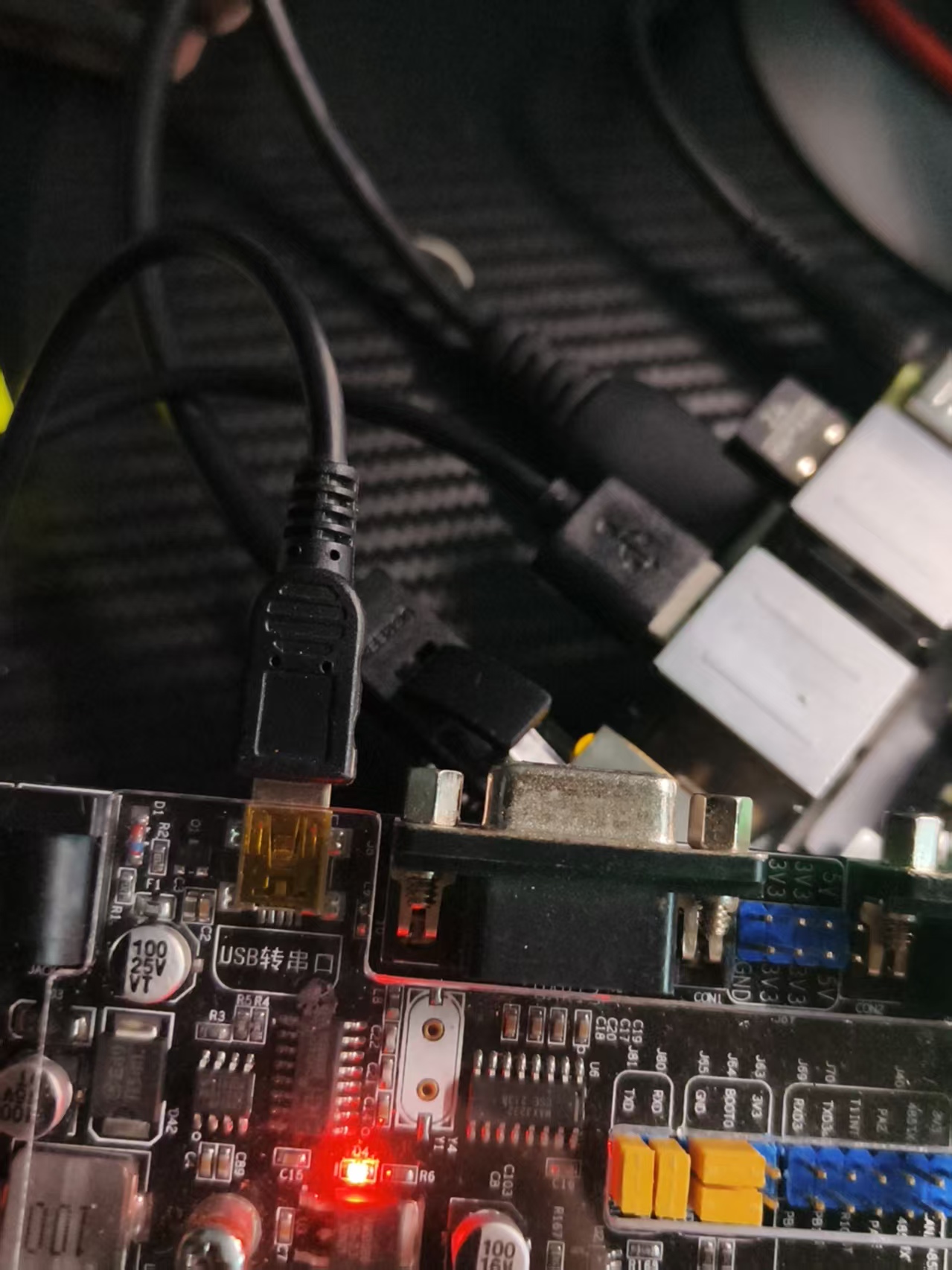
连接后执行:
lsusb -t
得到:
/:  Bus 02.Port 1: Dev 1, Class=root_hub, Driver=xhci_hcd/4p, 5000M
/:  Bus 01.Port 1: Dev 1, Class=root_hub, Driver=xhci_hcd/4p, 480M
    |__ Port 1: Dev 6, If 0, Class=Vendor Specific Class, Driver=, 12M
    |__ Port 2: Dev 2, If 2, Class=Human Interface Device, Driver=usbhid, 12M
    |__ Port 2: Dev 2, If 0, Class=Human Interface Device, Driver=usbhid, 12M
    |__ Port 2: Dev 2, If 1, Class=Human Interface Device, Driver=usbhid, 12M
可以看到 USB 设备已经被系统枚举,但目标接口的 Driver= 为空,说明串口驱动没有稳定绑定,串口无法正常使用。
用AI排查一下原因,查看日志发现了无法使用的原因,串口已经生成。
[4682.840136]
ch341-uart converter now attached to ttyUSB0
随后:
[4682.960722]
interface 0 claimed by ch341 while 'brltty' sets config #1
说明 BRLTTY 介入并重新设置 USB 配置,串口创建后大约 0.13 秒就断开了。
卸载BRLTTY并重新启用。
sudo apt-get remove brltty
sudo udevadm control --reload-rules
重新枚举驱动
aidlux@kalama:/mnt/ssd$ lsusb -t
/:  Bus 02.Port 1: Dev 1, Class=root_hub, Driver=xhci_hcd/4p, 5000M
/:  Bus 01.Port 1: Dev 1, Class=root_hub, Driver=xhci_hcd/4p, 480M
    |__ Port 2: Dev 2, If 2, Class=Human Interface Device, Driver=usbhid, 12M
    |__ Port 2: Dev 2, If 0, Class=Human Interface Device, Driver=usbhid, 12M
    |__ Port 2: Dev 2, If 1, Class=Human Interface Device, Driver=usbhid, 12M
    |__ Port 4: Dev 8, If 0, Class=Vendor Specific Class, Driver=ch341, 12M
发现CH340驱动成功创建。不知道有没有更优雅的方法,求大神赐教。
/usr/bin/python3 -m serial.tools.miniterm /dev/ttyUSB0 9600 --dtr 0 --rts 0 --raw

通信成功

