


183
社区成员
 发帖
发帖 与我相关
与我相关 我的任务
我的任务
 分享
分享| The Link Your Class | https://bbs.csdn.net/forums/MUEE308FZ |
|---|---|
| The Link of Requirement of This Assignment | https://bbs.csdn.net/topics/603251839 |
| The Name of Team | East Wind |
| The Goal of This Assignment | Alpha Sprint |
| Leader's MU STU ID and Name | 19104375 & 831902106 Xiaolong Han |
| Teammate 1's MU STU ID and Name | 19104600 & 831902123 Yongquan Wang |
| Teammate 2's MU STU ID and Name | 19104847 & 831902119 Jiatong Zhang |
| Teammate 3's MU STU ID and Name | 19104821 & 831902118 Shuoyuan Chen |
| Teammate 4's MU STU ID and Name | 19104952 & 831901329 Xiaotong Shao |
| Group number | 6 - A |
📜 Catalog
| LINK | https://bbs.csdn.net/topics/603387150?spm=1001.2014.3001.6377 |
|---|
| Blog Name | Date | Link | Amount of work done | Residual workload | The percentage |
|---|---|---|---|---|---|
| East Wind - Sprint Blog Day1 | 11.14 | https://bbs.csdn.net/topics/603376943?spm=1001.2014.3001.6377 | 10 | 90 | 10% |
| East Wind - Sprint Blog Day2 | 11.15 | https://bbs.csdn.net/topics/603387027 | 10 | 80 | 20% |
| East Wind - Sprint Blog Day3 | 11.16 | https://bbs.csdn.net/topics/603396831 | 0 | 80 | 20% |
| East Wind - Sprint Blog Day4 | 11.17 | https://bbs.csdn.net/topics/603409452?spm=1001.2014.3001.6377 | 10 | 70 | 30% |
| East Wind - Sprint Blog Day5 | 11.18 | https://bbs.csdn.net/topics/603437348?spm=1001.2014.3001.6377 | 15 | 55 | 45% |
| East Wind - Sprint Blog Day6 | 11.19 | https://bbs.csdn.net/topics/603439408?spm=1001.2014.3001.6377 | 20 | 35 | 65% |
| East Wind - Sprint Blog Day7 | 11.20 | https://bbs.csdn.net/topics/603444523?spm=1001.2014.3001.6377 | 25 | 10 | 90% |
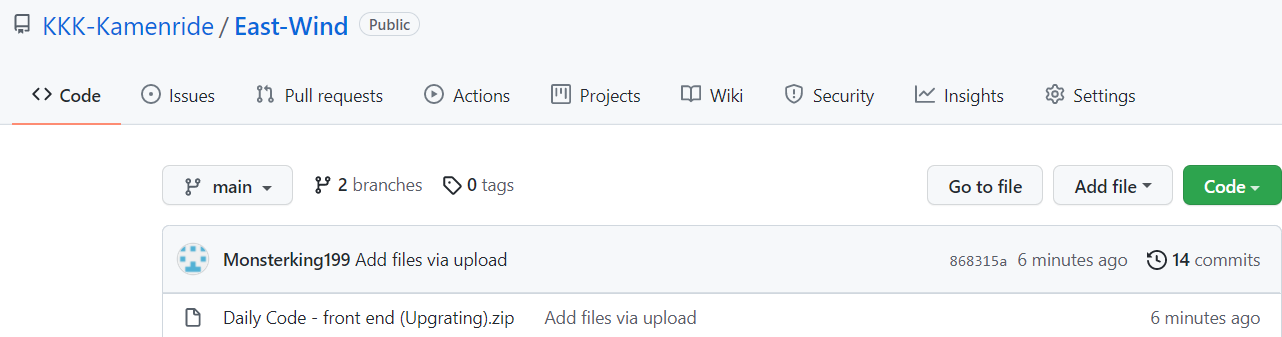
| Front end | https://github.com/KKK-Kamenride/East-Wind/tree/main |
|---|---|
| Back end | https://github.com/KKK-Kamenride/East-Wind/tree/back |
1. Prototype design: In the previous LAB7, we improved all the design of the prototype, and we will carry out front-end development work based on this.
2. Front-end development (part) : We have certain experience in the use of wechat small program development tools, and we will build the overall framework based on this.
3. UI design: Our team has designed the LOGO and various small ICONS in the App. A unified UI design will make our small program look more beautiful.
What about the Github content we crawled:
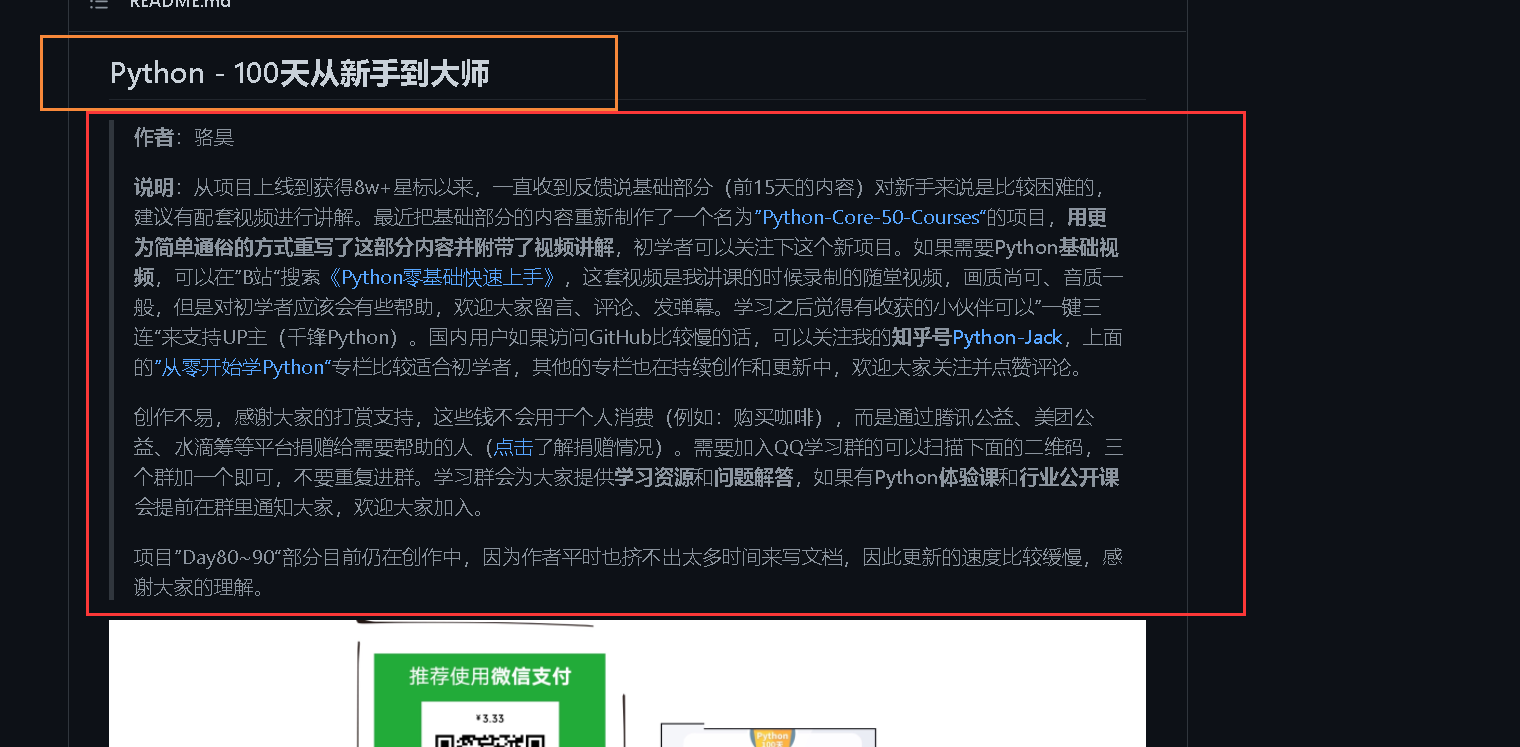
Our crawl results:
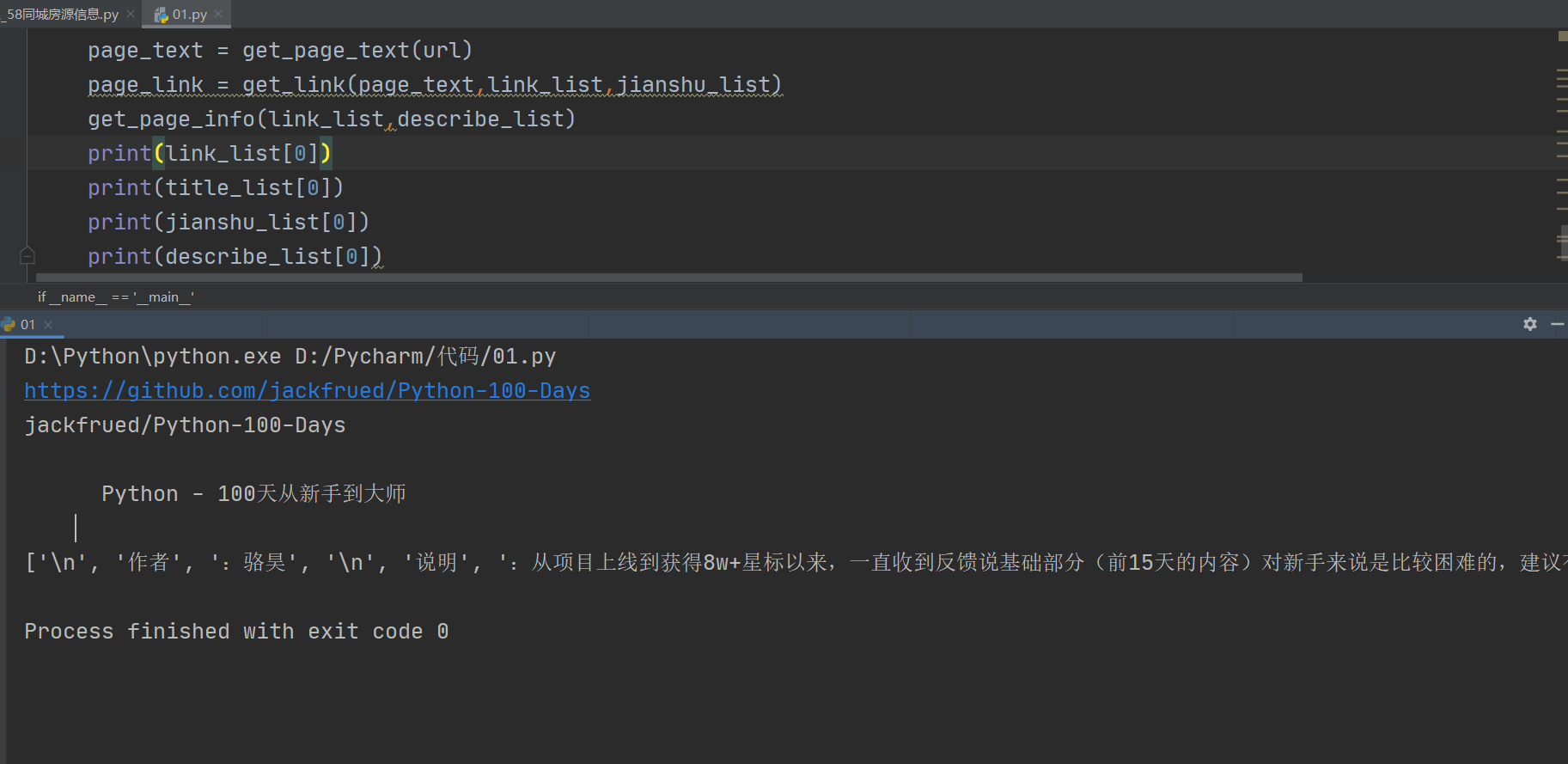
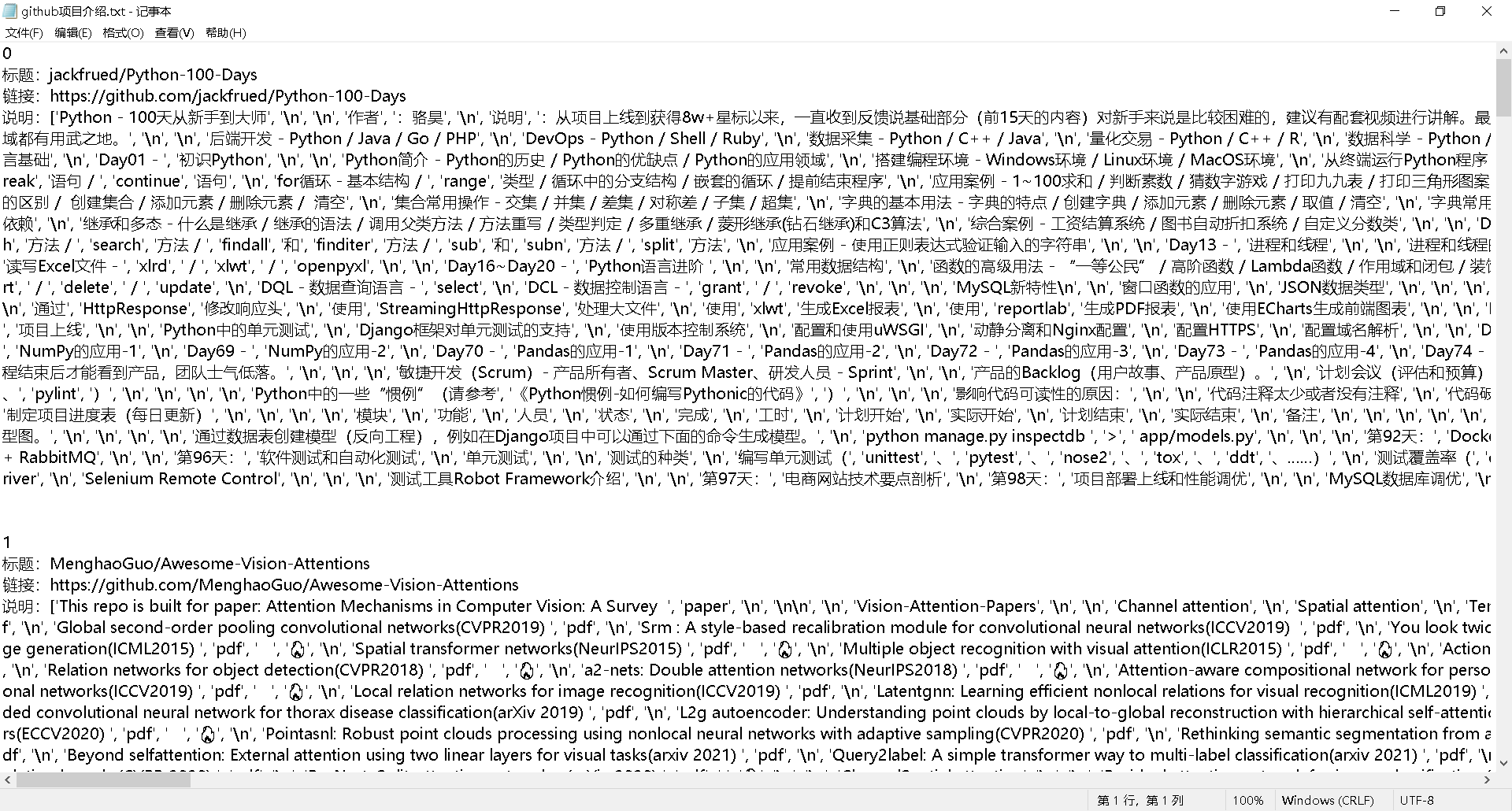
Our code:
# -*- coding:utf-8 -*-
__author__ = "MuT6 Sch01aR"

import requests
from lxml import etree

def get_page_text(url):
    headers = {
        'user-agent': 'Mozilla/5.0 (Windows NT 10.0; Win64; x64) AppleWebKit/537.36 (KHTML, like Gecko) Chrome/94.0.4606.61 Safari/537.36'
    }
    page_text = requests.get(url=url, headers=headers)
    # 将编码设置为当前网页数据编码
    page_text.encoding = page_text.apparent_encoding
    page_text = page_text.text

    return page_text
def get_link(page_text,link_list):
    tree = etree.HTML(page_text)
    article_list = tree.xpath('//div[@class="position-relative container-lg p-responsive pt-6"]/div/div[2]/article')

    for article in article_list:
        #链接
        link = article.xpath('.//h1[@class="h3 lh-condensed"]/a/@href')[0]
        link = 'https://github.com' + link
        #标题
        title = article.xpath('.//h1[@class="h3 lh-condensed"]/a/@href')[0]
        title = title[1:].strip()


        link_list.append(link)
        title_list.append(title)

def get_page_info(link_list,describe_list):
    for link in link_list:

        page_text = get_page_text(link)
        tree = etree.HTML(page_text)
        describe = tree.xpath('//article[@class="markdown-body entry-content container-lg"]//text()')
        describe_list.append(describe)
def write(title_list,link_list,describe_list):
    with open('./github项目介绍.txt','w',encoding='utf-8') as fp:
        for i in range(len(title_list)):
            fp.write(str(i+1)+'\n')
            fp.write('标题:'+title_list[i]+'\n')

            fp.write('链接:'+link_list[i]+'\n')
            fp.write('说明:'+str(describe_list[i])+ '\n')
            fp.write('\n\n')
    fp.close()
if __name__ == '__main__':
    url = 'https://github.com/trending/python'
    link_list = []
    title_list = []

    describe_list = []
    page_text = get_page_text(url)
    page_link = get_link(page_text,link_list)
    get_page_info(link_list,describe_list)
    write(title_list,link_list,describe_list)
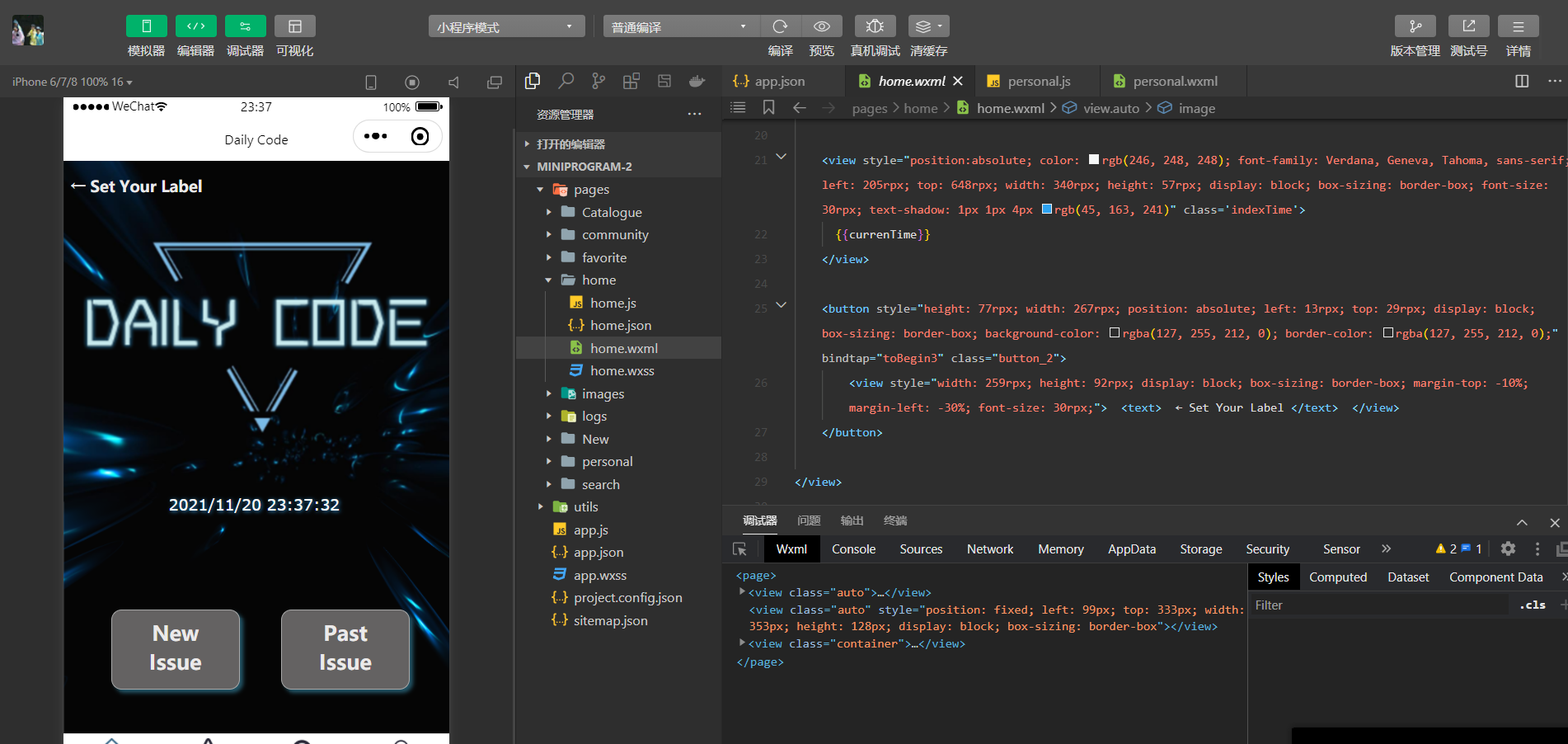
The home page:
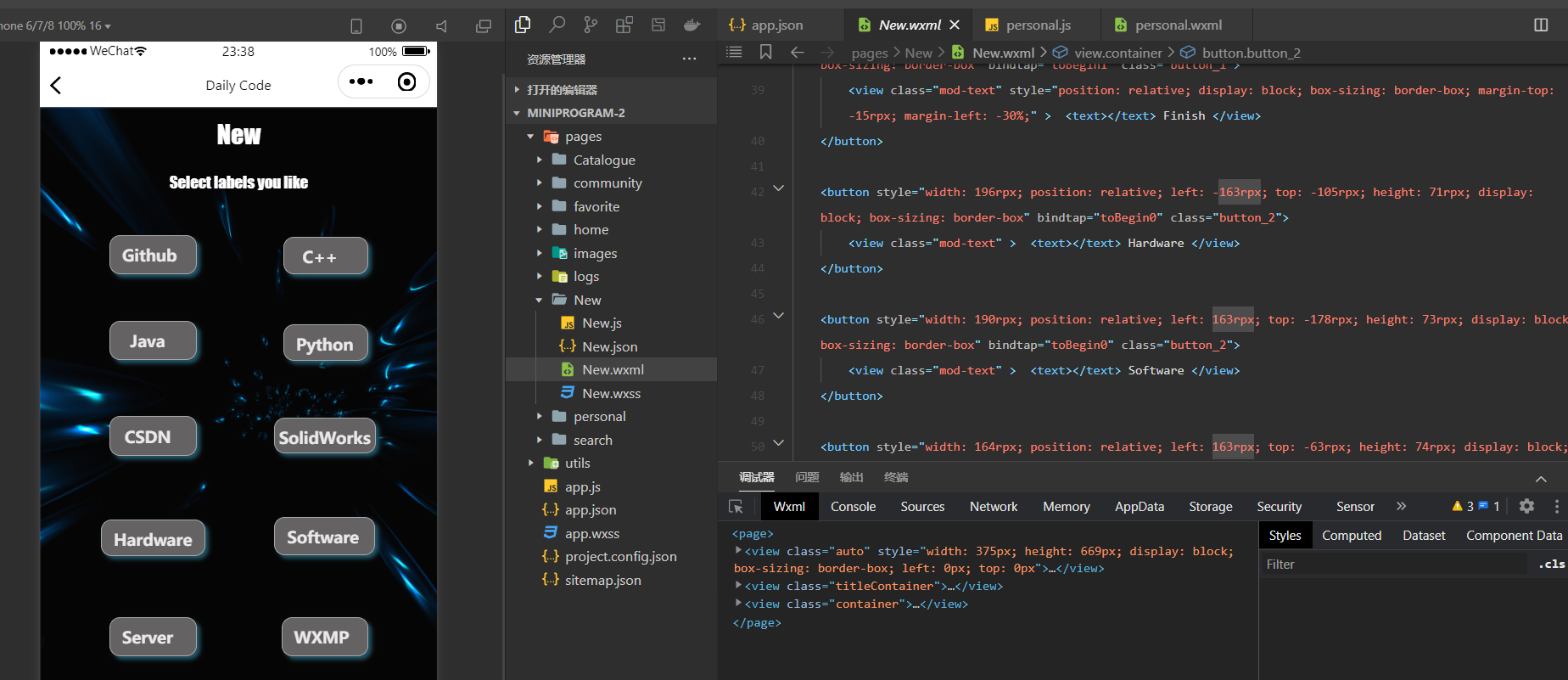
Select Labels you like page:
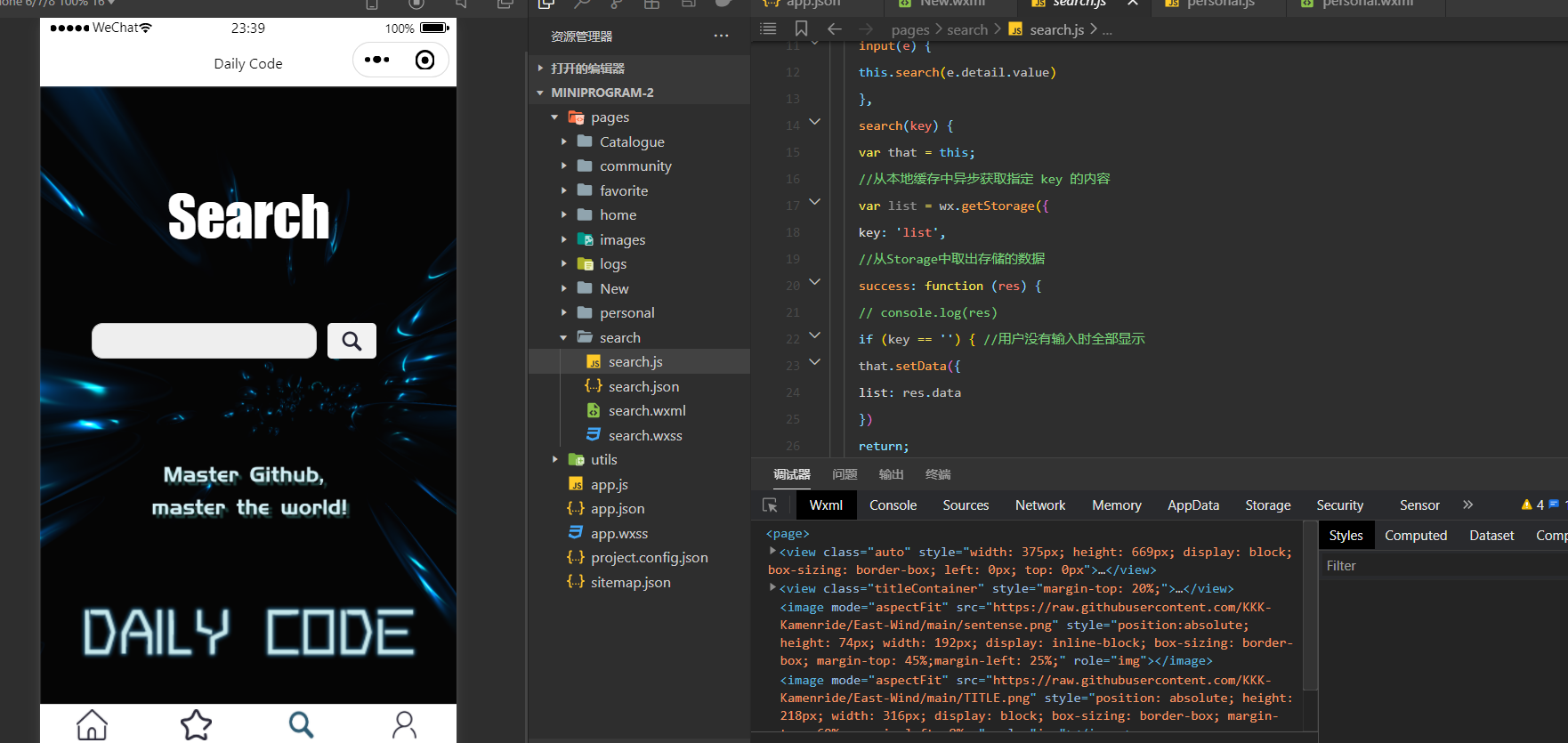
Search page:
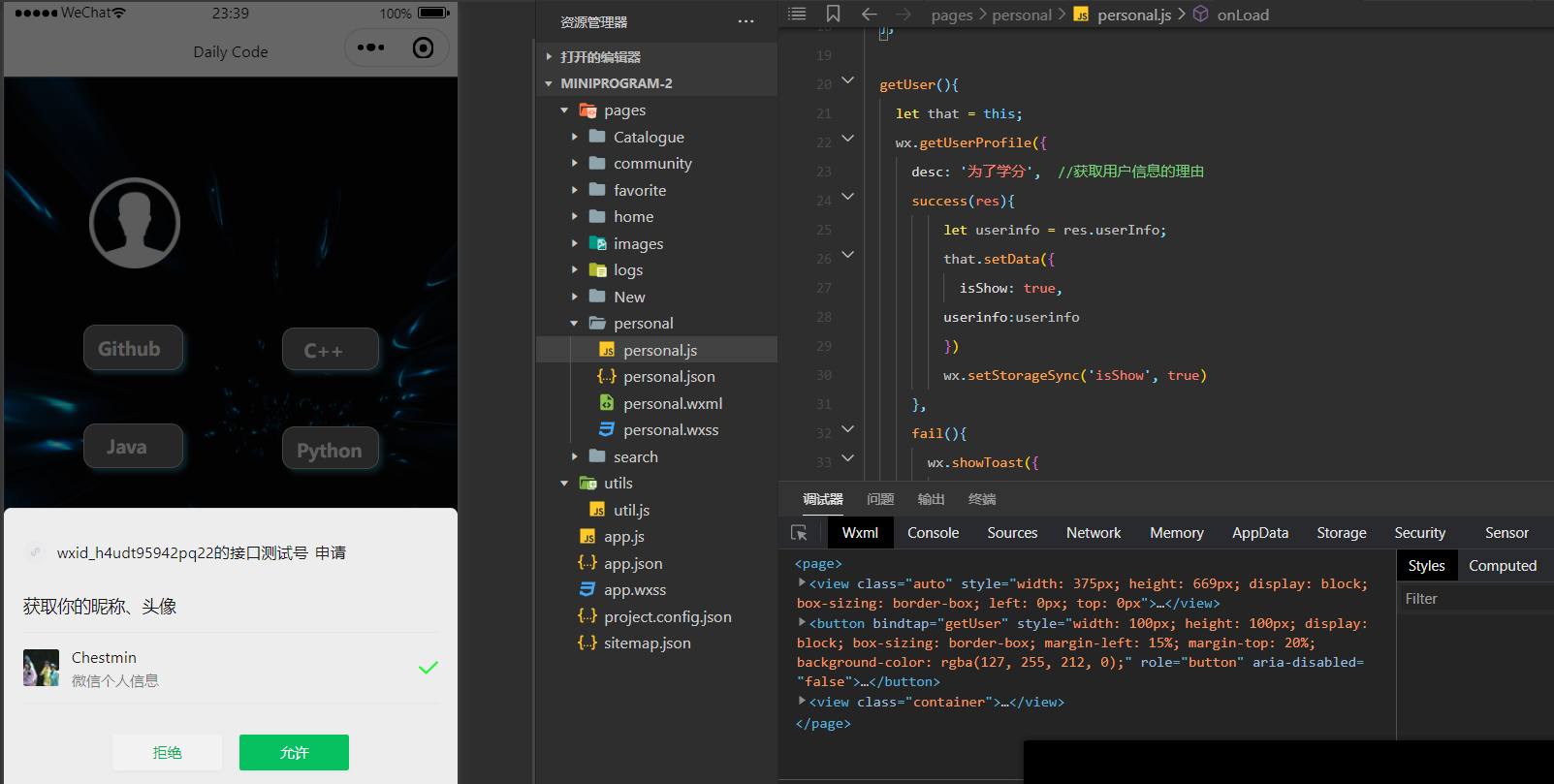
Login page:
What we have done:
Open question:

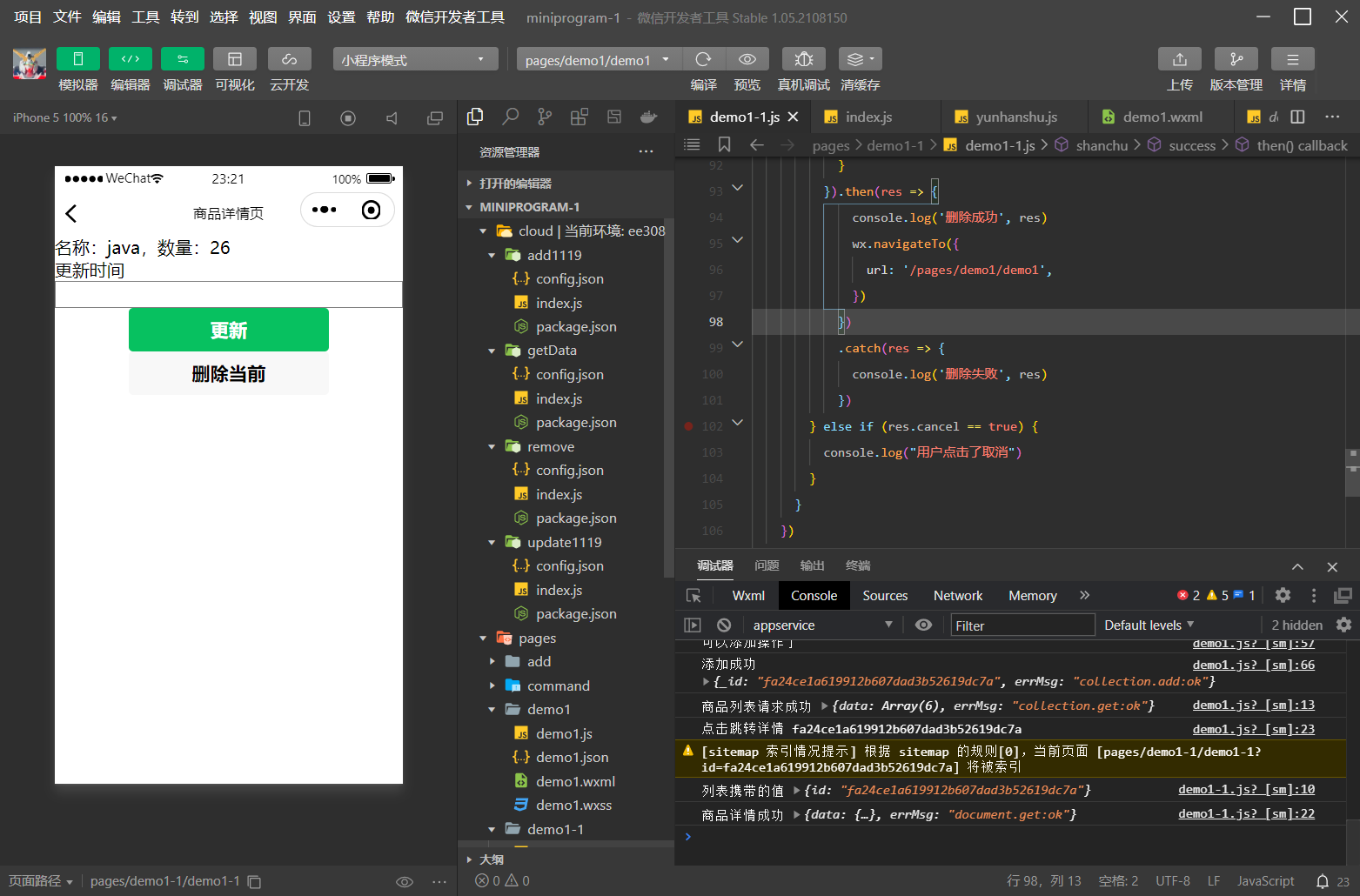
Code 1: Call the cloud function to update the number
  //调用云函数更新数量
      wx.clhttps://img-community.csdnimg.cn/images/6242152e3508488792dd0e775f2cf806.png "#left")
oud.callFunction({
        name:"update1119",
        data:{
          id:id,
          price:parseInt(price)
        }
      }).then(res => {
        console.log('调用云函数成功', res)
        this.getDetail()
      }).catch(res => {
        console.log('调用云函数失败', res)
      })
    }
  },
Code 2: Local applets call the database directly to update the number
update() {
    console.log('新的数量', price)
    if (price == '') {
      wx.showToast({
        icon: 'none',
        title: '空',
      })
    } else {
      本地小程序直接调用数据库更新数量
      wx.cloud.database().collection('goods')
        .doc(id)
        .update({
          data: {
            price: price
          }
        })
        .then(res => {
          console.log('更新成功', res)
          this.getDetail()
        })
        .catch(res => {
          console.log('更新失败', res)
        })
Code 3: Cloud function call
// 云函数入口文件
const cloud = require('wx-server-sdk')
cloud.init({
  env:cloud.DYNAMIC_CURRENT_ENV
})

// 云函数入口函数
exports.main = async (event, context) => {
  return cloud.database().collection('goods')
  .doc(event.id)
  .update({
    data: {
      price: event.price
    }
  })
}
The main interface
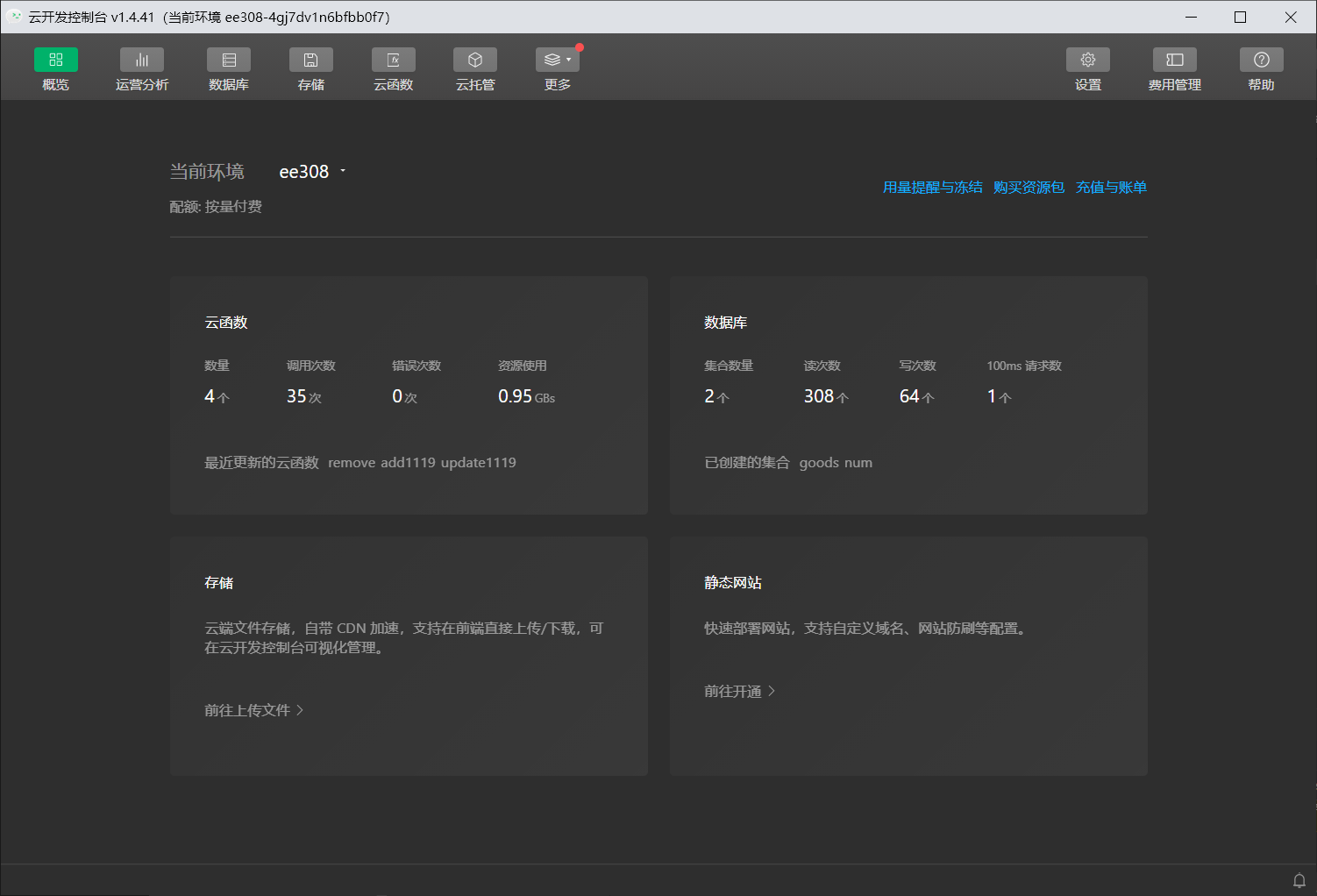
Console back end 1
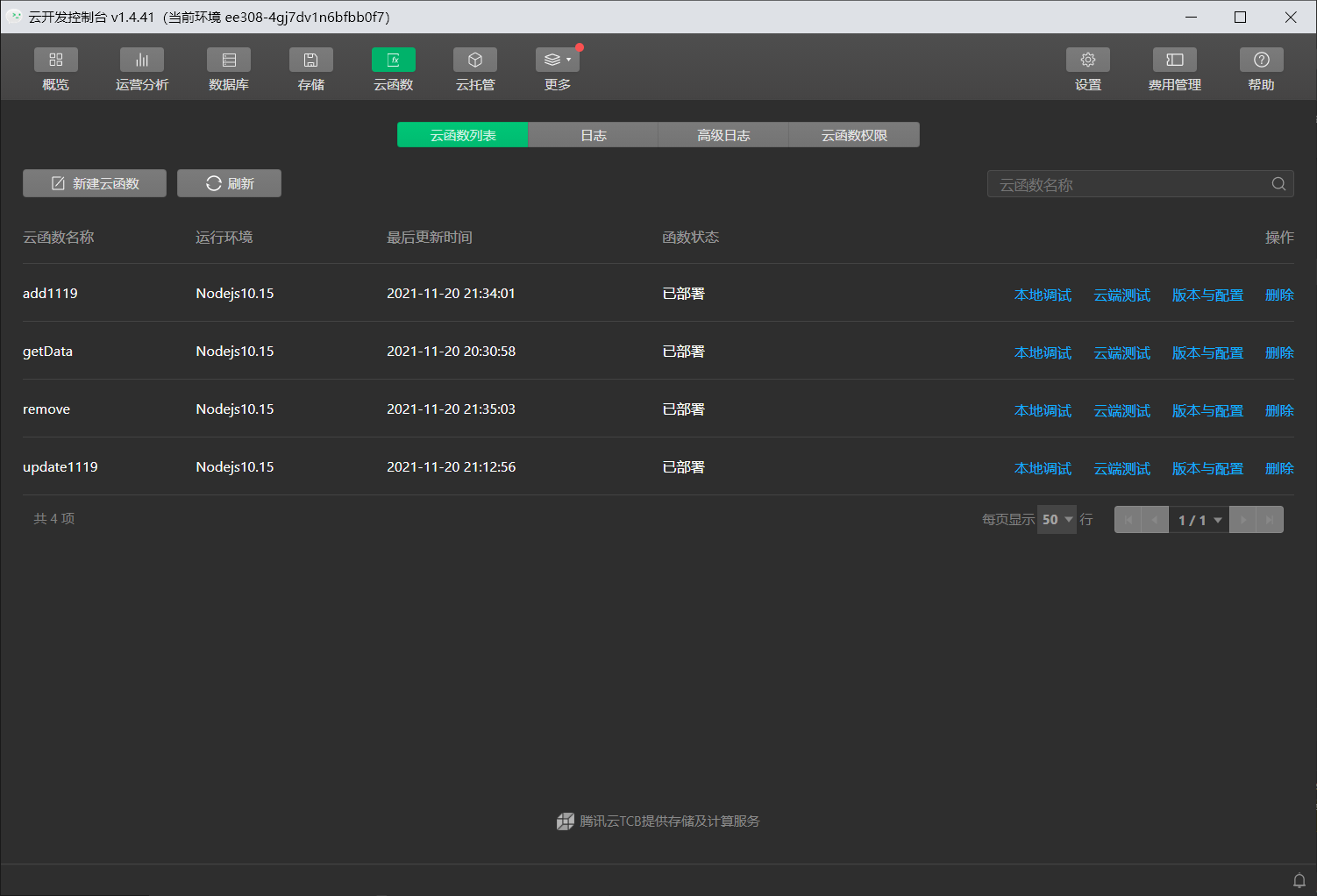
Console back end 2
What we have done:
Open question:
| 👨🎓Leader: Xiaolong Han__ Miracle | 1. Responsible for writing the specific requirements and task documents of alpha sprint |
|---|---|
| workload: 20% | 2. Responsible for Github data crawl |
| 3. Responsible for writing daily Blog | |
| 👩🎓Teammate 1: Yongquan Wang __ Kerio | 1. Responsible for backend development |
| workload: 20% | |
| 👨✈️Teammate 2: Jiatong Zhang __ Allen | 1. Be responsible for connecting the front and rear ends |
| workload: 20% | 2. PPT |
| 👨⚖️Teammate 3: Shuoyuan Chen __ Dio | 1. Responsible for Vlog shooting |
| workload: 20% | 2. Responsible for Github maintenance |
| 👩⚖️Teammate 4: Xiaotong Shao __ | 1. Responsible for testing |
| workload: 20% |
👨🎓Leader: Xiaolong Han__ Miracle:
Just like the previous LABS, this new one is also a new challenge. The teacher encouraged us to jump out of the comfort zone, so that I could have completely different experience and harvest in each LAB. At the same time, the team LAB is a bigger challenge for me, the leader, and there are more problems to solve. Thanks to my teammates, the five people worked together to find and solve the problems, and finally we submitted a work that we didn't want to see. The end of this LAB should also signal the end of all LABS. I will remember the feelings of each experiment and urge me to learn not to give up and persevere.
👩🎓Teammate 1: Yongquan Wang __ Kerio:
In order to realize the backend, we made all kinds of attempts, as long as we thought possible to achieve the way to learn, but the result seems not so direct to achieve the effect we want. Although the results may not be that rich, I have learned a lot about the approaches and characteristics of back-end development through this opportunity, and grasped the applicable scenarios and constraints in practice. More importantly, I have cultivated the ability to find effective solutions to problems I encounter. I should be more prepared for future back-end development
👨✈️Teammate 2: Jiatong Zhang __ Allen:
In this Alpha Sprint project, we almost started from scratch. In the team, I was responsible for the data call part. In the process of trying to produce, I learned many aspects of knowledge successively, and finally chose wechat cloud development. At the beginning, I had no direction. I felt that I had learned a lot of new knowledge, but I didn't know which one could be used. Until I finally decided to use wechat cloud development, I had no direction. Although this project did not fully realize the function we set initially, I benefited a lot from the learning process and greatly exercised my learning ability.
👨⚖️Teammate 3: Shuoyuan Chen __ Dio:
Small programs really have immeasurable possibilities and challenges. When I do front-end design, I can spend a lot of time trying to get a simple effect. Maybe that effect could have been done with a single line of code, but it would have taken me hours to find that line of code. We seek solutions through various methods, such as CSDN, Github, Baidu search, etc. As long as there is a possible solution, we will read the article patiently. During this week, I saw myself becoming proficient in operation, the team struggling all night for the project, and everyone suffering and crying, but challenging the limit for a common goal. That's probably what the Alpha sprint is all about
👩⚖️Teammate 4: Xiaotong Shao:
Through the team cooperation of this project, I realized that team cooperation can often stimulate the incredible potential of the group, and the results of collective cooperation can often exceed the sum of individual achievements of the members. Is the so-called "concentric mountain into jade, together soil into gold." The victory of the Red Army's Long March was a miracle of the Chinese revolution and even the world's military. The red Army soldiers who created this miracle and the whole Red Army team are an excellent team, which not only got out of the difficult situation but also laid the foundation for the victory of the revolution under their joint cooperation. Therefore, success requires the spirit of overcoming difficulties, but also the resultant force of unity and cooperation.

